
Shopify Inventory Forecasting: Reorder Points and Safety Stock
title: Shopify Inventory Forecasting: Reorder Points and Safety Stock slug: shopify-inventory-forecasting-reorder-point meta_title: Shopify Inventory Forecasting: Reorder Points meta_description: Use Shopify inventory forecasting to calculate reorder points, choose safety stock and account for supplier lead times and stockouts with a practical. primary_keyword: Shopify inventory forecasting secondary_keywords:
- Shopify merchant guide
- ecommerce operations author: The Shoptimity Team date: 2026-11-03 category: Operations schema: BlogPosting, FAQPage
Shopify Inventory Forecasting: Reorder Points and Safety Stock
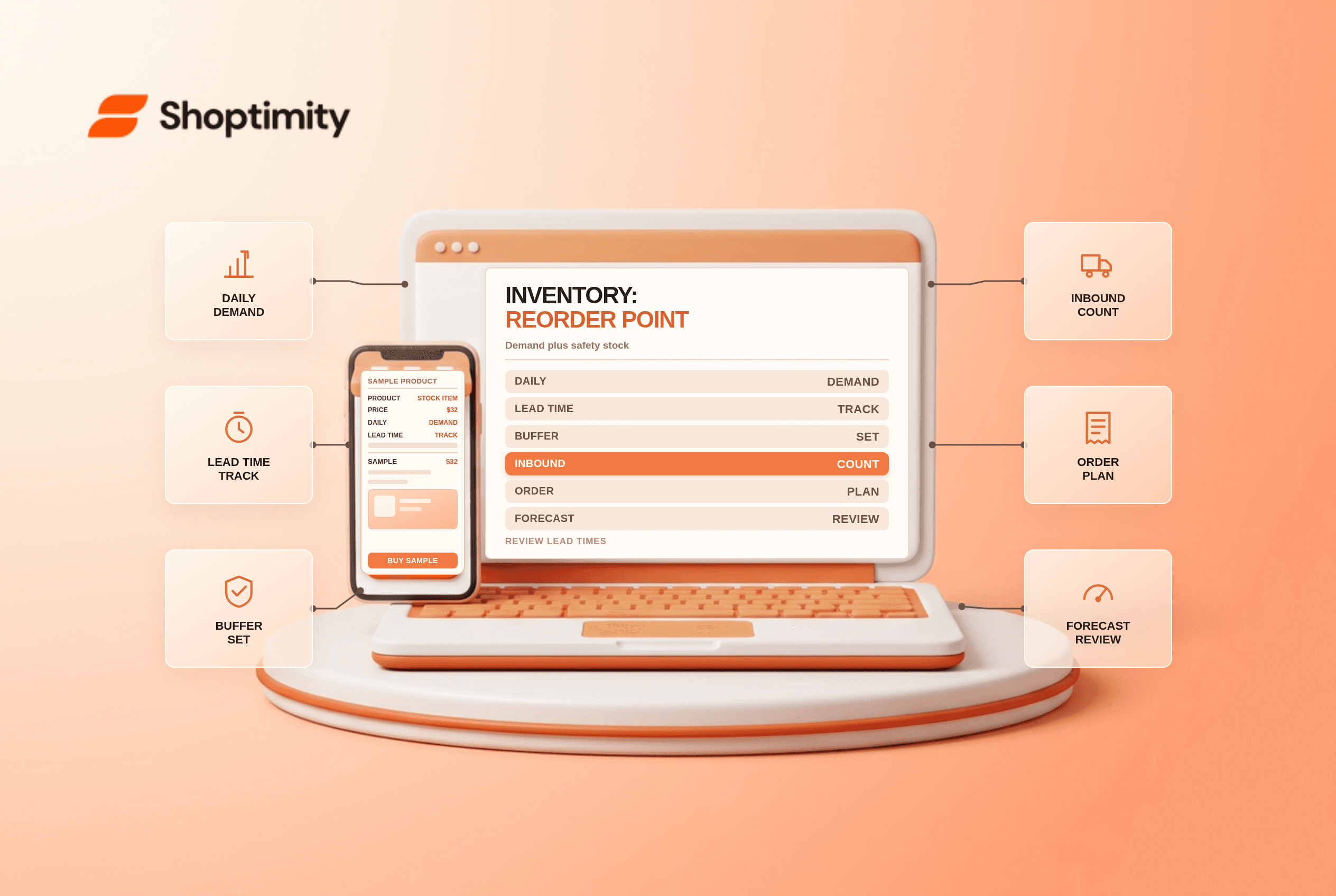
Shopify inventory forecasting starts with a practical question: when should you place an order so the next shipment arrives before sellable stock runs out? A simple reorder point combines expected demand during supplier lead time with safety stock. The formula is a planning tool, not a guarantee against stockouts.
Calculate the reorder point
Reorder point = average daily demand × lead time in days + safety stock.
For an illustrative SKU selling 8 units a day, with a 14-day lead time and 40 units of chosen safety stock, the reorder point is 8 × 14 + 40 = 152 units. The buffer is a management assumption, not a statistically derived service-level guarantee.
| Input | How to estimate it | Common mistake |
|---|---|---|
| Daily demand | Units sold divided by representative in-stock days | Treating stockout days as zero demand |
| Lead time | Days from ordering to sellable receipt | Counting transit only |
| Safety stock | A buffer for demand and supply variability | Using one buffer for every SKU |
| Inventory position | Sellable stock plus reliable inbound, less relevant commitments | Ordering from on-hand stock alone |
Use consistent units, calendars, locations and demand sources. Include purchasing approval, supplier production, freight, receiving and quality checks in the observed lead time.
Estimate a buffer without false precision
One simple method is to choose a number of buffer days, then multiply by average daily demand. If the illustrative SKU needs five buffer days at 8 units a day, safety stock is 40. This does not explicitly model extreme demand or late deliveries. For volatile or high-value products, use historical variability and a more robust model with appropriate assumptions.
Separate reorder point from order quantity. The point says when to order; quantity depends on target coverage, current inventory position, minimum order quantities, case packs, capacity and cash. A large inbound order should not be double-counted if it is already included in inventory position.
Account for stockouts and seasonality
Sales during a stockout understate demand. Flag those periods, promotions, wholesale orders and unusual events before calculating an average. A seasonal product may need a forecast based on comparable periods rather than the last 30 days alone. Update lead time from actual receipts and review supplier reliability before increasing purchase volume.
For multiple warehouses, decide whether stock and incoming orders can move between locations in time. A network-wide total may hide a local stockout. Shopify inventory across multiple locations explains the location setup.
Where Shopify fits
Shopify's inventory transition guide describes purchase orders, transfers and inventory insights in the admin after the Stocky transition. It also describes Sidekick-assisted suggestions. Availability and features depend on your store and plan, so verify the current workflow; do not assume a historical Stocky screen is still the operational system.
Review the highest-impact SKUs first, compare forecasts with actual sell-through and supplier delivery, then adjust the model. Record who can create and approve purchase orders, and confirm partial receipts before updating sellable stock. Use Shopify Sidekick guide for the assistant's broader capabilities and limits.
Review the forecast regularly
Keep a simple exception list for products approaching the trigger, overdue supplier orders and SKUs with large forecast errors. Review it with purchasing and fulfilment staff on an agreed cadence. When an order arrives late or demand changes, document the reason and adjust the assumptions rather than silently changing the buffer to make the report look accurate.
Ready to build a faster, higher-converting store?
Every Shoptimity theme ships with conversion widgets built in — so you get speed and features without stacking apps.
7-day free trial · all themes included · cancel anytime
Continue Reading

Shopify B2B Company Locations: Give Buyers the Right Access
Configure Shopify B2B company locations, verify buyer permissions and test pricing, addresses and pa...

Shopify Checkout Contact Settings: Separate Email From Shipping Phone
Configure Shopify checkout contact settings and test email, phone and shipping address requirements ...

Shopify POS Recent Carts: Share a Sale Without Reserving Stock
Learn how Shopify POS recent carts work across devices, what they do not reserve, and how to hand of...