
Shopify Sidekick in 2026: What It Does, What It Cannot Do
title: Shopify Sidekick in 2026: What It Does, What It Cannot Do slug: shopify-sidekick-guide meta_title: Shopify Sidekick 2026: Capabilities and Plan Limits meta_description: Shopify Sidekick is free on every plan but gates real depth behind Grow and above. What it reads, what it cannot see, and where its answers go wrong. primary_keyword: Shopify Sidekick secondary_keywords:
- Sidekick AI
- Shopify admin AI
- Sidekick plan limits author: The Shoptimity Team date: 2026-11-03 category: Operations schema: BlogPosting, FAQPage
Shopify Sidekick in 2026: What It Does, What It Cannot Do
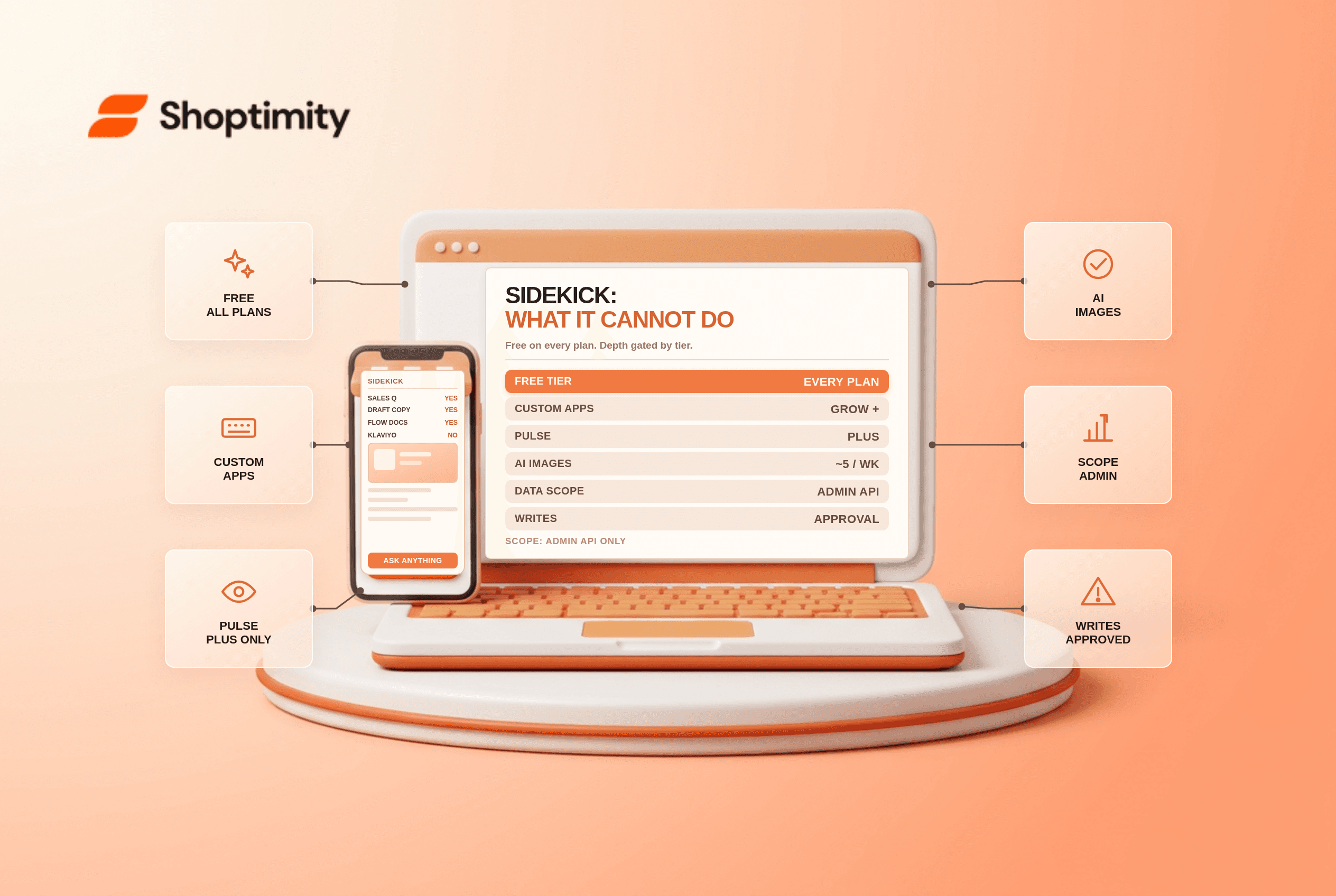
Shopify Sidekick is the AI assistant built into the admin and included with every paid plan. It answers questions about your own store data, drafts content, builds Flow automations from a sentence, and proposes edits you approve. What it cannot do is reach outside Shopify: no Klaviyo flows, no Google Analytics, no supplier email, and no autonomous changes.
The plan gates matter more than the marketing suggests, and they changed during 2026.
What it actually reads
Sidekick works against a scoped version of the Admin API, according to Shopify's own help documentation. That scope covers orders, products, customers, discounts and the rest of the core admin data, and it stops at the edge of the platform.
So the honest capability list is narrow and useful:
- Analytics questions about your own sales, traffic and product performance, answered without building a report.
- Content drafts for product descriptions, emails and campaigns, refined conversationally rather than one-shot.
- Form filling across products, discounts, customers and companies.
- Flow automation drafts from a plain-language description of a rule.
- Image generation at a small weekly quota, with refinement and save to media.
- Opportunity flags through Sidekick Pulse, which surfaces things worth fixing.
The three gates that surprise people
Custom app generation is not on Basic. Generating an admin app from a prompt requires Grow, Advanced or Plus. Basic had temporary access until April 2026, and that window has closed.
Advanced Pulse and multi-agent workflows sit higher. Those are reserved for Plus and high-volume merchants, per published reviews of the 2026 rollout.
It is desktop and phone first. Sidekick is not available in the mobile web admin or on tablets including iPad, which matters if your operations lead runs the shop from one.
| Task | Sidekick | What you still need |
|---|---|---|
| Sales and product questions | Yes, native data | Nothing |
| Product and discount form filling | Yes, with approval | Nothing |
| Flow automations | Drafts from plain language | Flow itself, to run them |
| Custom admin app | Grow and above | A developer for anything real |
| Klaviyo, Gorgias, GA4 data | No access | Those tools own their reporting |
| Customer-facing replies | No | A support platform |
| Theme code changes | Suggestions only | A developer or theme editor |
| Price and stock forecasting | Weak on thin data | A planning tool |
Where it stops being useful
Sidekick is diagnostic, not autonomous. Every write requires your approval, which is the right design for a live store and a hard ceiling on what it saves you.
It also only knows what you have told Shopify. A catalogue with inconsistent tags, missing metafields and three naming conventions produces confident answers built on bad inputs. We tested a few queries on a messy catalogue and the assistant happily averaged across products that should not have been grouped; the fix was the data, not the prompt.
Forecasting is the other soft spot. Demand projections on under 12 months of history are guesswork with a confident tone, and multi-warehouse logic is outside what a chat interface can see.
How to actually get value from it
Start with the three tasks where it is genuinely faster than the admin: "what sold last week and what did not", "draft this product description from this spec", and "build me a Flow that tags orders over $500". Each is a real minute-saver with an obvious pass or fail.
Then stop. Do not use it for pricing decisions, legal or tax questions, or anything customer-facing that carries your brand voice, without editing. Our verdict: Sidekick is a free baseline worth ten minutes a week rather than a strategy, and the limitation to respect is that its ceiling is your data hygiene plus Shopify's API scope.
The custom app builder is the one feature worth a plan upgrade to Grow if you have been paying a developer for small internal tools. Note, however, that generated apps live inside the admin only and cannot touch the theme, checkout or customer accounts.
If your admin is messy enough that the assistant gives bad answers, fix the foundation first. Shopify metafields vs metaobjects covers the data model, and the hidden cost of Shopify apps is the better read than buying an AI analytics app on top of a free assistant.
Ready to build a faster, higher-converting store?
Every Shoptimity theme ships with conversion widgets built in — so you get speed and features without stacking apps.
7-day free trial · all themes included · cancel anytime
Continue Reading

Shopify B2B Company Locations: Give Buyers the Right Access
Configure Shopify B2B company locations, verify buyer permissions and test pricing, addresses and pa...

Shopify Checkout Contact Settings: Separate Email From Shipping Phone
Configure Shopify checkout contact settings and test email, phone and shipping address requirements ...

Shopify POS Recent Carts: Share a Sale Without Reserving Stock
Learn how Shopify POS recent carts work across devices, what they do not reserve, and how to hand of...