
Shopify Passkeys: Protect Login Without Losing Recovery Options
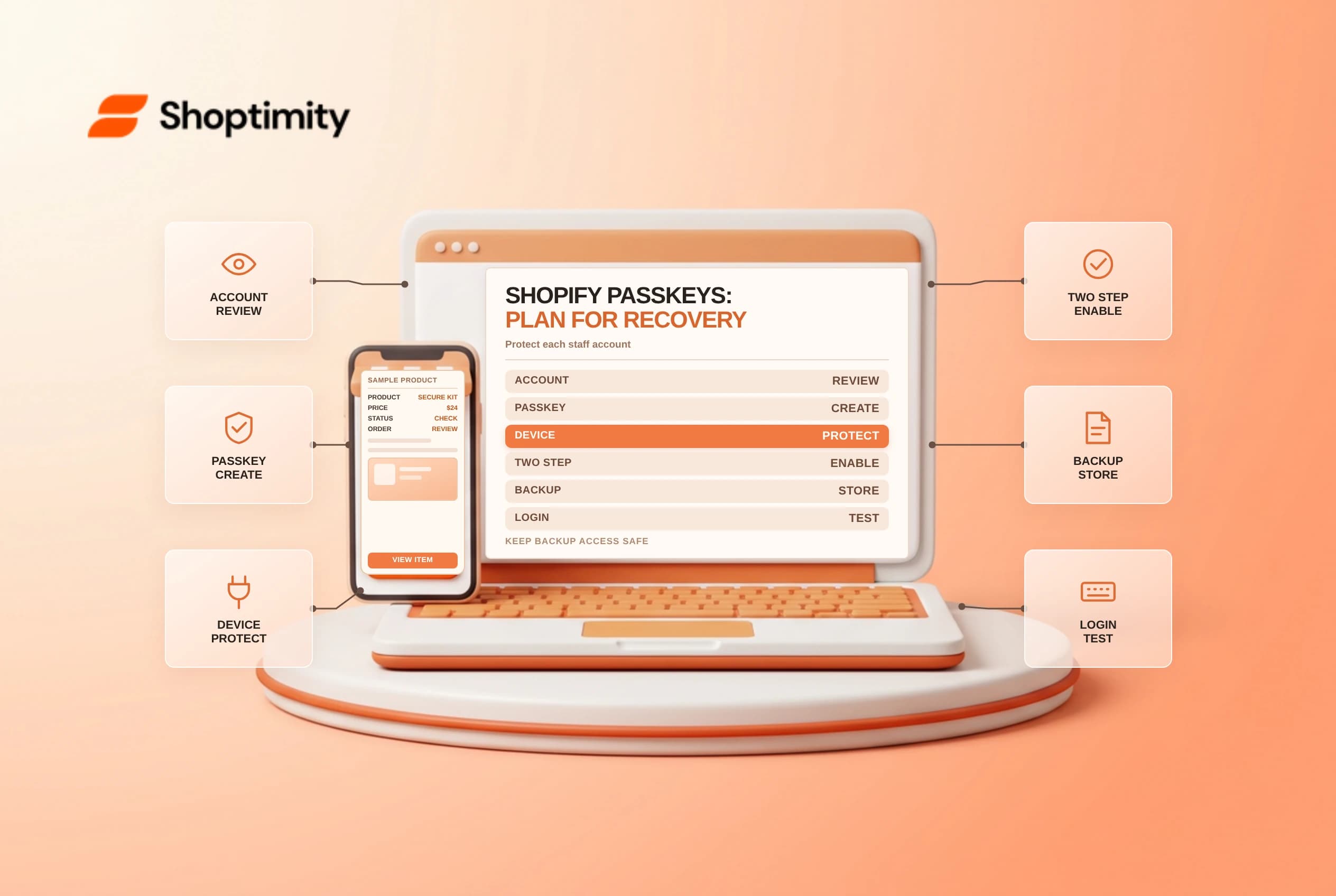
Shopify passkeys can replace a password for sign-in and help resist phishing. They do not replace the need for a recovery plan or automatically configure two-step authentication. Each account owner should understand the devices, backup methods and consequences of a password reset before changing login settings.
Understand the separate controls
Shopify's passkey guide says a passkey replaces the password, while two-step authentication is configured separately. Adding or removing a passkey does not change two-step methods, and changing a two-step method does not change passkeys. Shopify recommends setting up two-step authentication in addition to a passkey.
| Control | Purpose |
|---|---|
| Passkey | A sign-in method tied to supported device authentication |
| Two-step authentication | An additional security method managed separately |
| Backup method | Another approved way to complete two-step verification |
| Recovery code | A recovery option that must be kept secure |
| Account email | Needed for many recovery and security communications |
A passkey may use a device PIN, fingerprint or face recognition. Keep the device and its unlock method protected. A staff member's Shopify ID is individual; never ask colleagues to share passwords, verification codes or recovery codes in chat.
Enroll and verify safely
From the account profile, open Security and use the current Create passkey flow. Follow the device or browser prompt and complete any identity verification. Confirm that the passkey can be used on an approved device and understand whether the device's passkey provider syncs it to other devices. The exact experience depends on the platform and account settings.
Before removing an older method, make sure a separate working sign-in or recovery path is available. Store recovery codes in an approved, access-controlled location separate from the primary device. Test the recovery procedure in a controlled way without exposing codes or locking out the account owner.
Treat password resets as consequential
Shopify says a password reset removes all passkeys on the account, including working ones on other devices, and removes third-party login services. It does not remove two-step authentication. If a passkey is unavailable, first try a different offered login method and a working two-step method or recovery code, as Shopify recommends. Reset only when appropriate and follow the password reset guidance.
| Situation | Safer next step |
|---|---|
| One device unavailable | Try another approved sign-in method |
| Verification device lost | Use a backup method or securely stored recovery code |
| Password reset needed | Expect passkeys and third-party logins to be removed |
| Suspicious passkey | Review account activity and remove unauthorized access |
| No recovery method | Follow Shopify's official account recovery process |
| Staff departure | Remove the store access through the approved offboarding process |
Do not disable every second factor merely to make access convenient. Shopify notes that an organization or access to financial products can require a secure sign-in method. Account and device policies should be reviewed by the business's security owner.
Plan for turnover and incidents
Maintain a roster of who has store access and who approves changes, without storing anyone's secrets in the roster. Review unusual logins, account email changes and payout-setting changes if compromise is suspected. Contact Shopify Support through official channels if access cannot be restored or unauthorized activity is found.
Shopify's user security guide explains that individual staff manage their own authentication methods; store administrators cannot view their recovery codes. Related guides: two-step recovery and staff permissions.
Ready to build a faster, higher-converting store?
Every Shoptimity theme ships with conversion widgets built in — so you get speed and features without stacking apps.
7-day free trial · all themes included · cancel anytime
Continue Reading
Shopify Mondial Relay: Ship France Box Relay Orders
Set up Shopify Mondial Relay for domestic French Point Relais and locker boxes, require French billi...
Shopify Poste Italiane: Ship Domestic Italy Parcels
Configure Shopify Poste Italiane domestic Standard drop-offs and 70 kg Express pickups, avoid banned...
Canadian Sales Tax: Set Up Shopify GST, HST and QST
Configure Canadian sales tax in Shopify across the $30,000 CAD CRA threshold, 5% GST, 13% to 15% HST...