
Shopify Authentication: Two-Step Backup and Recovery Checklist
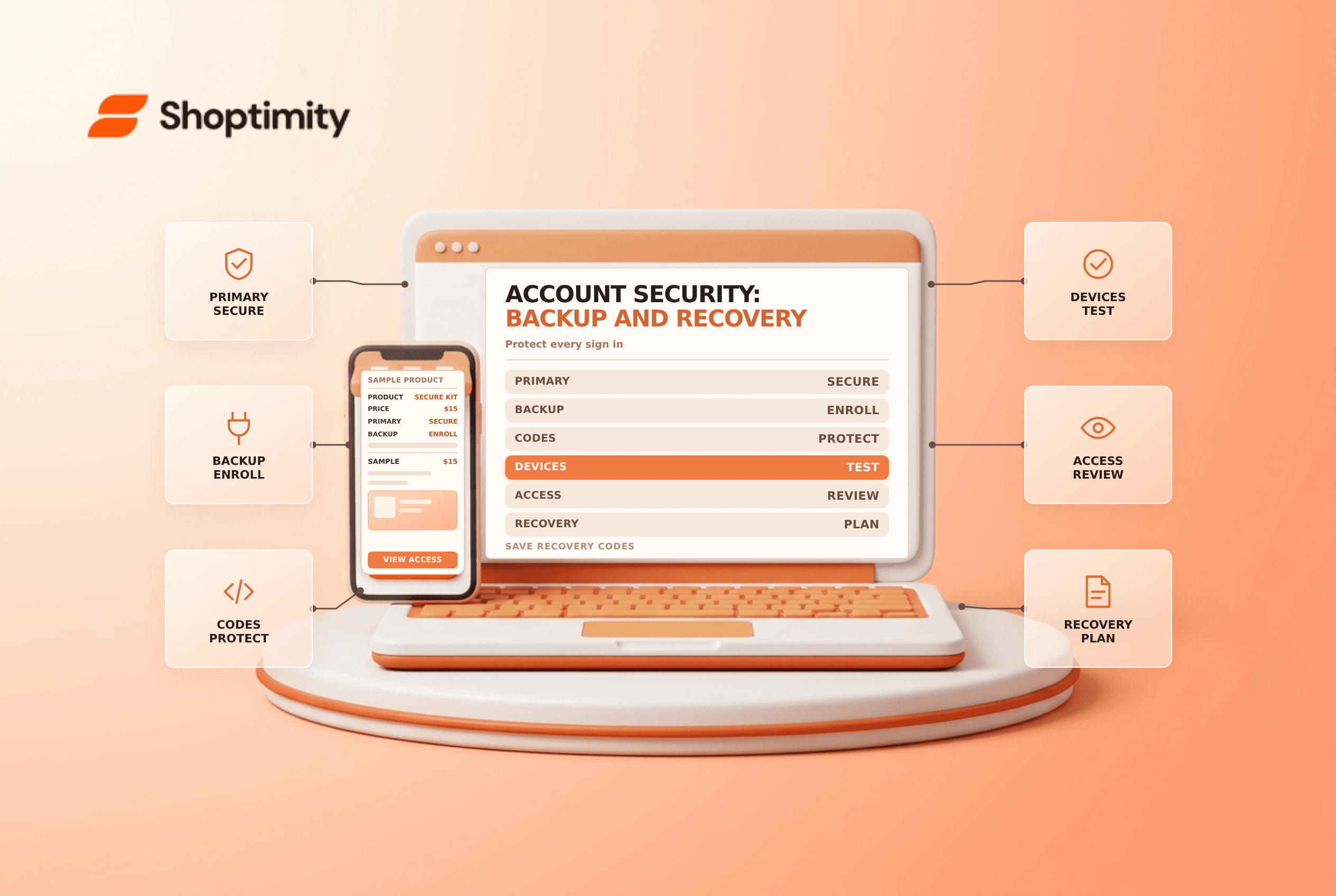
title: Shopify Authentication: Two-Step Backup and Recovery Checklist slug: shopify-authentication-two-step-backup-recovery meta_title: Shopify Authentication: Two-Step and Recovery meta_description: Protect Shopify authentication with two-step verification, a backup method, secure recovery codes and a practical account access and offboarding checklist. primary_keyword: Shopify authentication secondary_keywords:
- Shopify merchant guide
- ecommerce operations author: The Shoptimity Team date: 2026-11-04 category: Operations schema: BlogPosting, FAQPage
Shopify Authentication: Two-Step Backup and Recovery Checklist
Shopify authentication with two-step verification adds another verification step to an account sign-in. A strong primary method helps protect access, but a recovery plan matters too: a lost phone or security key should not leave the store owner unable to manage the business.
Choose a primary method and a backup
Shopify documents several authentication methods, including an authenticator app, security key, built-in authenticator and Shopify Mobile prompts. Availability and device support can change. Consult the current backup-authentication guide before choosing a method.
| Layer | Purpose | Practical control |
|---|---|---|
| Primary method | Verify the user at sign-in | Choose a method compatible with the user's devices |
| Backup method | Provide another sign-in path | Set it up before the primary device is lost |
| Recovery codes | Recover access when methods are unavailable | Store securely and separately from the primary device |
| Account recovery | Restore access after other methods fail | Allow time for identity verification and review |
Where appropriate, use a security key or other phishing-resistant method supported by your account and devices. A second factor reduces risk but does not make a user immune to phishing, malware or a compromised email account.
Set up the account carefully
From Shopify admin, open the profile's Security settings, choose two-step authentication and follow the prompts for the selected method. The authenticator-app instructions describe scanning the setup code and entering a generated code. Treat setup codes and recovery codes as secrets; do not paste them into shared chat or a support ticket.
Add a backup method that is usable from the devices and locations the person needs. Shopify notes that built-in authenticators and some security keys may be tied to a particular device. Test the backup access path before a trip or a device replacement, without disabling the primary method unnecessarily.
Protect and rotate recovery codes
Shopify's recovery-code guide says each user has a different set of ten codes and each code can be used only once. Store them in confidential, access-controlled locations that remain available if the primary device is lost. A reputable password manager can be one part of the plan; follow your organization's security policy for independent recovery.
If codes are exposed, used up or missing, regenerate them while logged in and securely replace the stored copy. Shopify says regenerated codes are displayed only once. Do not share a single person's recovery codes across staff accounts.
Make offboarding and recovery operational
- Use named accounts and review access separately from authentication setup.
- Enroll a primary method and at least one usable backup.
- Save recovery codes securely and document where the owner can find them.
- Test sign-in on a planned replacement device before retiring the old one.
- Remove access and rotate relevant shared credentials when staff leave.
- If all methods are lost, follow Shopify's current identity-verification process.
A Plus organization may have additional administrative reset options; verify eligibility and authorization with the organization owner. Recovery can involve a review, so it should not be treated as immediate. See staff permissions and customer data requests for adjacent controls.
Make recovery ownership clear before an emergency. The store should know how the account owner and authorized backup can start the documented recovery process without sharing a personal login.
Ready to build a faster, higher-converting store?
Every Shoptimity theme ships with conversion widgets built in — so you get speed and features without stacking apps.
7-day free trial · all themes included · cancel anytime
Continue Reading

Shopify B2B Company Locations: Give Buyers the Right Access
Configure Shopify B2B company locations, verify buyer permissions and test pricing, addresses and pa...

Shopify Checkout Contact Settings: Separate Email From Shipping Phone
Configure Shopify checkout contact settings and test email, phone and shipping address requirements ...

Shopify POS Recent Carts: Share a Sale Without Reserving Stock
Learn how Shopify POS recent carts work across devices, what they do not reserve, and how to hand of...