
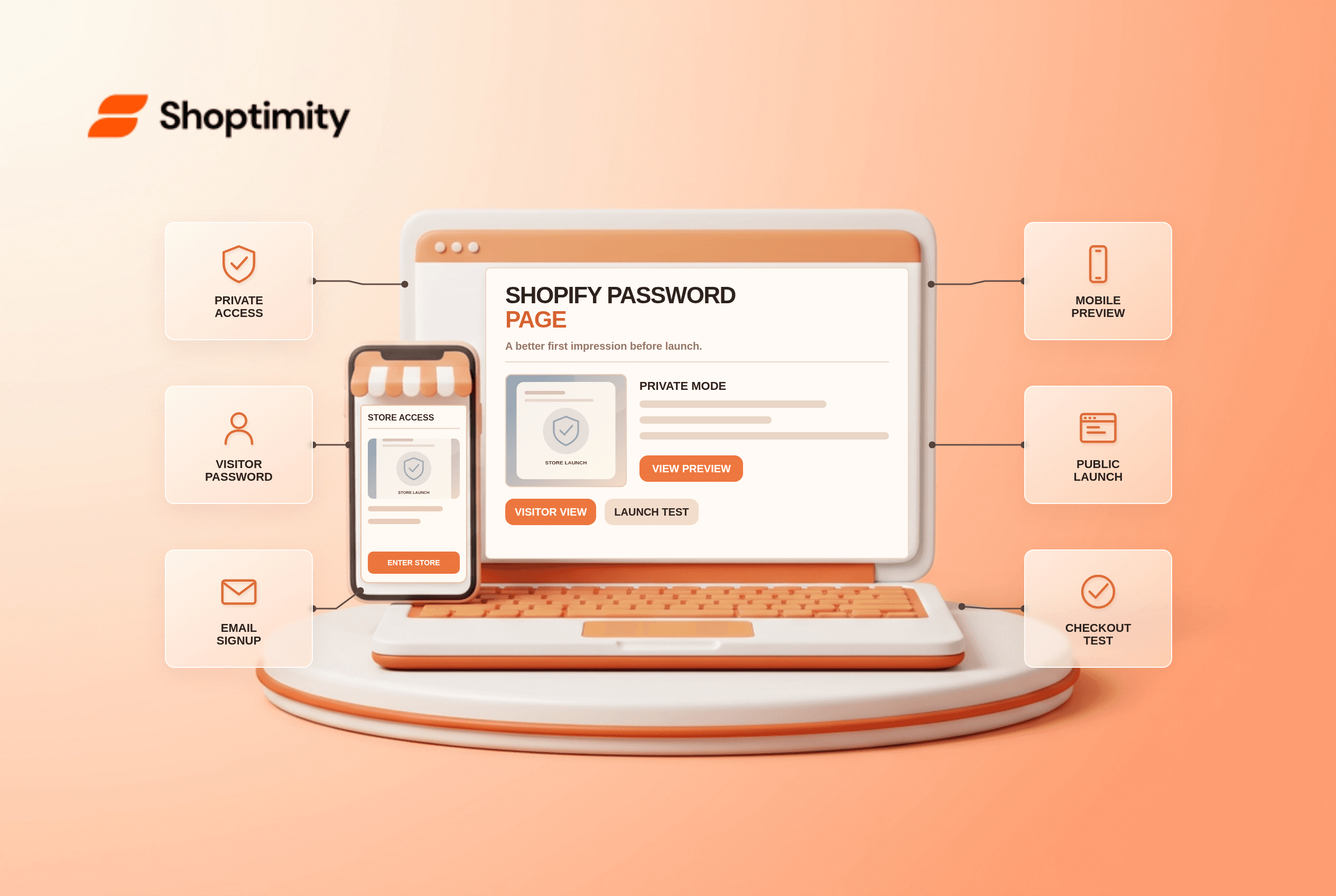
A Shopify password page lets a merchant work on a storefront without opening its product pages to visitors and search engines. It is a launch gate, not a substitute for testing checkout, policies or mobile navigation. Before switching the store to public, check both what visitors see while it is private and what they will see after the gate is removed.
What does private mode hide?
Shopify shows a password landing page instead of the rest of the online store. Its store access guide says private mode hides all online-store pages from visitors and search engines. A merchant can share a visitor password with selected reviewers; it must not be the Shopify admin login password. Being able to open the storefront yourself as an admin does not prove that a public visitor can see it.
The access menu in Online Store controls private versus public mode. Shopify also lists settings under Online Store > Preferences. The interface may show Launch store for the first deactivation rather than Update. Confirm your plan and required business details before assuming the launch control is available.
What should you test while the store is private?
Preview the password page as a visitor, then run a separate launch-readiness test. These are two different checks.
- Open the storefront in a fresh private browser window without admin access. Verify that visitors see the intended password page rather than a broken redirect.
- Check the logo, headline, email signup and mobile layout. Shopify's theme editor typically has separate Password header and footer sections, so the normal homepage header might not appear.
- Test the visitor password with a reviewer. Share it through an appropriate channel and rotate it if it has been circulated broadly.
- Inspect products, navigation, pricing, shipping zones, payment methods and policies from inside the storefront. A polished password page does not validate these.
- Place an eligible test order before launch and check notifications, inventory and fulfillment. Use your store's approved payment-testing process.
- When ready, switch to public, then repeat a guest visit from a new browser session. Confirm product, collection, policy and checkout links.
The Shopify password-page instructions describe editing the Password template in the theme editor. A newsletter signup on that page needs its own consent and delivery review; a visible form alone does not guarantee that a launch email will be sent or that subscribers can legally receive one.
Why can a visitor still see a lock after launch?
Check the actual store access mode before changing theme code. An admin may preview a theme while the live store remains private. Open the production domain without admin cookies and verify the public setting. If the store is on a trial or lacks a required business address, Shopify may prompt for setup before password removal. Treat these as platform settings, not styling problems.
If a link points to a product that is Draft or unpublished, removing the storefront password will not publish that product. Keep a small checklist of public product URLs and market destinations. For international rollout, our Markets localization checklist explains why a country selector and catalog access require separate checks; that article might still be a draft.
What can the theme change?
A Shoptimity theme can style the password template and public storefront, but Shopify controls access mode. Review the template in the actual installed theme. Theme versus app responsibilities helps distinguish presentation from platform access. We checked Shopify's public documentation, not your launch date or admin settings; verify the store yourself before announcing it.
Ready to build a faster, higher-converting store?
Every Shoptimity theme ships with conversion widgets built in — so you get speed and features without stacking apps.
7-day free trial · all themes included · cancel anytime
Continue Reading

Top Shopify Theme for Wholesale: A 2026 Buyer's Guide
You've just spent weeks sourcing inventory and building supplier relationships. But when you launch ...

Ecommerce Return Status Updates: Separate Request and Refund
Ecommerce return status updates should separate request, label, receipt, inspection and refund so sh...

Ecommerce Delivery Delay Updates: Show the New Reality
Ecommerce delivery delay updates should replace stale promises with a dated revised estimate, clear ...