
Shopify Payment Terms for B2B: Due Dates, Deposits and Controls
title: Shopify Payment Terms for B2B: Due Dates, Deposits and Controls slug: shopify-payment-terms-b2b-due-dates-deposits meta_title: Shopify Payment Terms for B2B and Due Dates meta_description: Understand Shopify payment terms for B2B, net due dates, deposits, draft review and receivables controls, with plan and eligibility caveats. primary_keyword: Shopify payment terms secondary_keywords:
- Shopify merchant guide
- ecommerce operations author: The Shoptimity Team date: 2026-11-04 category: Operations schema: BlogPosting, FAQPage
Shopify Payment Terms for B2B: Due Dates, Deposits and Controls
Shopify payment terms for B2B determine when a business customer is expected to pay, but a due date is not a guarantee of collection. Set terms deliberately at the company location, verify the order or draft before sending it, and maintain a separate receivables process for overdue balances.
Know the available terms
Shopify's payment-terms guide lists no payment terms, net 7, 15, 30, 45, 60 or 90 days, and due on fulfillment for company locations. For company-location net terms, the due date is based on the order date. For an individual draft order, a merchant can also choose a fixed date.
| Setting | General effect | Check before confirming |
|---|---|---|
| No payment terms | Payment due at checkout | Customer's expected payment method |
| Net terms | Payment due after the specified period | Order date and calculated due date |
| Due on fulfillment | Payment due after all items are fulfilled | Partial-fulfillment and operational timing |
| Fixed date on draft | Specific date selected for that draft | Agreed date and invoice wording |
| Deposit | Part due at checkout, where eligible | Plan, review workflow and remaining balance |
Plan and feature availability can change. Shopify's B2B plan-feature guide lists B2B net terms on Basic, Grow, Advanced and Plus, while company and draft-order deposit requirements are Plus features. Confirm your current plan and eligibility before promising a workflow to a buyer.
Set a company policy first
Agree on credit limits, buyer authorization, permitted payment methods, term length and escalation procedures. Verify the company and location rather than assuming every contact from the same business has the same authority. Where a written contract controls payment timing, reconcile the configuration with that contract and obtain professional advice if needed.
In Shopify, review the company location's payment settings and checkout rules. Shopify notes that changing company-location terms does not retroactively alter existing orders. Review open orders separately and use the supported edit workflow where appropriate.
Check deposits and draft review
For eligible Plus stores, Shopify supports deposits for B2B company locations and individual draft orders. The deposit is part of the order total, not an extra fee. The payment-terms guide warns that if orders are submitted as drafts for review, payment may not be collected immediately even when a deposit is configured. Confirm the buyer-facing flow and payment status before treating funds as received.
When a draft order is finalized, its due date can depend on when terms were set and the documented workflow. Check the displayed date rather than calculating it from memory. If a fixed date is used, confirm that it matches the agreement and local working practices.
Run the receivables cycle
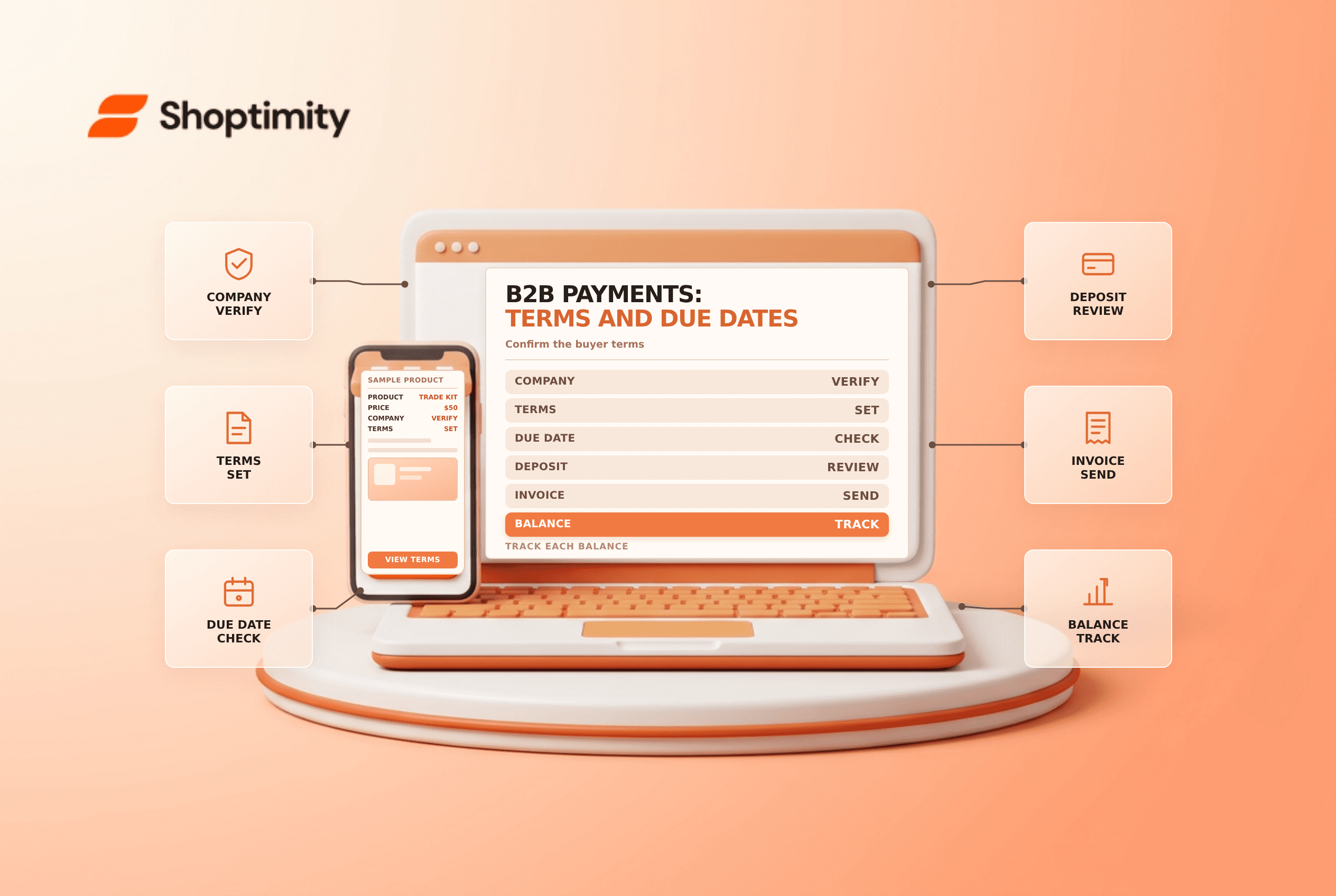
- Approve the company location and agreed terms.
- Review the order's total, terms, deposit and payment status.
- Send the invoice or payment request through the supported workflow.
- Track due dates and match receipts to orders.
- Contact buyers before and after due dates according to policy.
- Escalate disputed or overdue balances; pause new credit when appropriate.
A paid invoice, an authorized payment and a bank deposit are different events. Reconcile records before granting further credit. For adjacent topics see B2B catalog pricing and payout reconciliation.
Ready to build a faster, higher-converting store?
Every Shoptimity theme ships with conversion widgets built in — so you get speed and features without stacking apps.
7-day free trial · all themes included · cancel anytime
Continue Reading

Shopify B2B Company Locations: Give Buyers the Right Access
Configure Shopify B2B company locations, verify buyer permissions and test pricing, addresses and pa...

Shopify Checkout Contact Settings: Separate Email From Shipping Phone
Configure Shopify checkout contact settings and test email, phone and shipping address requirements ...

Shopify POS Recent Carts: Share a Sale Without Reserving Stock
Learn how Shopify POS recent carts work across devices, what they do not reserve, and how to hand of...