
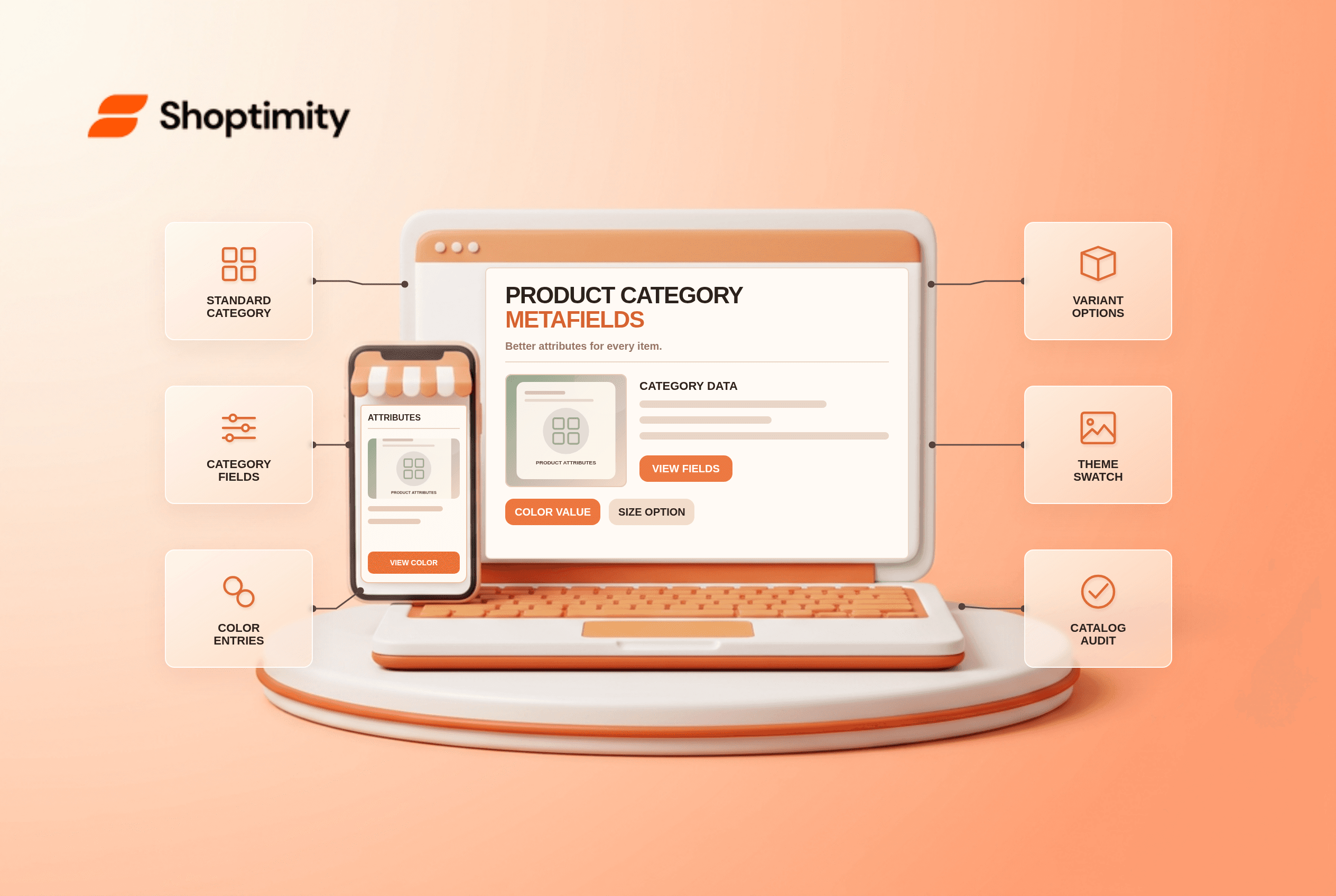
Shopify product category metafields are attributes tied to Shopify's standard product taxonomy. Assigning an accurate category can expose relevant values such as color, size or material, helping merchants keep variant labels consistent. The category is not the same field as a store's custom product type, and a swatch in the theme will only be as reliable as the data connected to it.
How does a category unlock attributes?
The standard category determines which category metafields are available. Shopify's product-category guide says a category such as a type of shirt can expose fields for clothing size, neckline, material and color. Some values use reusable metaobject entries. The standardized category also helps with organization, channel data and, where Shopify Tax applies, tax calculation. A product can have one standard category and one custom product type; they serve different roles.
An automatic category suggestion is a starting point, not a verdict. Shopify says its suggestions can be generated from title, description and images. Check the product's actual function before accepting a recommendation. A wrong category can expose irrelevant fields and create downstream merchandising problems.
How should you audit category data?
Start with a small group of products that share an attribute. A disciplined pass prevents a bulk edit from multiplying bad values.
- Pick 3 representative products and record their existing category, product type and variant options.
- Choose the most specific accurate standard category for each. Do not force an unrelated category only to expose a desired field.
- Open the available category metafields. Add or review entries for the attributes that actually help shoppers compare products.
- If connecting a variant option to a category attribute, inspect every option value. “Blue,” “Navy” and “Midnight” should not accidentally map to the same visible swatch.
- Test product page, collection page, cart and selected variant. Check that the label and image agree on mobile.
- Only then use bulk editing or CSV for the wider catalog. Sample the imported products and check that they did not become uncategorized.
Shopify's documentation notes that a CSV may specify a standard category by ID or breadcrumb. It also distinguishes standard product category from your custom product type. If you are remapping an existing catalog, keep a record of which products changed and why.
Are category metafields ordinary custom metafields?
They are related but not interchangeable. A custom product metafield is a field defined for your particular business need. Category metafields map to attributes offered for a standardized taxonomy category. Shopify may supply default entries for an attribute, and entries can be customized. For a deeper data-model comparison, see our metafields-versus-metaobjects guide; publish that earlier draft first if you want its link to work for public readers.
Shopify says category attributes can be connected to variant options and color swatches. That does not guarantee every theme renders every attribute as a swatch. Inspect the actual theme's picker and accessibility labels, and compare our variant-image guide if the selection displays the wrong photo.
Can a theme fix the underlying category?
No. A Shoptimity theme may show a color picker or product details block, but Shopify's product data and taxonomy supply the values. A styling fix cannot rescue a mislabeled variant. We checked Shopify's public documentation, not your catalog or tax settings. Ask a qualified adviser to review tax consequences where classification matters.
Ready to build a faster, higher-converting store?
Every Shoptimity theme ships with conversion widgets built in — so you get speed and features without stacking apps.
7-day free trial · all themes included · cancel anytime
Continue Reading

Top Shopify Theme for Wholesale: A 2026 Buyer's Guide
You've just spent weeks sourcing inventory and building supplier relationships. But when you launch ...

Ecommerce Return Status Updates: Separate Request and Refund
Ecommerce return status updates should separate request, label, receipt, inspection and refund so sh...

Ecommerce Delivery Delay Updates: Show the New Reality
Ecommerce delivery delay updates should replace stale promises with a dated revised estimate, clear ...