
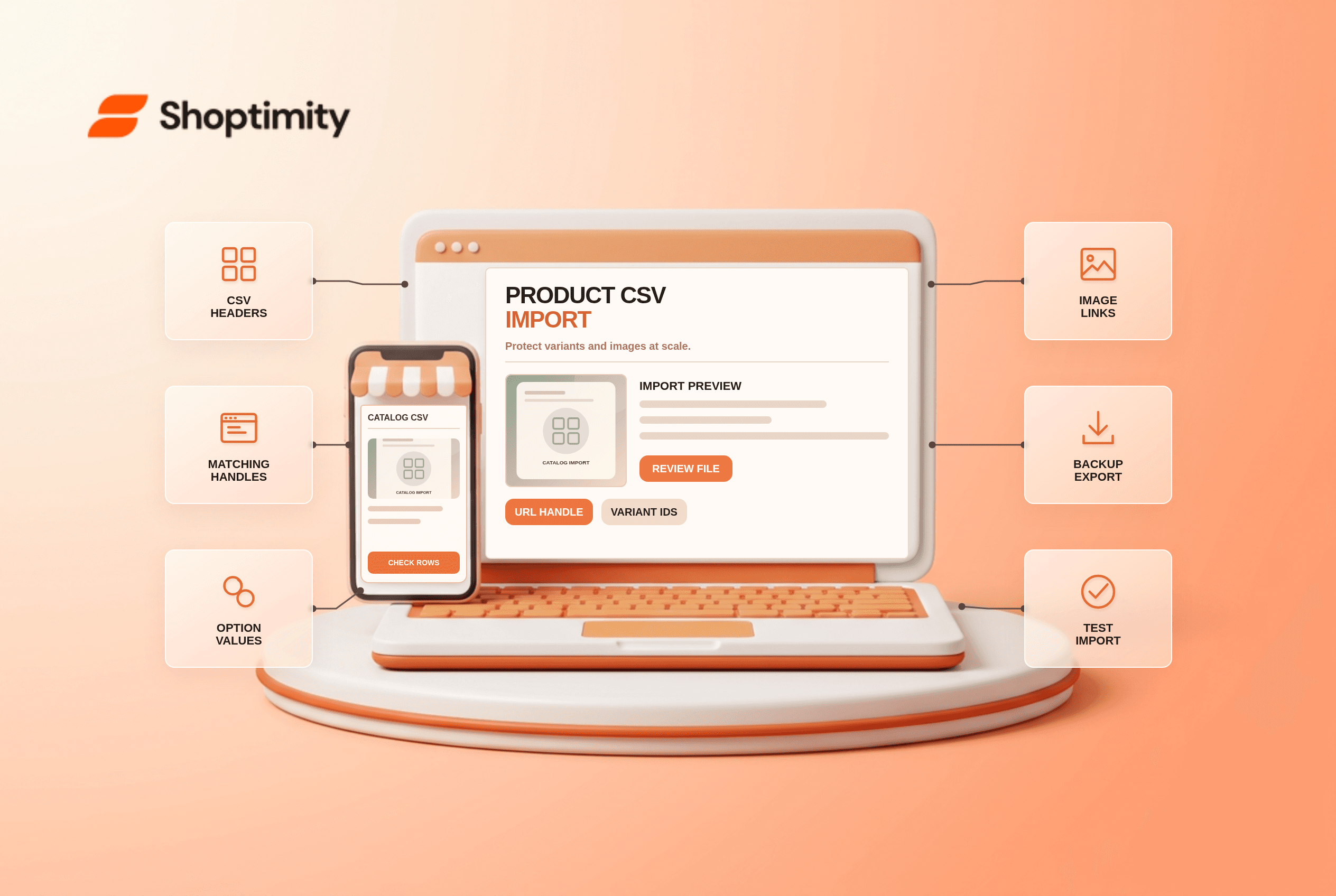
Shopify product CSV import is useful for large catalog updates, but a spreadsheet can change more than its author intended. Matching handles can overwrite product fields, and changing option values can replace variant IDs. Before updating hundreds of listings, export a backup, test a few representative products and inspect their images and app links afterward.
What does the importer match?
Shopify uses the URL handle to identify existing products for overwrite. Its product CSV guide says new products require a Title, with a URL handle also required when adding variants. Updates require URL handle and Title. When Overwrite products with matching handles is selected, included CSV columns replace their corresponding values for matching products. If the option is off, matching products are ignored.
An omitted non-required column generally leaves its existing value unchanged, but a present column with a blank value can have a different effect. Read the current import instructions for your file format and review every column included. Do not assume a minimal export, edited in a spreadsheet app, is harmless when reimported.
What should you do before a bulk import?
Run a three-product rehearsal and compare before-and-after records. Pick a simple product, a multi-variant product and one with several gallery images.
- Export the relevant products as a backup. Keep the original file separate from the working import and record its date.
- Check headers against Shopify's current CSV template. For a product with variants, retain the right handle and option columns on the appropriate rows.
- Review included columns and blank cells. Remove columns outside the intended update, and inspect all blank values in the remaining columns.
- Inspect the image URLs and variant-image associations. Test that Shopify can access each new image and that the intended variant still shows it.
- Import the three-product subset using the chosen overwrite setting. Read the confirmation and inspect product, variants, SKU, price, stock behavior and gallery in Admin and storefront.
- Only after the rehearsal, import the larger batch. Keep a list of affected handles and inspect a sample from the beginning, middle and end.
Shopify specifically warns that changing Option1 value, Option2 value or Option3 value through CSV deletes existing variant IDs and creates new ones. Apps, subscriptions or fulfillment systems that reference those IDs can break. Treat an option rename as a migration with dependency checks, not a cosmetic copy edit.
Why did a variant or image change?
Compare the import rows against the original export. A multi-variant product needs related rows to share its handle, while its option values distinguish variants. Shopify's CSV formatting guide explains rows for extra product images and variants. A product image and a variant image are separate references. If the page shows a gallery image but the selected color points to the wrong one, inspect the variant assignment before replacing the theme.
A safe rollback is not always simply importing the backup: variant IDs recreated by an option edit may have downstream effects. Stop the batch, record the changed handles and coordinate with connected apps. Our variant-image guide covers storefront symptoms after data changes.
What can the theme fix?
A Shoptimity theme can display the resulting catalog, not repair a bad CSV mapping. Test a product page and collection card after import, but fix handles, options and image records in Shopify. Theme versus app responsibilities are helpful when an external inventory tool also syncs the catalog. We checked Shopify's public import guidance, not your CSV or app dependencies. Have the catalog owner approve the update.
Ready to build a faster, higher-converting store?
Every Shoptimity theme ships with conversion widgets built in — so you get speed and features without stacking apps.
7-day free trial · all themes included · cancel anytime
Continue Reading

Top Shopify Theme for Wholesale: A 2026 Buyer's Guide
You've just spent weeks sourcing inventory and building supplier relationships. But when you launch ...

Ecommerce Return Status Updates: Separate Request and Refund
Ecommerce return status updates should separate request, label, receipt, inspection and refund so sh...

Ecommerce Delivery Delay Updates: Show the New Reality
Ecommerce delivery delay updates should replace stale promises with a dated revised estimate, clear ...