
Shopify Product Variant URLs: Keep Search Signals Clear
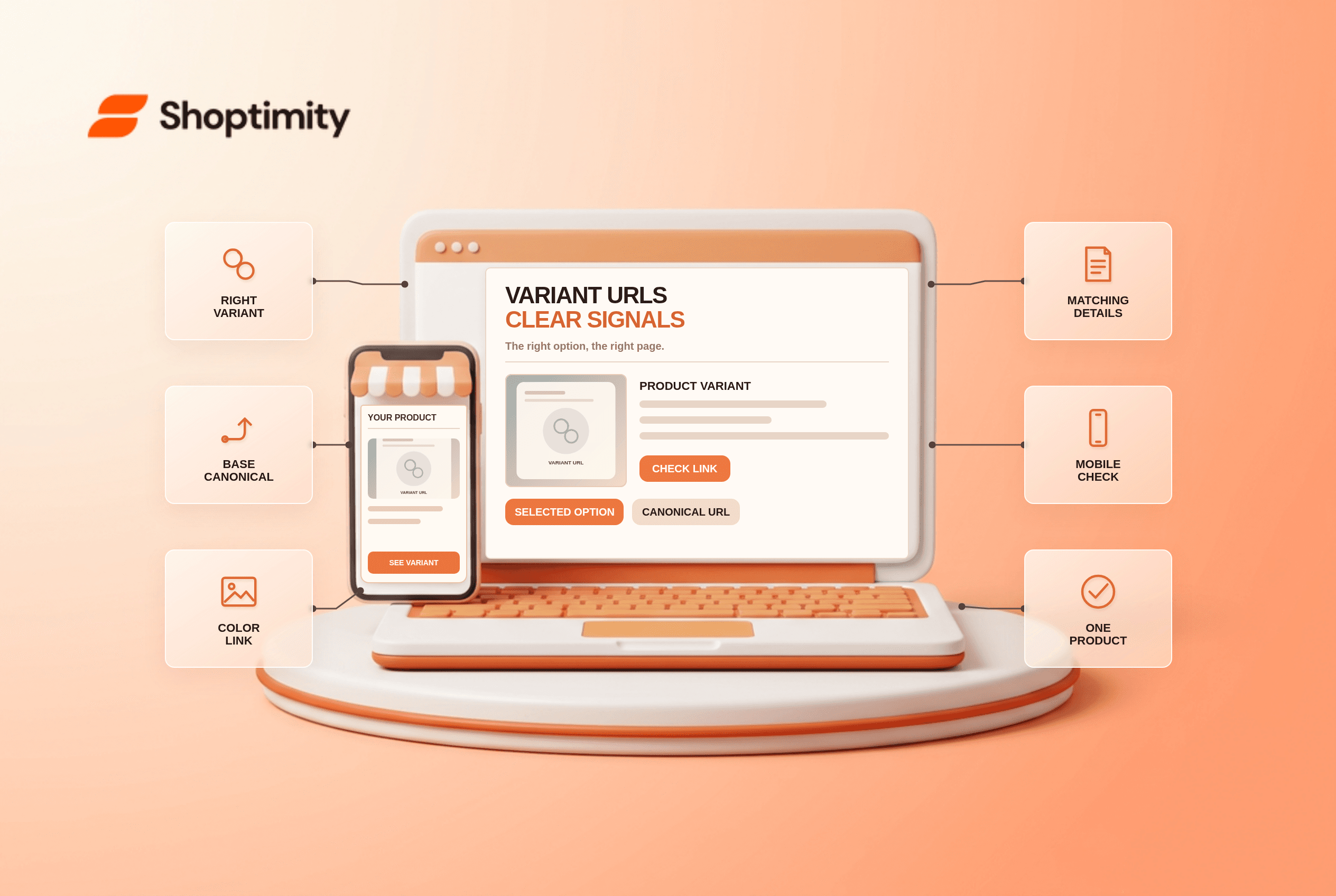
Shopify product variant URLs can open the same product with a color or size already selected. Treat the URL as a usable deep link, not automatically as a separate search page. Check the selected image, price, availability and canonical tag together before changing a theme or adding an SEO app. A technically valid link is not useful if it opens the wrong item.
Do Shopify product variant URLs need separate search pages?
Usually a single product page is the clearest starting point for sizes or colors that share the same core description. According to Google’s product-variant guidance, a single-page product group should have 1 canonical URL for the group, typically the unselected base product URL. Its coat example shows 3 URLs selecting size and color. Those selected-variant links can remain useful without being separate pages that you ask search engines to index independently.
A materially different item may deserve its own product page, but do not split a standard size selector into near-duplicate pages solely to target more keywords. That editorial decision depends on the actual product, customer intent and whether each page can answer a distinct question. The guidance is about how to represent variants, not a ranking promise for every store.
How should a Shopify theme render canonical URLs?
Shopify’s theme SEO documentation shows a canonical link in the document head using Liquid’s canonical_url object, alongside the page title and meta description. Inspect the rendered HTML of the base product URL and a selected-variant link. A theme or app can output duplicate tags or override a sensible default; do not assume its admin settings describe what the browser receives.
For a single product page with query-string variants, verify that the canonical behavior is consistent with the product-group strategy. Do not set every color parameter as a self-canonical page and simultaneously tell Google it is one shared product page. Conversely, a deliberately separate product URL needs its own appropriate canonical and genuinely distinct content. Google’s ecommerce URL guide recommends omitting optional variant query parameters from the canonical URL.
What should change when a shopper opens a variant link?
The selected option should match the image, price, stock state and add-to-cart line. Consider a link copied from a “navy / medium” product card: if it opens “black / small” while the URL still appears to point at navy, the buyer may order the wrong version. A canonical tag cannot repair a broken selection state. Test a copied link in a fresh browser session, including on mobile, rather than only clicking through while the product page remembers your prior selection.
Check any variant-selector controls and variant-image behavior before treating a variant URL as ready for email campaigns or search ads. Shoptimity themes can present the chosen option, but the merchant must keep the catalog, theme and connected apps consistent.
How do product data and metadata fit together?
Google describes ProductGroup with hasVariant, variesBy and productGroupID for representing related variants. This is product-page structured data, not a JSON-LD block to paste into this blog article. If the storefront emits variant markup, check that the listed size, color, availability and offer agree with what a visitor can actually buy. Use Google’s Rich Results Test on a few representative URLs; eligibility does not guarantee a rich result.
A product’s search snippet may use a page’s meta description or other page text. Avoid writing a color-specific promise in product-level metadata if the same canonical page defaults to another color. Shopify’s SEO guidance places title, description and canonical information in the head; inspect them together when a theme update changes the variant picker.
How can a merchant test five representative URLs?
Use the URL as the test case, not only the product record. Start with 3 cases: the base page, a selected color and a selected size. Run 2 tests per case: inspect the canonical tag and confirm that the selected item details match. We checked the cited public documentation and existing related article links; we did not inspect a merchant’s live storefront or Search Console. For your own store:
- Open the base product URL in a private browser window and note its canonical tag.
- Open a selected color URL, then verify image, option label, price and stock.
- Repeat with a size variant that has different availability or pricing.
- Compare the rendered canonical and product data on those three pages.
- Test a discontinued or unavailable option and record the customer-facing next step.
- Open a link from a collection card and confirm it lands on the advertised option.
Keep screenshots and exact URLs. If a product is sold in multiple markets, test market-specific pages separately; do not assume one country’s price or stock is universal. A theme should not assert that an unavailable variant is ready to buy.
What should a team measure after launch?
Review Search Console’s chosen canonical for a small URL sample, product-page errors and support contacts about wrong colors or sizes. A canonical mismatch and a variant selection bug have different owners. Measure the fix against the actual product and URLs tested; this article does not claim that changing tags alone increases rankings or sales.
Ready to build a faster, higher-converting store?
Every Shoptimity theme ships with conversion widgets built in — so you get speed and features without stacking apps.
7-day free trial · all themes included · cancel anytime
Continue Reading

Shopify B2B Company Locations: Give Buyers the Right Access
Configure Shopify B2B company locations, verify buyer permissions and test pricing, addresses and pa...

Shopify Checkout Contact Settings: Separate Email From Shipping Phone
Configure Shopify checkout contact settings and test email, phone and shipping address requirements ...

Shopify POS Recent Carts: Share a Sale Without Reserving Stock
Learn how Shopify POS recent carts work across devices, what they do not reserve, and how to hand of...