
Shopify Product Vendor: Clean Up Names Without Breaking Workflows
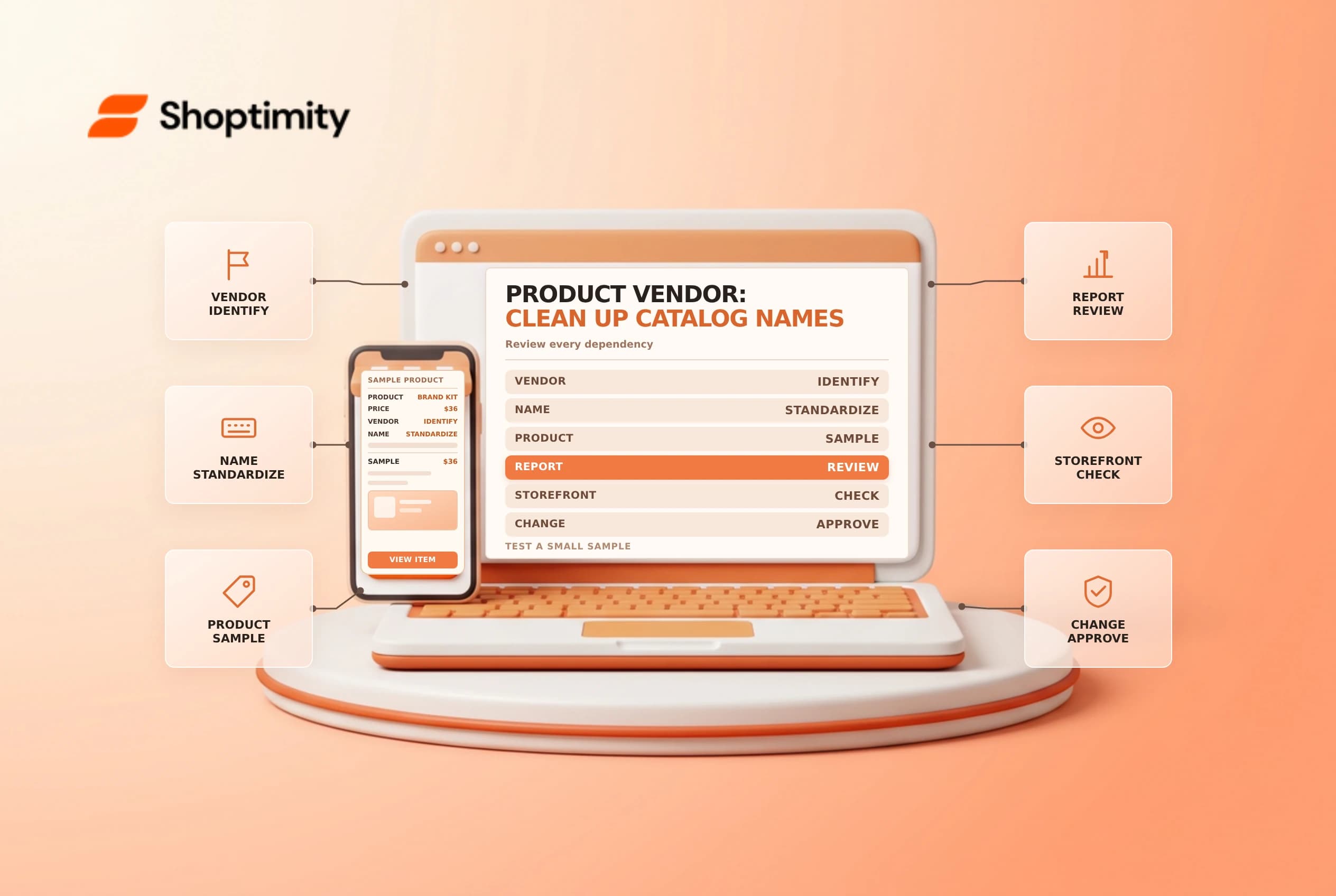
The Shopify product vendor field identifies a product's recorded manufacturer, wholesaler or other vendor. A consistent value can help teams filter products and analyze reports, but it is not automatically a complete supplier record or a purchase order. Review where the value is used before changing it across a catalog.
Understand the field
Shopify's vendor management guide says each product can have one vendor and a new product without one defaults to the store name. The field can be used for product filtering and supported reports, and some themes can display it to customers. Whether it represents a brand, manufacturer or supplier is an organizational decision that should be documented consistently.
| Question | Example decision |
|---|---|
| Meaning | Brand shown to the shopper, or operational supplier? |
| Naming | One approved spelling and capitalization |
| Storefront | Should the vendor name be visible on product pages? |
| Reporting | Which product-focused reports use the field? |
| Collections | Do automatic conditions depend on the existing value? |
| Purchasing | Where are actual supplier contacts and agreements kept? |
A product can be supplied by more than one business over time while the product vendor field holds one value. Keep purchasing and contract details in the appropriate system instead of assuming this single field captures the whole relationship.
Audit the existing values
Filter the product list by Product vendor and export or record the values using an approved process. Look for the store-name default, duplicates, spelling variations and names that should not be displayed publicly. Review a representative product in each group with the catalog and purchasing owners. Do not merge similar names until the businesses and intended meaning are confirmed.
Shopify says vendor can be shown on product pages using a connected theme setting, and can be used for a storefront filter through Search & Discovery. Before changing a vendor name, check whether shoppers see it and whether it is used in a collection, navigation, report or integration. A bulk rename can change more than an admin label.
Change a controlled sample
Choose an approved canonical name and update a small set of products. Check the product list, a relevant report, any collection condition and the storefront. Shopify notes that not every report supports vendor as a filter: acquisition and behavior reports, for example, are not product-focused vendor reports. Sorting the admin product list by vendor does not change the storefront display order.
| Sample check | Expected result |
|---|---|
| Product record | Correct approved vendor value |
| Storefront | Intended vendor text appears or remains hidden |
| Collection | Correct products remain included |
| Supported report | Product vendor filter behaves as expected |
| Integration | External mapping is reviewed where applicable |
If using the bulk editor or product CSV, follow the relevant update rules and preserve a rollback file. Have a second person compare a sample with the approved mapping. A successful save is not evidence that every downstream use is correct.
Maintain a naming dictionary
Document the field's intended meaning, canonical names, aliases and approval owner. Review new products for default or inconsistent values before launch. When a supplier or brand changes, confirm whether the product's vendor field, purchasing records or both should change; they may represent different concepts.
Keep a change record with old and new values, affected products, reason and verification. Related guides: bulk editor safety and collection sorting.
Ready to build a faster, higher-converting store?
Every Shoptimity theme ships with conversion widgets built in — so you get speed and features without stacking apps.
7-day free trial · all themes included · cancel anytime
Continue Reading

Shopify B2B Company Locations: Give Buyers the Right Access
Configure Shopify B2B company locations, verify buyer permissions and test pricing, addresses and pa...

Shopify Checkout Contact Settings: Separate Email From Shipping Phone
Configure Shopify checkout contact settings and test email, phone and shipping address requirements ...

Shopify POS Recent Carts: Share a Sale Without Reserving Stock
Learn how Shopify POS recent carts work across devices, what they do not reserve, and how to hand of...