
Shopify Quantity Rules for B2B and Volume Pricing
title: Shopify Quantity Rules for B2B and Volume Pricing slug: shopify-quantity-rules-b2b-volume-pricing meta_title: Shopify Quantity Rules for B2B and Volume Pricing meta_description: Understand Shopify quantity rules for B2B and price breaks, including variant-level limits, catalog eligibility and practical checkout tests. primary_keyword: Shopify quantity rules secondary_keywords:
- Shopify merchant guide
- ecommerce operations author: The Shoptimity Team date: 2026-11-04 category: Operations schema: BlogPosting, FAQPage
Shopify Quantity Rules for B2B and Volume Pricing
Shopify quantity rules for B2B control how many units a buyer can order, while volume pricing changes the price at specified quantities. They can be used independently or together. Test them with the actual company and catalog context so a rule designed for cases does not prevent a legitimate buyer from completing checkout.
Compare quantity controls
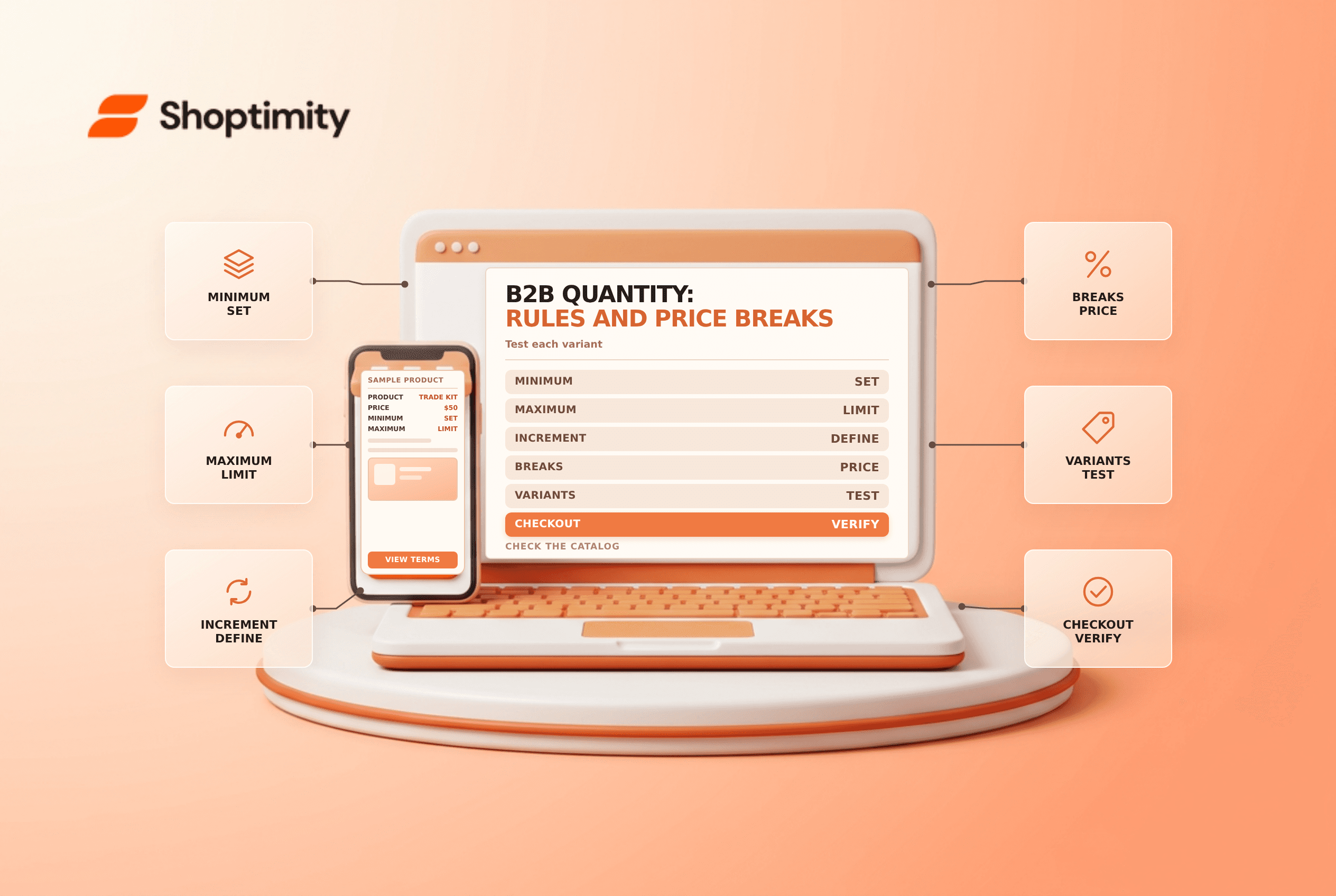
Shopify's quantity-pricing guide describes minimums, maximums, increments and price breaks. These rules apply to variants, not a combined total across different variants.
| Control | Purpose | Example |
|---|---|---|
| Minimum | Fewest units of a variant per order | At least 12 blue units |
| Maximum | Greatest permitted quantity of a variant | No more than 120 blue units |
| Increment | Permitted ordering multiples | Multiples of 6 |
| Volume price break | Unit price at a qualifying quantity | Lower price at 24 units |
If a buyer selects six blue and six gray units, that does not satisfy a minimum of 12 for either variant. Make the per-variant rule visible on the product page and check the experience in a supported theme.
Build a consistent rule
Suppose a variant is sold in cases of six, with a minimum of 12 and maximum of 120. Valid quantities include 12, 18 and 24, subject to the actual catalog and stock rules. If the first volume break starts at 24, Shopify says the break quantity must exceed the minimum and be a multiple of the configured increment.
Shopify allows up to ten price breaks per product, applied to each variant. Confirm the current rule and price settings for the specific catalog before making an offer. The example is illustrative and does not include tax, shipping or a negotiated discount.
Check the buyer's context
Shopify's plan-feature guide lists quantity rules and quantity price breaks on Basic, Grow, Advanced and Plus, with catalog assignment limits that vary by plan. Direct company catalog assignment is a Plus feature. Confirm your plan, active catalog assignments, market and company location before assuming a buyer sees a particular rule.
Catalog pricing, quantity rules, available inventory and payment terms are separate settings. An eligible buyer may see the intended price but still be unable to buy a selected quantity. Review all of them together rather than changing prices to work around an unclear quantity rule.
Test boundaries and communicate them
- Assign the correct catalog to the appropriate B2B context.
- Review each variant's minimum, maximum and increment.
- Confirm price breaks meet the increment and exceed the minimum.
- Sign in as an authorized test buyer and inspect each variant.
- Test below-minimum, valid, above-maximum and price-break quantities.
- Test the cart and checkout, including any relevant discounts and stock limits.
- Document the rule and provide a contact for exceptional orders.
A buyer-facing message such as “sold in cases of six, minimum two cases per color” can be clearer than an unexplained validation error. Confirm the message matches the actual configured rules and update it when the catalog changes.
For adjacent decisions see B2B catalog pricing and B2B payment terms.
If the ordering interface does not clearly show the case quantity, ask an authorized buyer to test it before launch. Record any limitations in the sales process and resolve them without bypassing the configured checkout controls.
Ready to build a faster, higher-converting store?
Every Shoptimity theme ships with conversion widgets built in — so you get speed and features without stacking apps.
7-day free trial · all themes included · cancel anytime
Continue Reading

Shopify B2B Company Locations: Give Buyers the Right Access
Configure Shopify B2B company locations, verify buyer permissions and test pricing, addresses and pa...

Shopify Checkout Contact Settings: Separate Email From Shipping Phone
Configure Shopify checkout contact settings and test email, phone and shipping address requirements ...

Shopify POS Recent Carts: Share a Sale Without Reserving Stock
Learn how Shopify POS recent carts work across devices, what they do not reserve, and how to hand of...