
Shopify Searches With No Results: Turn a Report Into Better Discovery
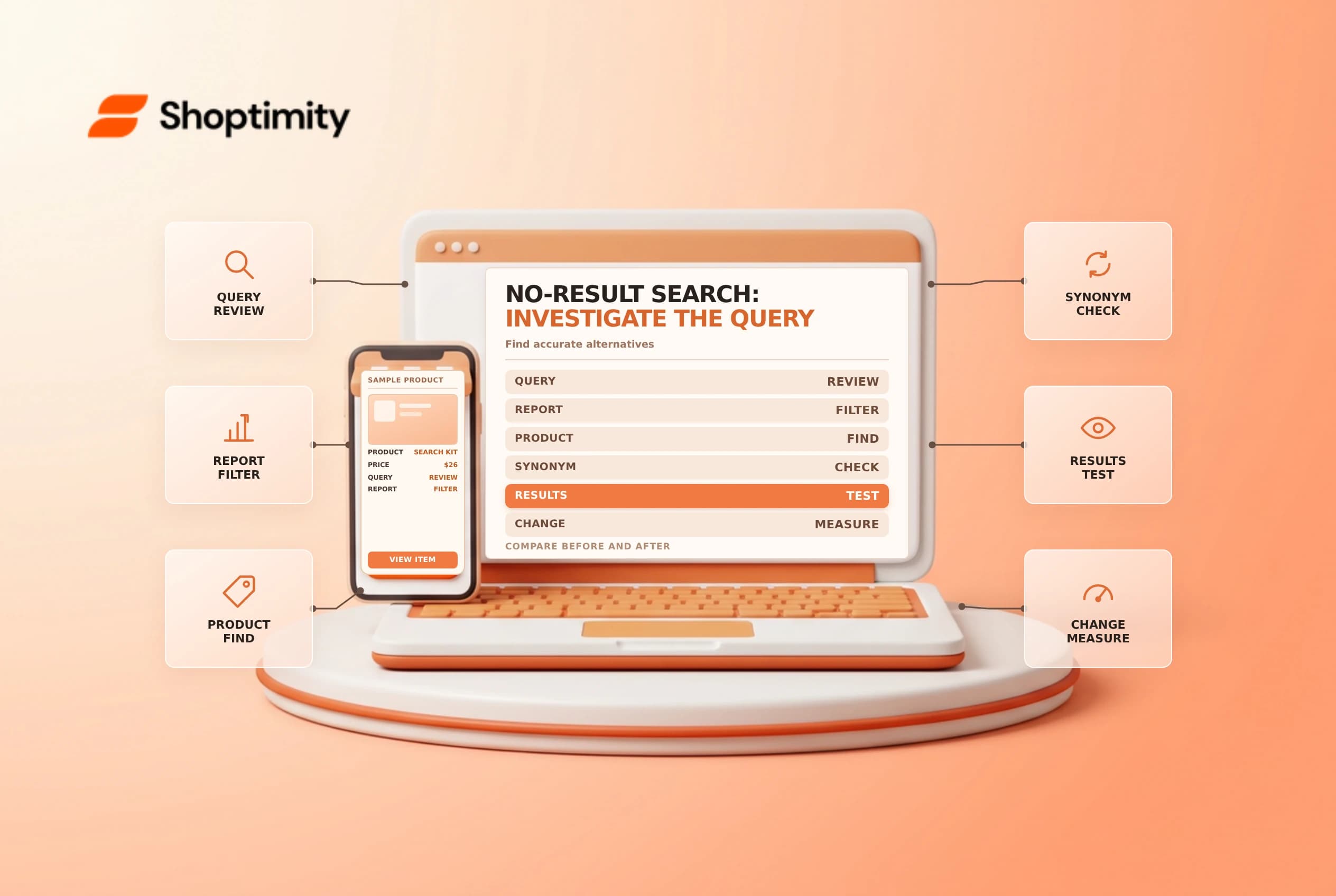
Shopify searches with no results can reveal terms shoppers enter without finding a matching result. The report is a diagnostic starting point, not proof that every search represents a lost sale or that the store should stock a new product. Compare the query with the catalog and the actual search experience before changing anything.
Read the report in context
Shopify's behavior reports guide distinguishes Searches with no results from Searches with no clicks. The latter has results but no result clicks; the former records searches that produced no results. Shopify describes the number of searches as the number of sessions in which customers searched for that term.
| Report | Useful question |
|---|---|
| Searches by search query | What terms are visitors using? |
| Searches with no results | Which queries returned no results? |
| Searches with no clicks | Which result sets did visitors not click? |
| Search conversions | How did search-related activity perform over time? |
Choose a date range and record it when sharing findings. A small count may reflect unusual language, internal testing or a temporary catalog change. Shopify says its no-click report can have a delay of up to 72 hours; check the current documentation for timing before treating a fresh report as complete.
Classify the query before acting
For a high-frequency term, search the storefront in a clean session and in the relevant market. Check whether the intended product exists, is available to that sales channel and is findable using the term. Classify the issue as a missing product, a synonym or spelling, an unavailable listing, an overly specific model number or an unclear query. Avoid placing private information or a customer's query containing personal data into a shared ticket.
A report showing “rain jacket” could mean the catalog calls the item a raincoat, or that no suitable jacket exists. The right response differs. A synonym should reflect genuinely equivalent terms; making unrelated products appear may create clicks without helping the shopper.
Choose a focused change
Shopify's Search & Discovery analytics guide describes search reports in the app and full reports under Analytics > Reports. Its app overview uses the last 30 days. Depending on your search configuration, a merchant may improve accurate product titles, descriptions or search settings, or create a useful synonym through the supported app workflow.
| Finding | Safer next step |
|---|---|
| Known synonym | Test an accurate synonym and representative queries |
| Missing or inactive item | Confirm catalog status and availability before changing search |
| No matching product | Consider demand alongside inventory and business strategy |
| Results with no clicks | Inspect result relevance and snippets separately |
| Unclear or sensitive query | Limit sharing and investigate without exposing personal data |
Avoid stuffing unrelated keywords into listings or presenting a product as an exact substitute when it is not. If a third-party search tool powers the storefront, validate its own reporting and configuration rather than assuming native reports capture every search in the same way.
Measure after the change
Keep a change log with the query, hypothesis, action, date, owner and test result. Re-run the search on mobile and desktop, and inspect the results for the intended market. Compare a suitable period before and after the change, allowing for reporting delay, seasonality and low volume. A decline in no-result searches alone does not prove that revenue increased.
See search synonyms and the no-results page guide for the customer-facing experience.
Ready to build a faster, higher-converting store?
Every Shoptimity theme ships with conversion widgets built in — so you get speed and features without stacking apps.
7-day free trial · all themes included · cancel anytime
Continue Reading

Shopify B2B Company Locations: Give Buyers the Right Access
Configure Shopify B2B company locations, verify buyer permissions and test pricing, addresses and pa...

Shopify Checkout Contact Settings: Separate Email From Shipping Phone
Configure Shopify checkout contact settings and test email, phone and shipping address requirements ...

Shopify POS Recent Carts: Share a Sale Without Reserving Stock
Learn how Shopify POS recent carts work across devices, what they do not reserve, and how to hand of...