
Shopify Shipping Insurance: Check Coverage Before a Claim
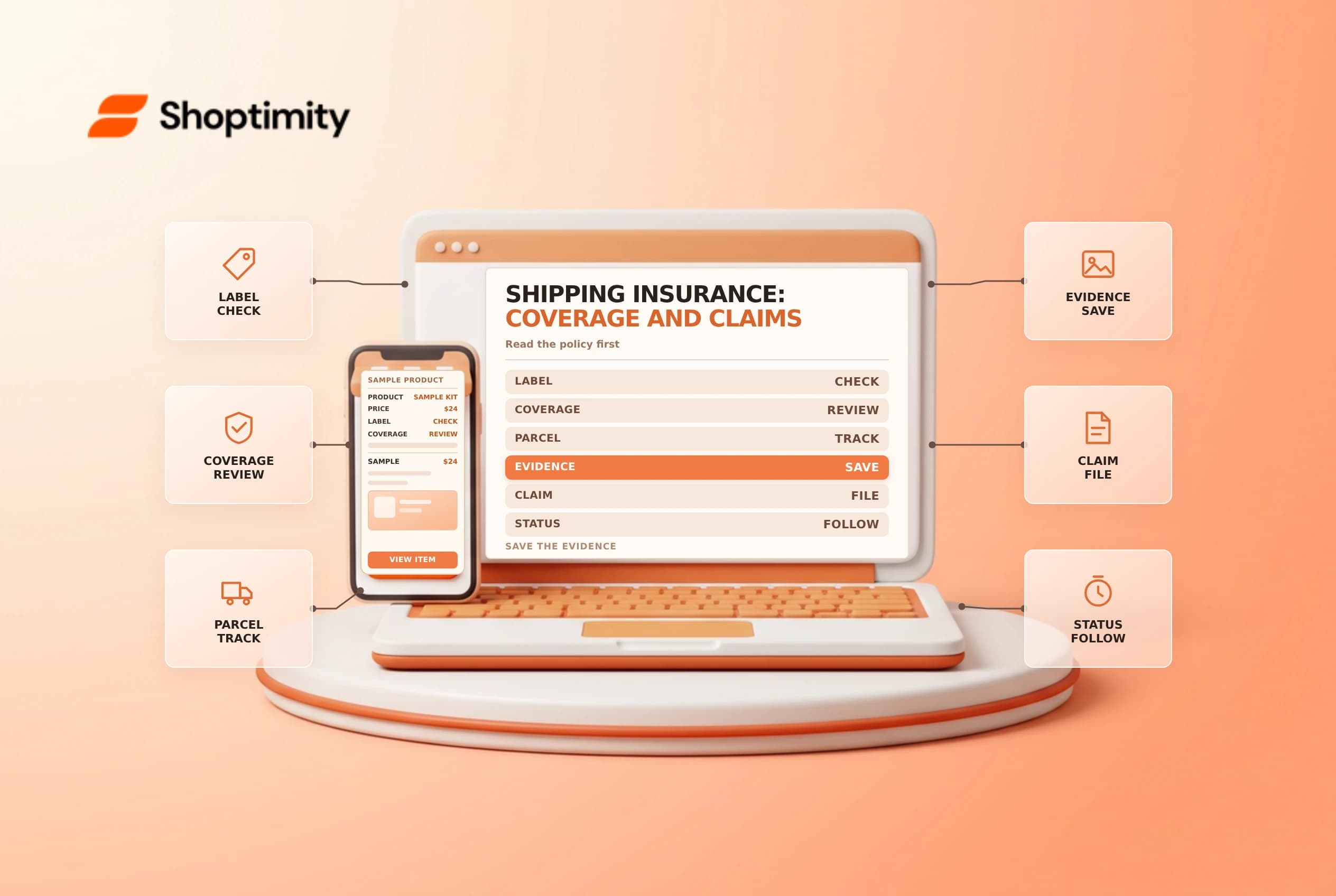
Shipping insurance can reduce exposure to a lost, stolen or damaged parcel, but coverage is conditional. The label, service, items and policy determine whether a shipment is covered and where a claim should go. Record those details before an incident, not after the deadline.
Check eligibility when buying the label
Shopify's shipping insurance guide says purchased coverage through its label workflow is available for eligible shipments from the United States, subject to the insurer's terms. Shopify identifies Shipsurance as the administrator and describes coverage purchases up to $5,000 USD. Check the current terms, exclusions and amount shown on the actual label purchase screen.
The guide describes up to $200 of included insurance on eligible labels for qualifying Grow, Advanced or Plus stores with Shopify Payments, with separate Managed Markets conditions. It is not universal coverage for every plan or label. Carrier coverage and the included or purchased insurance do not stack; don't add their headline amounts together.
| At label purchase | Record |
|---|---|
| Shipment | Order, carrier, tracking and ship date |
| Coverage | Amount, administrator and applicable terms |
| Contents | Accurate item value and description |
| Evidence | Label, packing and handoff records |
Separate a customer remedy from an insurance claim
A claim decision may take time and is not the same as resolving the customer's order. Follow your store policy and applicable law when communicating, replacing or refunding, and avoid promising an insurer will approve a claim. Preserve photos and packaging for damage claims where required; confirm the carrier's current evidence rules.
Shopify's claims guide says the process depends on the carrier and whether additional insurance applies. Some claims go directly to the carrier, others through Shopify Support or Shipsurance. Verify the route, eligible incident and deadline for this exact service.
Review timing and label changes
Shopify says most Shipsurance claims can be submitted from 24 hours after shipping up to 120 days after the shipping date; exceptions and terms matter. Voiding an unused label can cancel its associated insurance, after which a claim cannot be submitted. Confirm the current rules before voiding or relying on a deadline.
For operational follow-up, see shipment claims and voiding a label.
Prepare a claim file without overpromising
Collect the order number, tracking number, ship date, label details and the amount of coverage shown when the label was purchased. For a damaged parcel, retain the packaging and photographs when the carrier or insurer requires them. Include a clear description of what was shipped and the damage or missing contents. Use the policy's actual evidence requirements; a generic checklist cannot replace them.
Check whether the incident is loss, damage, theft or delay, because a service that covers one may not cover another. Confirm whether a carrier claim or an insurance claim is appropriate before submitting. Keep copies of correspondence and note the filing deadline and reference number. If the insurer requests more information, respond through its official channel.
Separately, decide how to support the customer under the store's policy. A replacement, refund or investigation may have different timing from an insurance decision. Assign an owner to communicate updates and reconcile any later claim payout. Don't imply that an opened claim guarantees reimbursement, and check current exclusions for the product and destination before buying future coverage.
Store the claim records according to your retention policy and limit access to customer and shipment details. After the case closes, review whether the original coverage amount and packing method were appropriate for similar orders.
Ready to build a faster, higher-converting store?
Every Shoptimity theme ships with conversion widgets built in — so you get speed and features without stacking apps.
7-day free trial · all themes included · cancel anytime
Continue Reading

Shopify B2B Company Locations: Give Buyers the Right Access
Configure Shopify B2B company locations, verify buyer permissions and test pricing, addresses and pa...

Shopify Checkout Contact Settings: Separate Email From Shipping Phone
Configure Shopify checkout contact settings and test email, phone and shipping address requirements ...

Shopify POS Recent Carts: Share a Sale Without Reserving Stock
Learn how Shopify POS recent carts work across devices, what they do not reserve, and how to hand of...