
Shopify Shipping Transit Time: Separate Carrier Travel From Processing
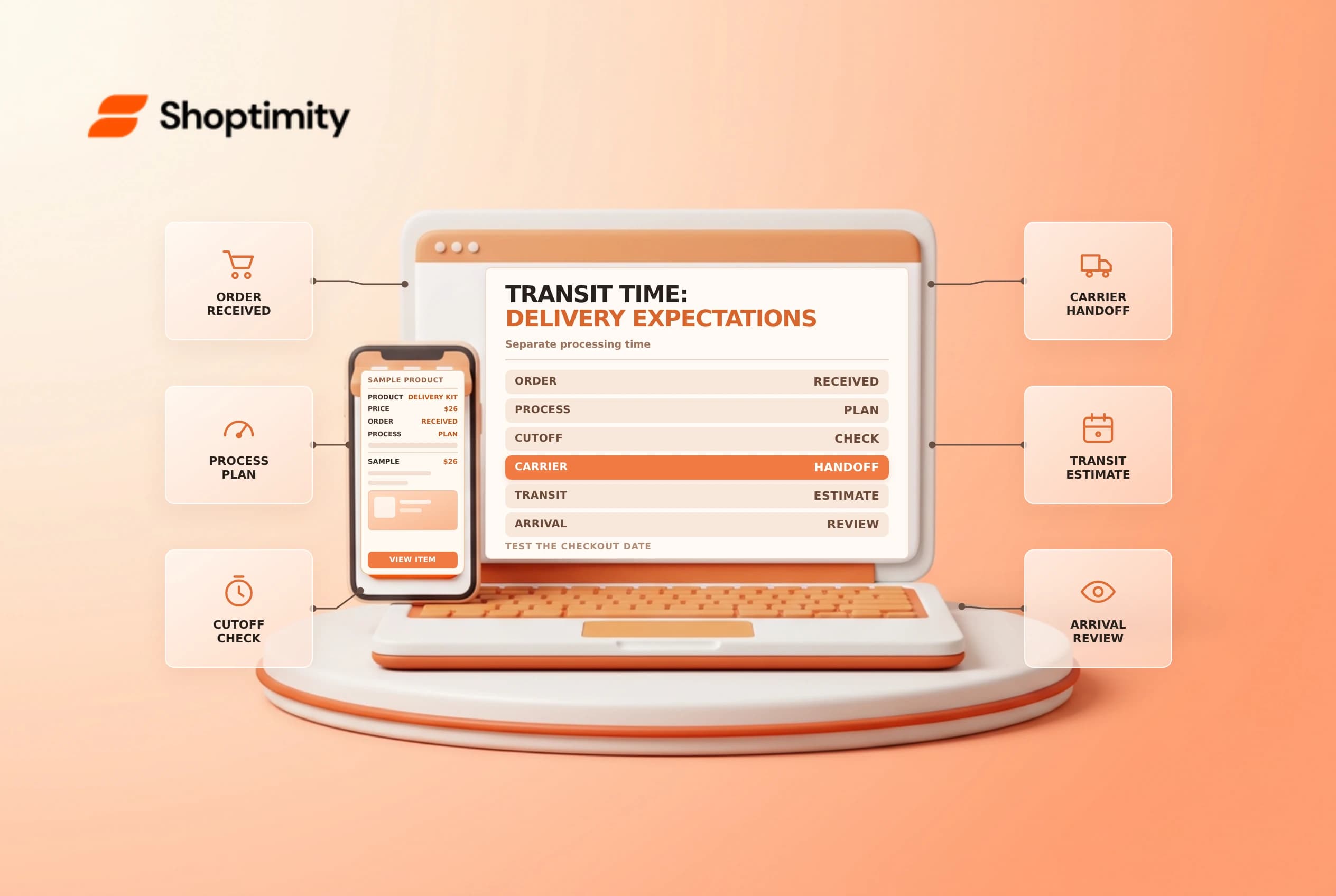
A customer reading “two to three days” may assume the parcel will arrive within that time from checkout. Transit time normally describes the carrier's travel after handoff, while processing time covers the merchant's preparation. Set and test both so the delivery estimate reflects how the store actually operates.
Understand the components
Shopify's fulfillment overview defines transit time as the period from carrier collection to delivery. Processing can include picking, packing, label preparation and waiting for the next handoff. Shopify's delivery-date guide describes adding processing time to transit time when displaying supported delivery-date ranges.
| Part of the journey | Operational question |
|---|---|
| Order cutoff | When does today's processing window end? |
| Processing | How long does the team need to prepare the parcel? |
| Handoff | When will the carrier actually receive it? |
| Transit | What range does the selected service support? |
| Delivery | What range should the customer see? |
For example, a store may need one business day to process an order and then use a service with a two-to-three-day transit estimate. The delivery range must also account for configured working days, holidays, cutoffs and carrier conditions. It is an estimate, not a guarantee that every shipment arrives on a precise date.
Set rates that match your workflow
For eligible flat rates, Shopify supports adding transit time; availability of delivery-date features varies by origin, rate type and store configuration. Identify whether your store uses shipping profiles or the newer market-based shipping options before following an admin path. Confirm the processing schedule with each fulfillment location and compare the carrier service promised at checkout with the service your team actually buys.
Do not label a rate “next-day delivery” if the warehouse cannot prepare and hand it off in time. A faster checkout option may need a different cutoff or operational capacity. Record who maintains the settings when carriers change their schedules.
Test around a cutoff
Use new checkouts with representative addresses and carts. Test before and after the cutoff, on a normal weekday, before a holiday and with a product that ships from another location. Compare the displayed range with the working-day calendar and the operational handoff plan. If a cart splits into multiple shipments, check the information for each shipment rather than assuming one range describes the entire order.
Do not use a real customer's address or place an unintended live payment in an uncontrolled test. Save sanitized screenshots and the expected result so support and fulfillment can review the same evidence. When a carrier has an interruption, communicate a revised estimate rather than leaving an outdated promise in place.
Audit the published promise
Compare the checkout estimate with product-page and policy copy. If the policy says dispatch in one day but the configured processing time is longer, resolve the inconsistency. Review actual handoff and delivery performance by location and service; repeated misses are a reason to reassess the estimate, not to hide the delay.
See shipping zones and markets and shipping cutoff times for adjacent operational checks.
Build a small test matrix with a normal weekday, a weekend and an upcoming holiday. Record the checkout promise, processing assumption and selected service for each case. If a warehouse has an earlier operational cutoff than the carrier, use the actual warehouse handoff plan when setting expectations. Review the display again after changing a shipping profile or fulfillment location.
Ready to build a faster, higher-converting store?
Every Shoptimity theme ships with conversion widgets built in — so you get speed and features without stacking apps.
7-day free trial · all themes included · cancel anytime
Continue Reading

Shopify B2B Company Locations: Give Buyers the Right Access
Configure Shopify B2B company locations, verify buyer permissions and test pricing, addresses and pa...

Shopify Checkout Contact Settings: Separate Email From Shipping Phone
Configure Shopify checkout contact settings and test email, phone and shipping address requirements ...

Shopify POS Recent Carts: Share a Sale Without Reserving Stock
Learn how Shopify POS recent carts work across devices, what they do not reserve, and how to hand of...