
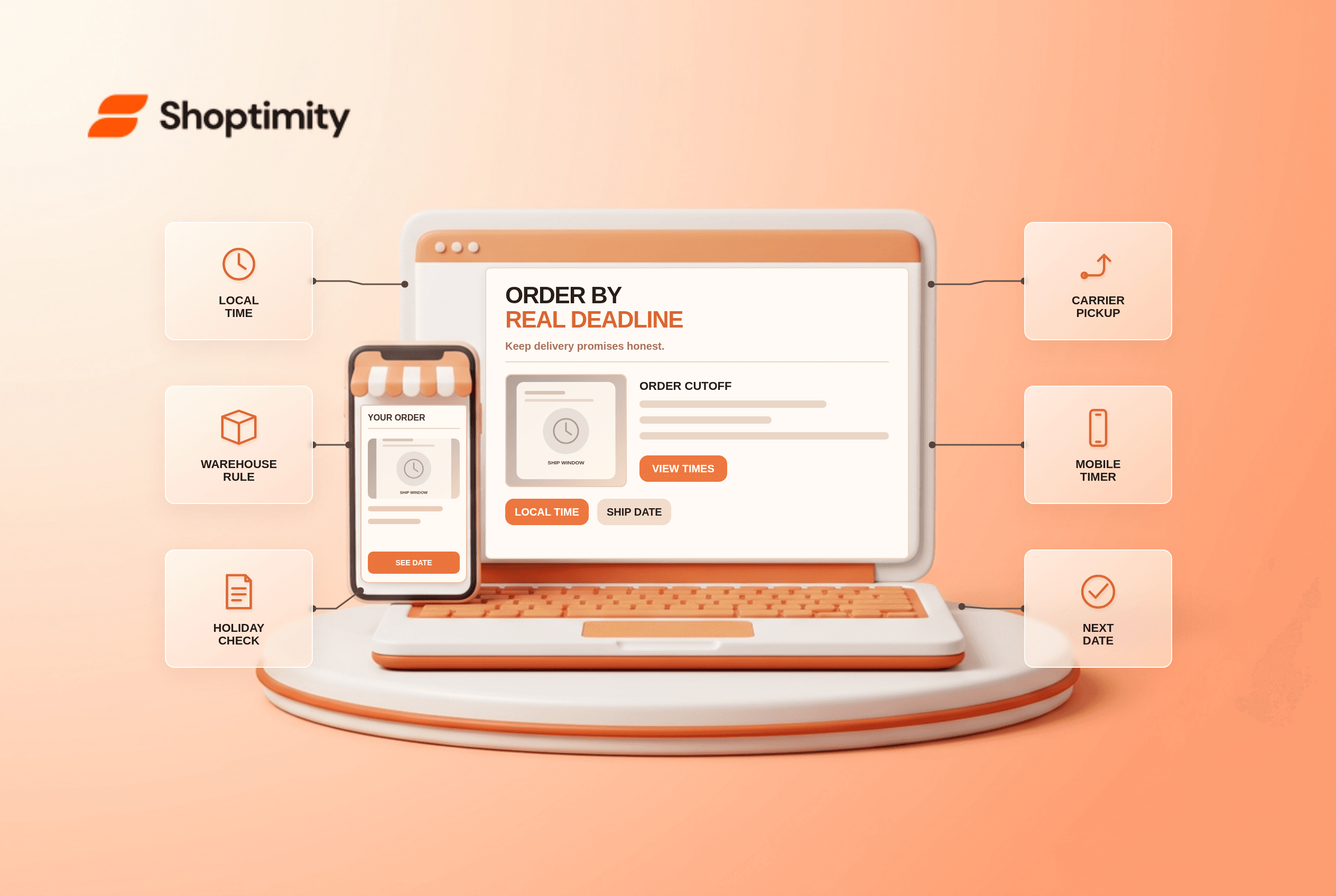
Ecommerce shipping cutoff time should answer the buyer's actual decision, not just decorate a page. Separate “order by” from “arrives by. The right presentation depends on the merchant's product data and operating rules. Treat the checks below as a test plan, not a promise that Shoptimity or a theme can implement every backend behavior by itself.
What does the evidence say about ecommerce shipping cutoff time?
The useful takeaway is a clear, testable customer answer. According to Baymard’s 2025 checkout UX review, 83% of sites in its benchmark did not present order cutoff times as a countdown. A countdown is only useful if its underlying fulfillment eligibility is accurate.
Baymard’s delivery-date research reported that 41% of sites in its earlier benchmark failed to provide an estimated delivery date for shipping options. Cutoff, handling time and transit time all affect that estimate; neither percentage predicts this store’s conversion rate.
What should the interface say first?
Show the essential fact before a shopper reaches an irreversible step. Separate “order by” from “arrives by.” Compute the deadline using the fulfillment location’s timezone, working calendar, carrier pickup, selected SKU and destination. Reset the countdown after the daily cutoff, rather than continuing to advertise a deadline that has expired. Name whether a promise refers to dispatch or delivery.
A shopper in another timezone sees “order within 40 minutes for same-day dispatch.” The warehouse closes earlier on Fridays and the chosen item is stocked elsewhere. If the banner reads from the browser clock alone, the promise is false. The cart and confirmation must calculate from the actual order allocation.
How should a merchant test the flow?
Test a real edge case, not only the happy path. Run these checks on a product, cart and mobile device that reflect the catalog and workflow:
- Record each warehouse cutoff, timezone, holiday and carrier pickup rule.
- Test a minute before and a minute after the local cutoff.
- Check weekends, holidays and daylight-saving changes where applicable.
- Verify the selected product and location can meet the advertised deadline.
- Keep product, cart and checkout deadlines synchronized after address edits.
- Remove or soften the promise when inventory or carrier availability is unknown.
What breaks when information is missing?
A confident-looking interface can still make a false promise. Mixed carts may include one item ready now and another requiring assembly. Do not apply the fastest item’s dispatch deadline to the whole order. Show a split shipment only when the merchant actually offers one and price changes are clear. If the deadline cannot be computed confidently, a dated delivery range is safer than a live timer.
A team should record who owns the source data and which event updates the customer-facing message. Test a changed selection or an unavailable option after the first screen has loaded. If a requirement cannot be met by a theme alone, route the change through the commerce platform, inventory service, fulfillment system or payment provider as appropriate.
How does this fit into a Shoptimity storefront?
Start with reliable information and then improve presentation. Shoptimity themes can help present storefront content, but operational rules may live elsewhere. See our delivery-date guide and order confirmation checklist for adjacent checks. We checked the cited public research, not this merchant's analytics or implementation. We have not tested this merchant's live setup. Avoid claiming that a benchmark proves an expected conversion gain for this store.
What should be measured after launch?
Verify the actual outcome against the visible promise. Audit orders just before and after each cutoff for promise accuracy and support complaints. Do not present a timer click-through as proof of better delivery reliability. Keep a dated sample of real customer journeys, including a mobile case and one exception, for an editorial and operational review after any configuration change.
Ready to build a faster, higher-converting store?
Every Shoptimity theme ships with conversion widgets built in — so you get speed and features without stacking apps.
7-day free trial · all themes included · cancel anytime
Continue Reading

Shopify B2B Company Locations: Give Buyers the Right Access
Configure Shopify B2B company locations, verify buyer permissions and test pricing, addresses and pa...

Shopify Checkout Contact Settings: Separate Email From Shipping Phone
Configure Shopify checkout contact settings and test email, phone and shipping address requirements ...

Shopify POS Recent Carts: Share a Sale Without Reserving Stock
Learn how Shopify POS recent carts work across devices, what they do not reserve, and how to hand of...