
Shopify Shop Cash Capture: Reconcile Each Payment Method
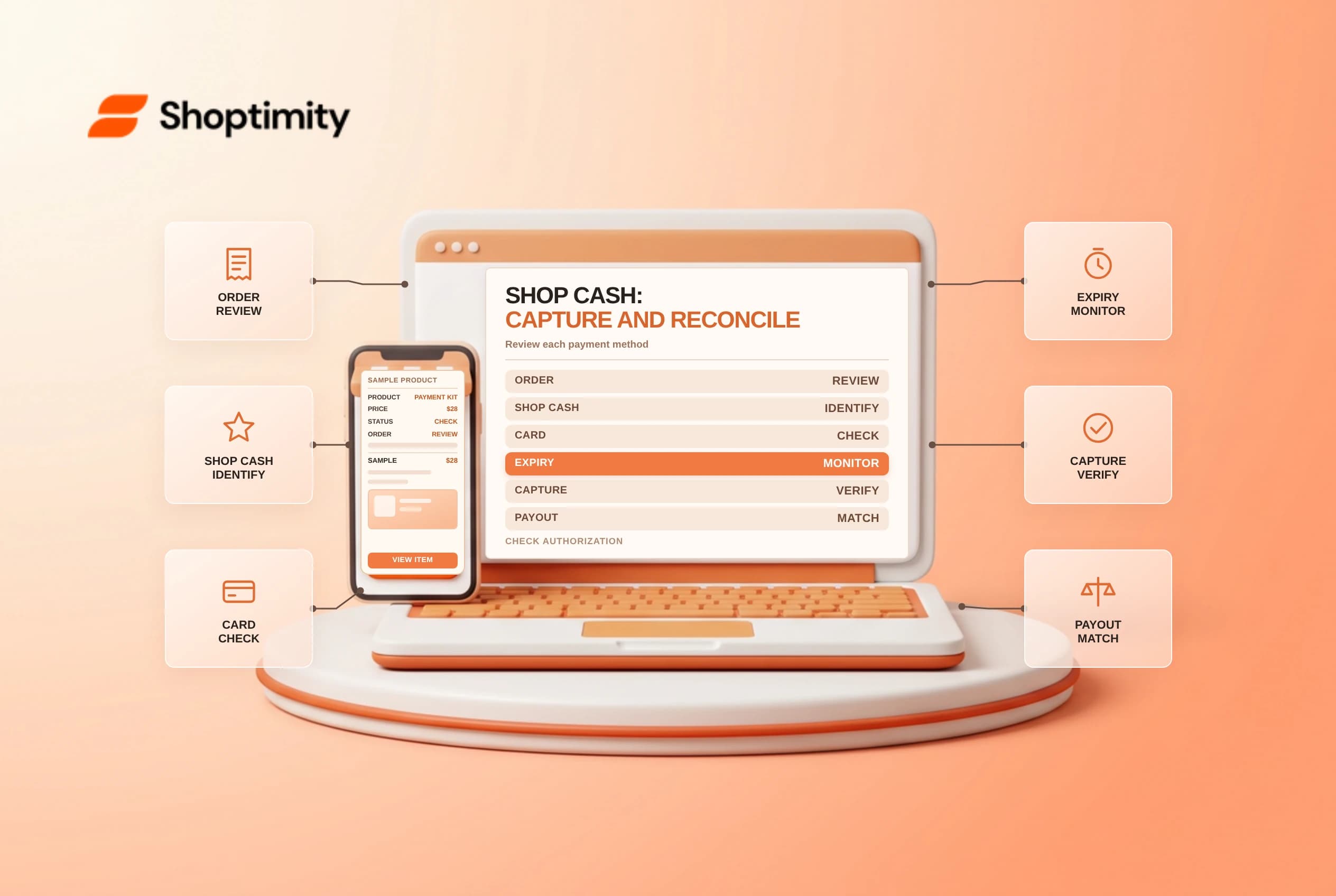
Shopify Shop Cash can be one part of an order paid with Shop Pay or Shop Pay Installments. Its authorization and capture rules differ from the card portion. Before using delayed capture or partial fulfillment, check each payment method and make sure the order-management and reconciliation processes can handle the difference.
Understand the separate authorization
Shopify's Shop Cash capture guide says Shop Cash authorizations are valid for approximately 30 days from order placement. Unfinished authorizations are then voided automatically during a daily process. Extended authorization periods for cards or Shop Pay Installments do not extend the Shop Cash window.
| Payment component | Review |
|---|---|
| Shop Cash | Separate authorization and approximately 30-day window |
| Card or installments | Its own authorization and capture terms |
| First successful Shop Cash capture | Captures the full authorized Shop Cash amount |
| Later partial captures | Apply to the remaining payment method, where supported |
| Expired or voided Shop Cash | Review the error and contact Shopify Support as appropriate |
Shopify says Shop Cash does not support partial captures or multiple captures against one Shop Cash authorization. The first successful capture takes the full authorized Shop Cash amount. Do not assume that each shipment captures a proportional share of every payment method.
Review a split-fulfillment example
Suppose an order has a Shop Cash component and a card component, and the merchant ships items in two stages. If the first capture succeeds, the entire authorized Shop Cash portion is captured at that point. Later captures concern the remaining payment method, subject to its own provider support and authorization. This is an illustration of payment allocation, not a promise that every order is eligible for multiple captures.
Before accepting delayed-fulfillment orders, confirm the dates and supported capture settings with the payment and fulfillment teams. Shopify says a merchant cannot re-authorize Shop Cash through a merchant-facing API. If it has expired or been voided, review the transaction and contact Support for guidance rather than assuming the card's longer authorization fixes it.
Build a safe operating checklist
Monitor orders awaiting capture, especially preorders expected to ship after approximately 30 days. Shopify recommends capturing Shop Cash within the window whenever possible and capturing the Shop Cash and other payment method together when the workflow allows. Any change to the payment or fulfillment flow needs the appropriate approval and a clear customer communication.
| Check | Owner action |
|---|---|
| Order payment methods | Identify Shop Cash separately from card or installments |
| Authorization age | Flag delayed orders before the window closes |
| Partial shipment | Confirm the first capture's allocation |
| Capture error | Review the order transaction and escalation route |
| External OMS | Support multiple payment methods on one order |
| Payout reconciliation | Match Shop Cash and card activity separately |
Use authorized test data and the provider's test capabilities. Do not capture a live customer's funds solely to test an integration. When reconciling, compare order transactions with payout records and investigate missing or duplicate entries before making manual corrections.
Handle exceptions and customer questions
If capture fails, inspect the specific transaction and determine whether retry is appropriate. Do not promise an expired authorization can be restored or ask customers for card details by email. Follow Shopify Support's guidance and the store's approved payment process.
Related guides: manual payment capture and payout reconciliation. Feature availability, provider rules and regional eligibility can change; verify the store's configuration before publication or rollout.
Ready to build a faster, higher-converting store?
Every Shoptimity theme ships with conversion widgets built in — so you get speed and features without stacking apps.
7-day free trial · all themes included · cancel anytime
Continue Reading
Shopify Flow Fulfillment Order Moved: Location Alerts
Build an internal alert for moved fulfillment orders and verify location changes with your third-par...
ShopifyQL Timeseries: Show Missing Months in Sales
Use ShopifyQL TIMESERIES to expose empty reporting periods and compare them with GROUP BY results ca...
Shopify Flow Return Declined: Build a Review Handoff
Set up a cautious Shopify Flow return-declined review and distinguish internal reasons from customer...