
Shopify SKU vs Barcode: A Product Identification Guide
title: Shopify SKU vs Barcode: A Product Identification Guide slug: shopify-sku-vs-barcode-inventory-guide meta_title: Shopify SKU vs Barcode: Product Identification meta_description: Compare Shopify SKU vs barcode uses, learn how GTINs differ and plan safe identifier changes across inventory and fulfillment systems for store teams. primary_keyword: Shopify SKU vs barcode secondary_keywords:
- Shopify merchant guide
- ecommerce operations author: The Shoptimity Team date: 2026-11-03 category: Operations schema: BlogPosting, FAQPage
Shopify SKU vs Barcode: A Product Identification Guide
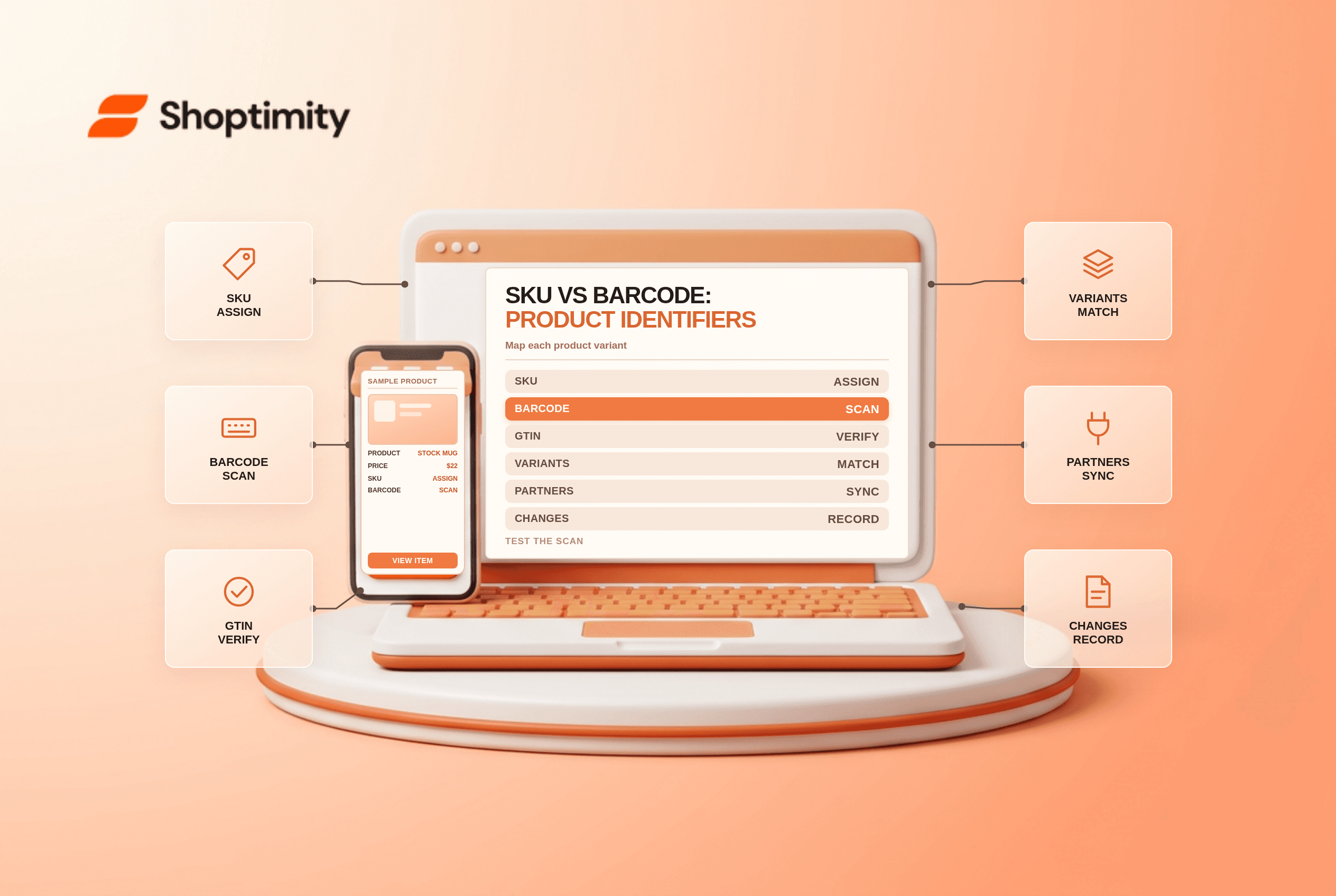
A Shopify SKU vs barcode comparison starts with purpose. A SKU is an internal code used to distinguish and manage stock; a barcode is a scannable symbol encoding a value. Some barcode values are standardized product identifiers such as GTINs, while others are internal. A SKU and a GTIN should not be treated as interchangeable just because both identify an item.
Identify each code
| Identifier | Main use | Who defines it? | Example format |
|---|---|---|---|
| SKU | Internal inventory and reporting | Merchant or operating system | MUG-BLK-12 |
| GTIN | Standardized identification of a trade item | Assigned through a recognized standards process | A UPC or EAN value |
| Barcode symbol | Machine-readable representation of a value | Depends on the barcode system | Printed lines or another supported symbol |
| Marketplace identifier | Listing within a marketplace | The marketplace | A platform-specific product ID |
MUG-BLK-12Shopify's SKU guide recommends unique SKUs for product variants. Its barcode guide distinguishes GTINs from other barcode types and says a product or variant can have multiple barcode values. Check the requirements of every sales channel and fulfillment partner before changing identifiers.
Build a practical SKU scheme
Use short, consistent components that staff can recognize, such as product family, color and size. For example, MUG-BLK-12 and MUG-WHT-12 identify two distinct variants. These are illustrative internal SKUs, not GTINs. Avoid encoding changeable information such as the current selling price, and avoid confusing characters if the team enters codes manually.
Keep a central mapping of SKU, variant ID, product name, barcode, location and active status. Shopify recommends that no two variants share the same SKU for effective tracking and reporting. If existing duplicates exist, investigate the connected systems before changing them.
Understand GTINs and barcode labels
A GTIN can identify a product across participating supply chains. If you resell a branded product, ask the manufacturer for the correct identifier. If you manufacture your own products and need GTINs, consult GS1 and the requirements of your market and channels. Do not invent a GTIN or reuse one simply to satisfy a form.
An internal warehouse barcode can encode an internal identifier and may be adequate for a specific workflow, but it is not automatically a globally recognized GTIN. Shopify's barcode terminology guide explains several barcode formats and recommends unique barcodes for variants.
Change identifiers carefully
Before editing a live SKU, list every dependency: point of sale, warehouse, marketplace listings, purchase orders, returns systems, reports and third-party integrations. Some services require a stable SKU and might interpret a change as a new item. Obtain partner instructions, preserve the old-to-new mapping and test a representative variant before a bulk change.
Print a sample label and scan it with the actual device. Confirm the scan resolves to the intended variant and that the printed label stays legible on the packaging. Then check receipt, pick, return and inventory-adjustment workflows at each location.
Audit routinely
- Flag duplicate or blank SKUs and confirm whether they are intentional.
- Check that variant attributes match the recorded identifiers.
- Validate GTINs against the manufacturer or standards source where required.
- Test a sample of physical labels and connected channels.
- Record changes, ownership and rollback procedures.
For adjacent product-data work, see product CSV import checks and EU product identifiers.
Ready to build a faster, higher-converting store?
Every Shoptimity theme ships with conversion widgets built in — so you get speed and features without stacking apps.
7-day free trial · all themes included · cancel anytime
Continue Reading

Shopify B2B Company Locations: Give Buyers the Right Access
Configure Shopify B2B company locations, verify buyer permissions and test pricing, addresses and pa...

Shopify Checkout Contact Settings: Separate Email From Shipping Phone
Configure Shopify checkout contact settings and test email, phone and shipping address requirements ...

Shopify POS Recent Carts: Share a Sale Without Reserving Stock
Learn how Shopify POS recent carts work across devices, what they do not reserve, and how to hand of...