
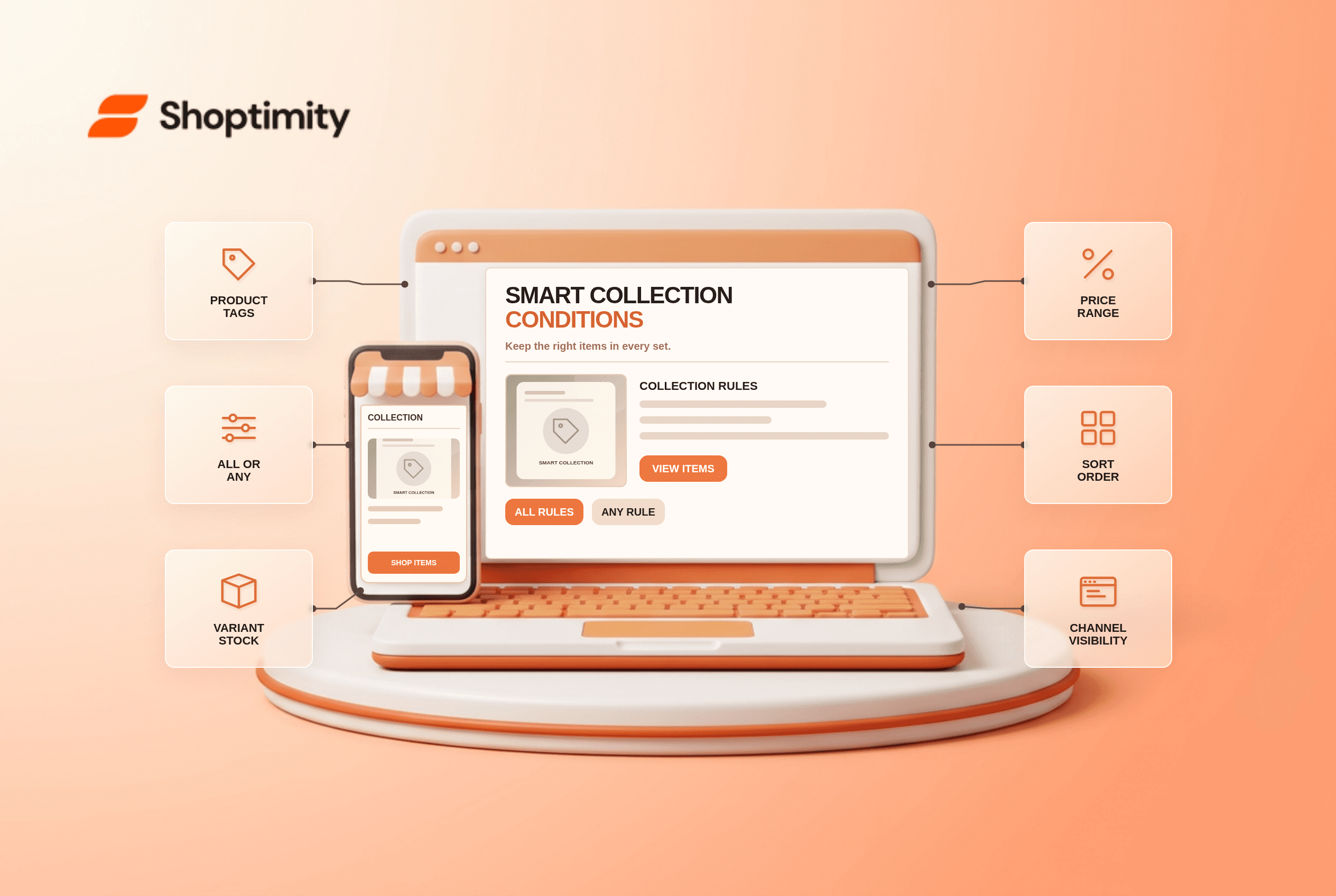
Shopify smart collection conditions decide which products enter an automatically managed collection. If a product is missing, the cause may be an exact tag, an all-versus-any rule, a variant's stock or the collection's sales-channel visibility. Reordering product cards in a theme will not add a product that fails the collection's underlying selection rules.
How do smart collection conditions select products?
A smart collection evaluates the rules you create against product data. Shopify's smart-collection setup guide calls formerly automated collections “smart collections.” You can match all conditions or any condition, then set a display sort order. Its condition reference covers titles, types, vendors, tags, product categories, prices, stock and eligible metafields.
“All” narrows the set to products satisfying every rule; “any” broadens it to those satisfying at least one. A collection tagged summer or priced below a threshold can include unrelated discounted products if the merchant meant to require both. Write the intended audience in plain English before choosing the matching logic.
What should you check when an item is missing?
Compare one expected product with one unexpected product. This paired test shows exactly which rule fails.
- Open the collection's conditions and note whether it uses all or any matching. Record each operator, value and type.
- Open the product and inspect its actual tag, category, vendor and variant information. Shopify's tag equality needs the exact tag, not a similar phrase.
- If the rule uses stock, check every variant. Shopify says a product can match an inventory-positive condition when any variant has stock.
- If the rule uses price, test the numerical boundary. The documented operators include “greater than” and “less than,” not an inclusive “greater than or equal to.”
- Verify that the collection and product are available on the intended sales channel. A matching item can still be absent from the storefront when publication differs.
- Wait for any update, then check the collection page and sort order in a fresh browser session. Document the condition changed and the resulting membership.
Shopify says smart collections can have at most 60 conditions, and you can create up to 5,000 smart collections. Those are ceilings, not a recommended merchandising strategy. A clean set of a few rules is easier to audit than dozens of overlapping tags.
Why is an out-of-stock product included?
The stock condition can be satisfied by one variant. A shirt with four sold-out sizes and one in-stock size may still appear in a stock-filtered collection. Shopify's variant-condition explanation explicitly describes that behavior. If your aim is to exclude a product when a particular variant is unavailable, a collection-level rule may not express the experience you want. Test the actual product page and variant selector instead of assuming the collection card represents every size.
A sale collection also needs careful compare-at-price handling. Shopify says an empty compare-at value differs from zero, and variant values can affect whether the product matches. Check the product-level outcome rather than editing only the collection title. Our product-category guide gives context for taxonomy fields; it may still be a draft.
What should the theme do?
Display the selected products clearly; let Shopify choose membership. Shoptimity themes can control card layout, badges and collection navigation, but not the result of a bad smart-collection rule. Our filter troubleshooting guide covers a different problem: filters applied inside a collection. We checked Shopify's documentation, not your product feed or collection settings. Audit the rules against real SKUs before publishing a sale page.
Ready to build a faster, higher-converting store?
Every Shoptimity theme ships with conversion widgets built in — so you get speed and features without stacking apps.
7-day free trial · all themes included · cancel anytime
Continue Reading

Top Shopify Theme for Wholesale: A 2026 Buyer's Guide
You've just spent weeks sourcing inventory and building supplier relationships. But when you launch ...

Ecommerce Return Status Updates: Separate Request and Refund
Ecommerce return status updates should separate request, label, receipt, inspection and refund so sh...

Ecommerce Delivery Delay Updates: Show the New Reality
Ecommerce delivery delay updates should replace stale promises with a dated revised estimate, clear ...