
Shopify Store Currency Change: Audit Prices, Gift Cards and Shipping
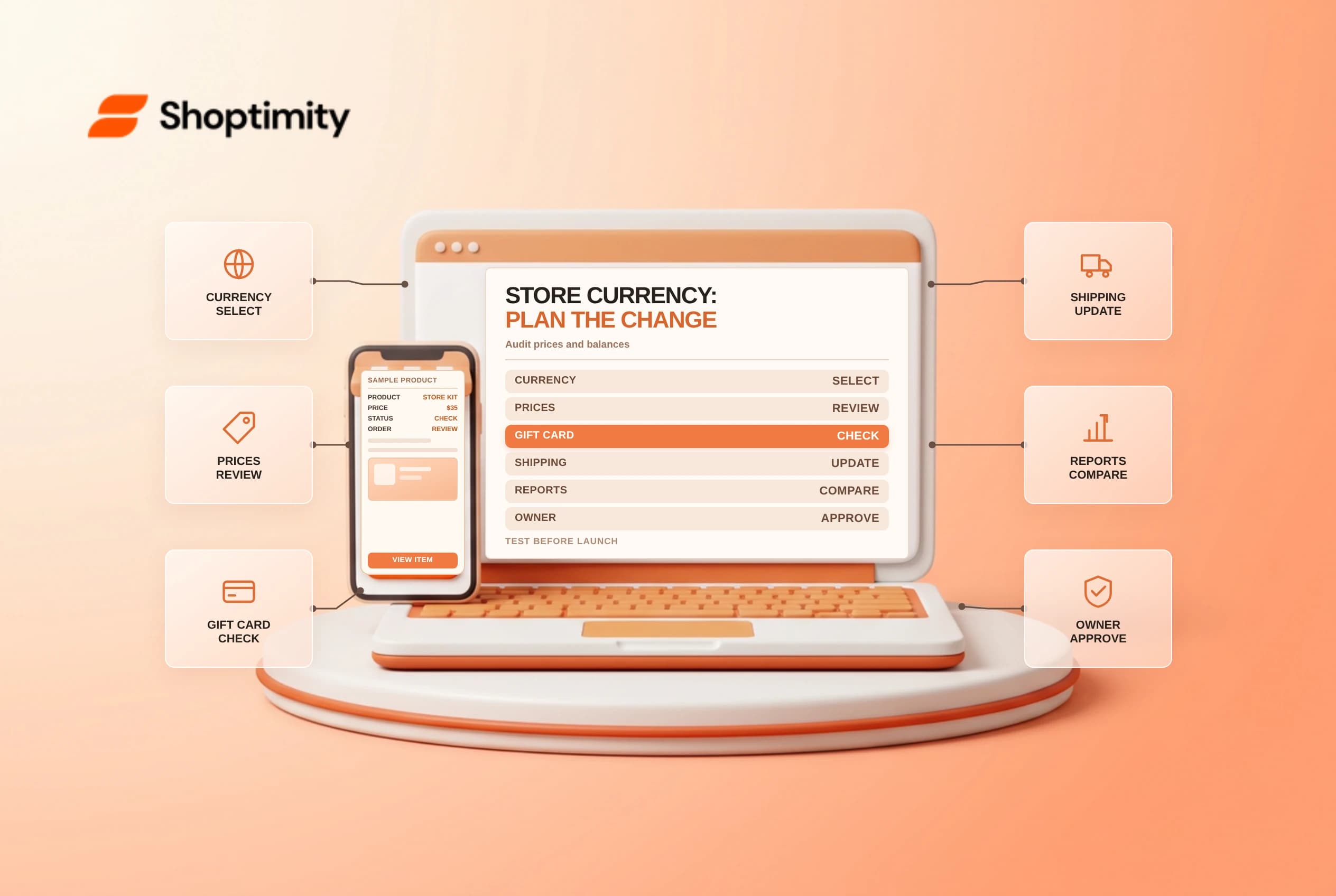
A Shopify store currency change affects more than the symbol shown in admin. Product price amounts are not automatically converted to an equivalent value, existing shipping rates need attention and gift cards can become unusable at checkout. Treat the change as a coordinated finance and customer-service project, not a display preference.
Distinguish store currency from local pricing
Shopify's store currency guide says store currency is used for product pricing and reporting in admin. Changing it is different from letting customers see a local currency through Markets. Only the store owner can change store currency; check current account and payment-provider requirements before scheduling the work.
| Area | Documented impact or review |
|---|---|
| Product prices | Currency changes but numeric amount does not automatically convert |
| Discounts | Review amounts and eligibility in the new currency |
| Shipping rates | Existing rate amounts and currency do not automatically update |
| Gift cards | Original balances remain in their issued currency |
| Reports and refunds | Currency changes can affect interpretation and values |
| Apps and markets | Verify currency compatibility and configuration |
For example, Shopify says a product priced at 20 USD becomes 20 CAD after a USD-to-CAD store currency change; it does not become the exchange-rate equivalent automatically. This is an illustration, not a recommended price.
Assess the gift card exposure
Shopify's gift card currency guide says cards retain their original currency and balance. A card whose currency is no longer offered at checkout might not be redeemable even while it appears active. If the original currency becomes available again, Shopify says redeemability is restored. For a permanent change, the guide describes deactivating affected cards and issuing replacements.
Deactivation is consequential and gift card law varies. Before taking action, reconcile outstanding balances, verify customer identity and have finance and legal review the proposed replacement method. Never publish gift card codes or assume that an active status proves the card works in the new checkout currency.
Build a controlled change plan
Export and securely retain the approved price list, discounts, shipping settings, gift card liabilities and financial reports. Have owners for tax, payments, fulfillment, apps and customer communication. Confirm the payment provider's eligibility and whether Shopify Support needs to be involved; requirements can depend on account history and configuration.
| Workstream | Before and after check |
|---|---|
| Pricing | Recalculate and approve each affected amount |
| Shipping | Recreate and test rates in the intended currency |
| Gift cards | Reconcile outstanding balances and replacement process |
| Markets | Review local prices, rounding and checkout currencies |
| Returns | Determine refund treatment for older orders |
| Apps and accounting | Test integrations, exports and historical reporting |
Set a maintenance window and a rollback decision point. A currency change and its consequences may not be safely reversible by simply switching back after new transactions have occurred. Test representative products, rates, discounts and an authorized checkout before resuming normal operations.
Reconcile after the change
Compare product prices and shipping rates with the approved list, then review the first transactions and payout records with finance. Investigate differences before manually changing balances. Shopify notes that reports and refunds can be affected by currency changes, so retain dated evidence of what was changed and when.
Tell customer service how to handle older gift cards and orders. Avoid promising an exchange rate or legal outcome until the approved policy is confirmed. Related guides: Markets pricing and gift card support.
Ready to build a faster, higher-converting store?
Every Shoptimity theme ships with conversion widgets built in — so you get speed and features without stacking apps.
7-day free trial · all themes included · cancel anytime
Continue Reading
Shopify Flow Variant Added vs Deleted: Safe Alerts
Compare Shopify Flow variant added and deleted triggers, understand the default-variant exception, a...
Shopify Flow Workflow Error Trigger: Alert Limits
Use the Shopify Flow workflow error trigger to route internal alerts, understand the 30-day suppress...
Shopify Flow Fulfillment Rescheduled: 3PL Alerts
Build Shopify Flow fulfillment rescheduled alerts for third-party services, review affected assignme...