
Shopify Markets Pricing: Catalogs, Conversion and Rounding
title: Shopify Markets Pricing: Catalogs, Conversion and Rounding slug: shopify-markets-pricing-catalogs-conversion meta_title: Shopify Markets Pricing: Catalogs and Conversion meta_description: Review Shopify Markets pricing, fixed catalog prices, currency conversion, rounding, inheritance and practical checks for safer rollout testing. primary_keyword: Shopify Markets pricing secondary_keywords:
- Shopify merchant guide
- ecommerce operations author: The Shoptimity Team date: 2026-11-03 category: Operations schema: BlogPosting, FAQPage
Shopify Markets Pricing: Catalogs, Conversion and Rounding
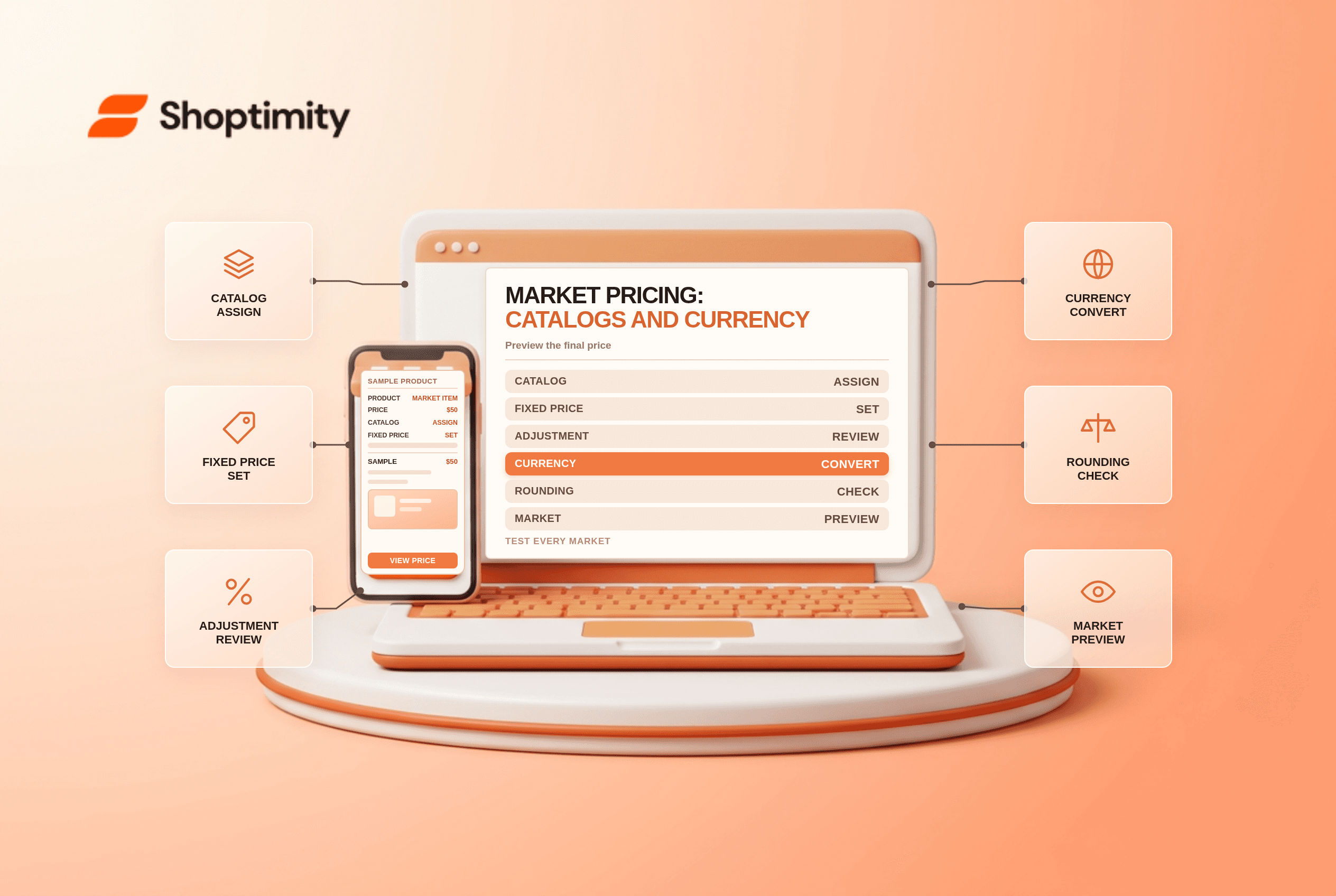
Shopify Markets pricing can combine catalog prices, market currency conversion and rounding. A fixed catalog price is not the same as a percentage adjustment, and the price entered in one currency may still be converted for a customer whose market uses another currency. Test the final shopper experience before a pricing rollout.
Compare the main controls
| Control | Purpose | Important check |
|---|---|---|
| Catalog price adjustment | Raise or lower a group of prices by a percentage | Verify which products and compare-at prices are affected |
| Fixed product price | Set a specific price for a product or variant | It overrides the catalog's overall adjustment |
| Currency conversion | Translate prices into the market currency | Rate and conversion fee affect economics |
| Rounding | Adjust converted price endings | Review the final displayed amount |
| Market assignment | Decide which catalogs apply | Inheritance and overlapping catalogs affect the result |
Shopify's catalog guide says a manually set product price overrides the catalog's overall percentage adjustment. It also describes how parent and submarket catalogs interact; when equally specific applicable catalogs price the same item differently, the lower price can be displayed.
Work through a simple example
A product has a $50 base price. A catalog's 10% increase produces $55 before other applicable conversion or rounding. If you instead set a fixed $52 price for that product in the catalog, Shopify says that fixed price overrides the overall catalog adjustment. This is a simplified illustration; taxes, other applicable catalogs, currency and market settings can affect the shopper's final price.
Shopify says customers browse and pay in their market currency, regardless of the catalog's pricing currency. Confirm the eligible payment setup and market settings; a fixed catalog price does not automatically mean an identical numeric price in every shopper currency.
Understand conversion and rounding
Shopify's market-currency guide distinguishes dynamic and manual exchange rates. With dynamic rates, the documented conversion fee is included in the displayed price; with a manual rate, the fee is reflected in payouts rather than automatically added to the displayed price. Check the current rate, fee and payout currency for your store.
Rounding is applied after conversion and applicable price adjustments. Preview actual prices for each market, particularly low-priced items where a small absolute change can be a large percentage. Also check discounts, tax display and shipping rather than treating product price as the whole landed cost.
Watch catalog inheritance
An item can appear in more than one applicable catalog. Shopify describes more-specific market pricing taking precedence and lower prices being used when competing catalogs are equally specific. Map parent markets, submarkets and catalog assignments before importing a large price change.
A scheduled rollout changes a catalog's status; Shopify warns that other edits to an active catalog can become visible immediately. A future rollout is not a staging area that holds every price edit. Keep a copy of the current configuration and test on a limited scope before changing a live catalog.
Test and reconcile
- Select representative products, variants and markets.
- Record base price, fixed price, adjustment, currency and rounding settings.
- Use View as for the market and inspect the displayed price calculation.
- Test the product, cart and checkout with an eligible payment method.
- Compare the payout with product cost, shipping, tax and conversion fees.
- Review after exchange-rate or catalog changes.
For the broader setup, see the Markets localization checklist and contribution-margin guide.
Ready to build a faster, higher-converting store?
Every Shoptimity theme ships with conversion widgets built in — so you get speed and features without stacking apps.
7-day free trial · all themes included · cancel anytime
Continue Reading

Shopify B2B Company Locations: Give Buyers the Right Access
Configure Shopify B2B company locations, verify buyer permissions and test pricing, addresses and pa...

Shopify Checkout Contact Settings: Separate Email From Shipping Phone
Configure Shopify checkout contact settings and test email, phone and shipping address requirements ...

Shopify POS Recent Carts: Share a Sale Without Reserving Stock
Learn how Shopify POS recent carts work across devices, what they do not reserve, and how to hand of...