
Shopify Gift Card Balance: Help Customers Without Exposing Codes
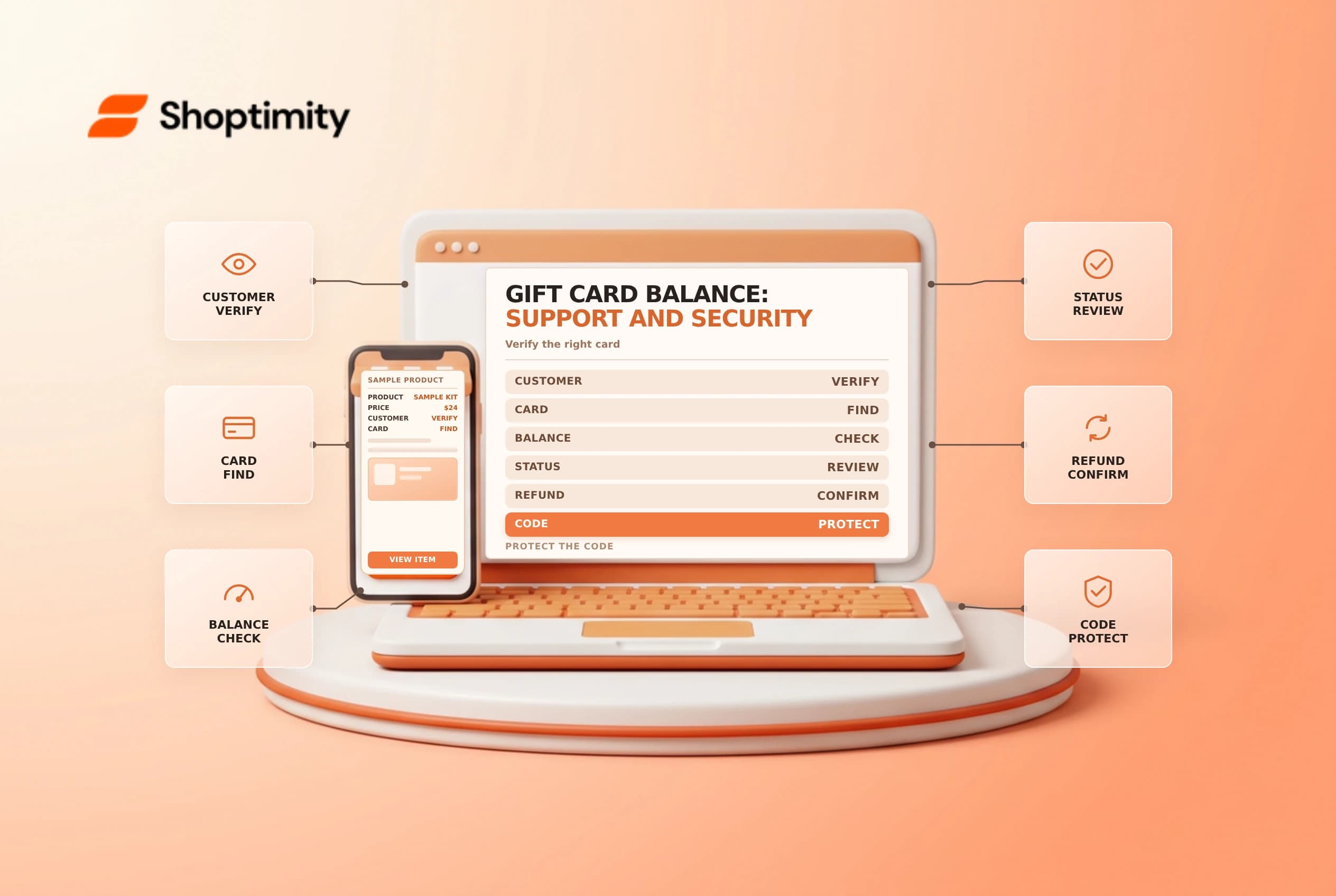
A gift card balance can change after a purchase, a refund or an adjustment. When a customer asks about the remaining value, verify the right card and its status without asking them to send a full gift card code in an insecure message.
Find the balance safely
Shopify's gift card management guide describes the initial and current balance, currency, status and expiration on a card's details. Confirm the customer's identity using your store's support process and find the card using the permitted information. A four-character match alone may not uniquely identify a card; compare it with the order or customer details before acting.
A customer can also open the gift card page using the link in their gift card email to check the balance, according to Shopify's redemption guide. Treat that link and the full code like payment credentials. Don't put them in public tickets, shared spreadsheets or screenshots.
| Check | Why it matters |
|---|---|
| Current balance and currency | The original amount may no longer be available |
| Active or deactivated | Status affects whether the card can be used |
| Expiry, if any | An expired card may require a different support path |
| Order and recipient | Similar last characters can refer to different cards |
Explain what the balance covers
Shopify says a gift card can apply to the whole order total, including taxes and shipping. If it does not cover the total, the customer is prompted for another payment method for the remainder; another gift card may also be used. Confirm the actual checkout outcome rather than promising a specific split before testing.
For a refund to a previously used gift card, check the order's payment and refund details first. Shopify notes that an expired gift card cannot receive a refund until its expiry is edited. Any change should follow the store's policy and applicable local rules; don't change expiry dates casually.
Reconcile without inventing a liability number
A card-level balance answers a different question from the store-wide outstanding balance report. Use the finance report guidance and your accountant's treatment for reconciliation. For related decisions, see gift card setup and store credit versus refunds.
Handle a balance question step by step
First confirm whether the person is the purchaser or recipient and use the store's approved verification process. Locate the card with authorized details, then compare the displayed customer, order and currency. If several cards share the same last characters, do not choose one until another reliable identifier confirms it. Give the current balance through an appropriate private channel without exposing the full code.
If the customer expected a different balance, inspect the card's recent activity and the associated order before proposing a correction. A payment may have used only part of the card, or a refund may be pending or directed according to the order's available refund options. Don't infer an adjustment solely from a customer's screenshot. Escalate unexplained activity under the store's fraud and support procedures.
For a lost email, use the supported resend option where available and verify the destination address. Avoid pasting a live gift card URL into a public conversation. Record only the minimum information needed for the case, with access restricted to staff who need it. Where local law affects expiry or refunds, refer the decision to the appropriate policy owner.
Ready to build a faster, higher-converting store?
Every Shoptimity theme ships with conversion widgets built in — so you get speed and features without stacking apps.
7-day free trial · all themes included · cancel anytime
Continue Reading

Shopify B2B Company Locations: Give Buyers the Right Access
Configure Shopify B2B company locations, verify buyer permissions and test pricing, addresses and pa...

Shopify Checkout Contact Settings: Separate Email From Shipping Phone
Configure Shopify checkout contact settings and test email, phone and shipping address requirements ...

Shopify POS Recent Carts: Share a Sale Without Reserving Stock
Learn how Shopify POS recent carts work across devices, what they do not reserve, and how to hand of...