
Shopify Themes With Sticky Add to Cart: Which Ones Actually Convert in 2026
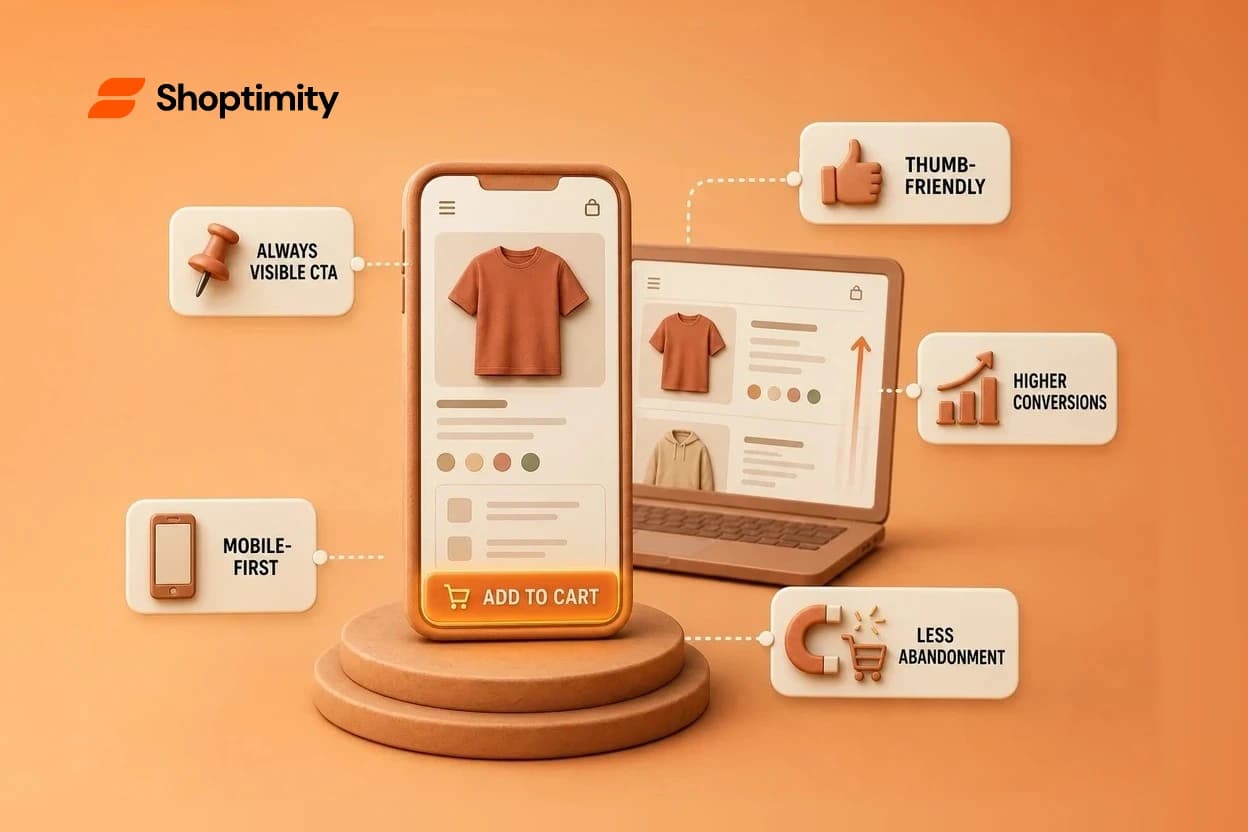
A sticky add to cart button stays visible as customers scroll through your product page. It's one of the most effective conversion optimizations available, especially on mobile where most sales happen. Keeping your call-to-action visible while shoppers scroll can mean 20%, 30%, or more in recovered abandonment.
TL;DR: Shopify themes with native sticky add to cart include Impact and Prestige, plus Booster and Symmetry. Prestige uses basic show/hide toggles in the theme editor. If your theme lacks this feature, you can add sticky add to cart with free code or third-party apps like SEOAnt, though free code is lighter on page speed. Most merchants should enable it unless your products are genuinely complex and require lots of scrolling to understand.
What Is a Sticky Add to Cart Button
A sticky add to cart button is a persistent checkout prompt that stays fixed in place (usually at the bottom or top of the screen) while customers scroll through product images, descriptions, reviews, and variants. Instead of forcing shoppers to scroll back to the original "Add to Cart" button, a sticky version keeps the purchase action one click away at all times.
It's a UX pattern borrowed from high-converting SaaS landing pages and luxury e-commerce sites. On Shopify, it appears as a bar, floating button, or anchored section locked to the screen. The same call-to-action (quantity selector, variant picker, add button) lives in the sticky zone, so customers never lose sight of checkout.
Why Sticky Add to Cart Buttons Matter for Your Bottom Line
Removing friction from the purchase path lifts conversion rate. When a customer is ready to buy but has to scroll back to the top to click "Add to Cart," some will abandon. Others get distracted or leave to comparison shop. A sticky version eliminates that friction.
Top Shopify themes are optimized for conversion, and many now bundle sticky add to cart as a core feature. The reason is measurable: sticky CTAs improve click-through rates on longer product pages where scroll depth matters. In fact, premium Shopify themes for fast brand growth often include this as a standard conversion feature.
For mobile shoppers (your majority), the impact is sharper. A thumb-friendly sticky button at the bottom eliminates the need to scroll back up. If you're running paid ads to dropshipping or premium brand stores, keeping the add-to-cart button visible cuts your cost per conversion.
Shopify Themes With Native Sticky Add to Cart Built In
Impact and Prestige both ship with native sticky add to cart features. Booster and Symmetry round out the options. These themes treat sticky add to cart as table stakes for conversion-focused stores.
Prestige offers the most straightforward setup. Go to your theme editor, select the product page, and toggle the "Show sticky add to cart" setting on or off. The feature is limited to basic show/hide functionality with minimal customization beyond that. It works, it's native, and there's no app fee or code overhead.
Impact and Booster bundle sticky add to cart alongside other conversion tools like quick-buy prompts and countdown timers. This matters if you're A/B testing or layering multiple micro-conversions into your product pages.
Symmetry offers sticky add to cart integrated into its overall conversion toolkit.
If you use Shopify's free Dawn theme or another theme without this feature built in, you have two paths: add it via free code or use an app. Free code is lighter on page weight and costs nothing, but it requires theme editor access and basic Liquid knowledge. An app deploys faster if you're not comfortable with code, though it adds monthly billing. How to choose a Shopify mobile first theme can help you evaluate themes with built-in conversion features like sticky add to cart.
How to Add Sticky Add to Cart to Any Shopify Theme
If your current theme doesn't have sticky add to cart native, you can still add it.
Free code approach: Developers share free code snippets (often on GitHub or in Shopify forums) that inject a sticky add to cart bar into your theme. These typically duplicate the add-to-cart section into a fixed-position overlay and hide/show it based on scroll depth. The upside: zero monthly cost and lightweight JavaScript. The downside: you need theme editor access and comfort reading Liquid code. If something breaks after a theme update, you'll need to debug it.
Third-party app approach: Apps like SEOAnt handle the logic for you. You install, configure visibility and styling in a UI, and the app injects the sticky bar into your store. This is faster for non-developers and requires no code knowledge, but it adds a monthly subscription (typically $10–20) and a small performance overhead from loading external JavaScript.
For most merchants scaling to mid-five or six figures, the app route is worth it. The conversion lift usually covers the subscription cost many times over, and not maintaining custom code pays for itself.
When You Might Want to Turn It Off
Don't assume sticky add to cart is always right. If your products are genuinely complex, say, you're selling custom furniture with 20+ configuration options, material swatches, and a detailed size guide, customers might need to read the entire page before buying. A sticky button could feel pushy or block content they need to review.
Similarly, if your product page is short and the original add-to-cart button is already visible without scrolling, a sticky version wastes screen real estate on mobile.
Test it. Run A/B tests with sticky add to cart on and off for a week or two. Track conversion rate, average order value, and bounce rate. On most stores, sticky add to cart wins. On some with high-friction, complex products, it won't. Your data will tell you.
Start Testing Sticky Carts Today
You now know which themes ship with sticky add to cart native and why it matters. Try a high-conversion theme free for 7 days with Shoptimity—no credit card required, cancel anytime.
7-day free trial · all themes included · cancel anytime
Continue Reading
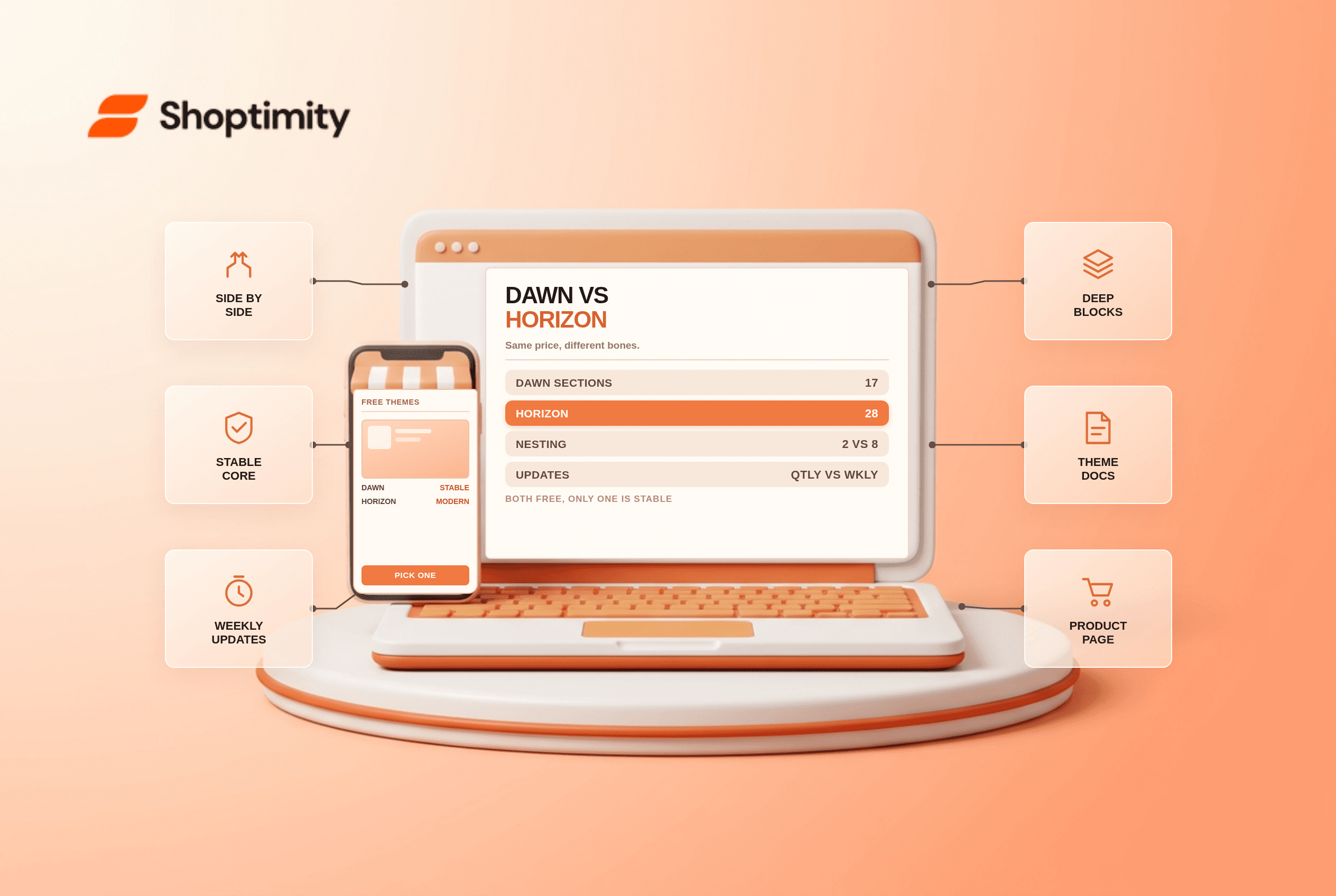
Shopify Dawn vs Horizon: Which Free Theme to Start With in 2026
Both free, very different builds. Horizon gives 28 sections and deep nesting, Dawn gives stability. ...
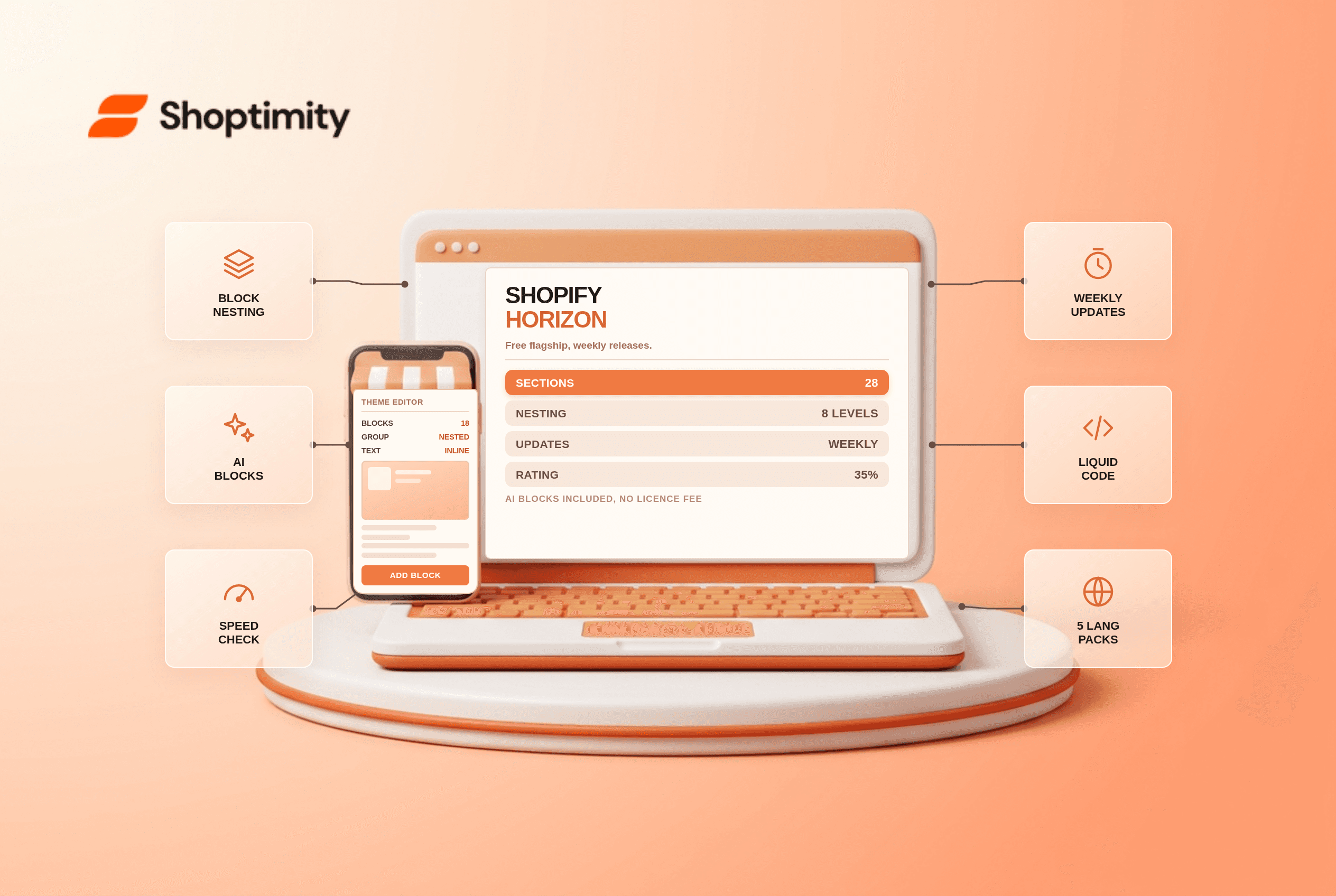
Shopify Horizon Theme Review 2026: The Best Free Theme, With a Catch
Horizon is free, block-based and AI-assisted, with a 35% merchant rating. What it does better than D...
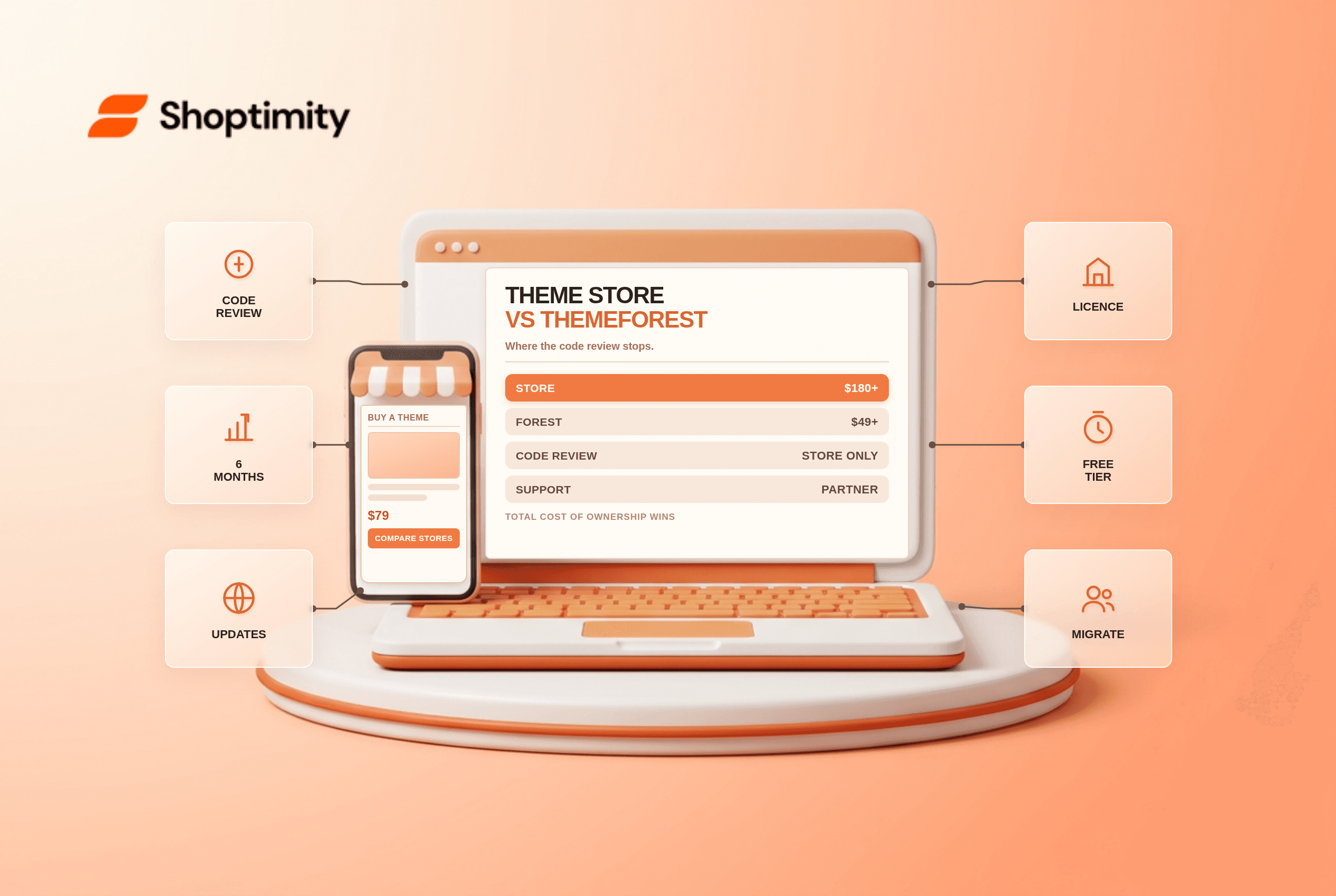
Shopify Theme Store vs ThemeForest: Where to Buy in 2026
Code review, support terms and update paths compared, plus the total cost of ownership that neither ...