
What Is Ecomelevate? A Shopify Merchant's Guide to Theme Capabilities & Alternatives in 2026
If you're shopping for a Shopify theme, you've probably seen Ecomelevate — marketed as "Elevate" — mentioned in forums and comparison posts. Before you decide anything, it's worth understanding what the theme actually claims to offer: some circulating comparisons understate its built-in feature set. This guide walks through what Ecomelevate says it delivers, what to verify yourself before switching, and how to think about the tradeoff between an all-in-one theme and a design-first theme with its own native tools.
TL;DR:
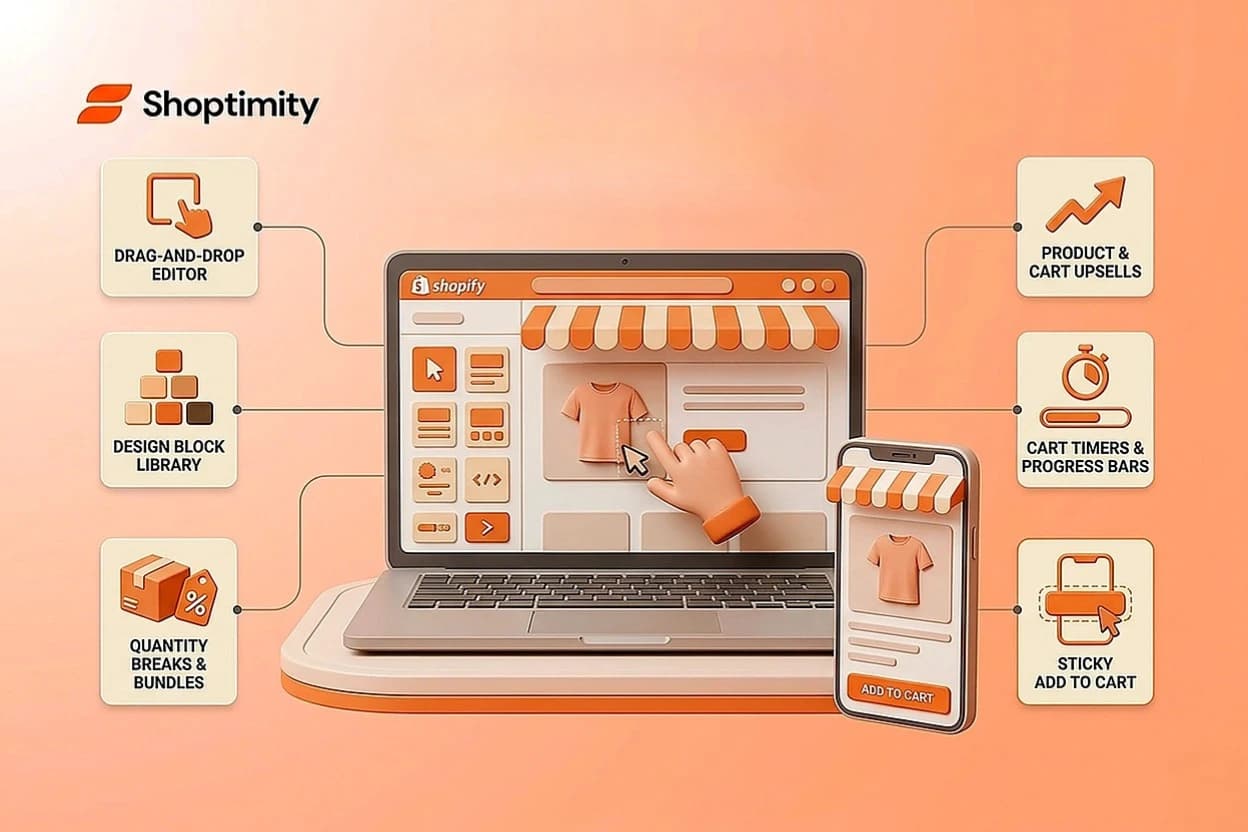
- Ecomelevate positions itself as a conversion-focused theme with a native CRO toolkit — its own product pages list quantity breaks, bundles, upsells, cart timers, progress bars, social-proof bars, and sticky add-to-cart blocks as built in, not bolt-on apps.
- It's also positioned as "design-first," leading with a drag-and-drop editor and a large design-block library — that's where a lot of its differentiation actually comes from.
- We don't have an independently sourced, apples-to-apples speed benchmark between Ecomelevate and other themes. Run your own PageSpeed Insights / Core Web Vitals test on a live Ecomelevate build before trusting any specific number, ours included.
- Before switching themes for conversion features, compare current feature lists directly on each vendor's own site — bundled features change with every release, and marketing claims (including ours) can go stale.
What Is Ecomelevate?
Ecomelevate is a Shopify theme, published as "Elevate," designed to help store owners customize their storefronts with visual design blocks. It's positioned as "design-first" — it leads with drag-and-drop layout customization and a library of design elements, so non-technical merchants can build a visually distinct store without hiring a developer.
According to Ecomelevate's own product pages, its native toolkit also includes conversion-focused blocks: subscription widgets, quantity breaks, bundles, product and cart upsells, free-gift blocks, cart timers, progress bars, social-proof bars, sticky add-to-cart bars, view counters, payment badges, and advertorial/listicle-style content blocks. That's a meaningfully broader native feature set than "basic upselling," and it's worth weighing directly against whatever alternative theme you're considering — don't take either vendor's marketing copy at face value; check the current feature list on both sites before you decide.
How to Actually Compare Ecomelevate to Other Conversion-Focused Themes
The right way to evaluate Ecomelevate against an alternative isn't a single "which theme has more features" number — feature counts get inflated or undercounted depending on how granularly each vendor defines a "feature," and the number changes with every release. Instead:
- Pull the current feature list from both vendors' own theme pages, not from a third-party comparison page that may itself be unsourced marketing from one of the two vendors. Check specifically for the tools your store needs — quantity breaks, sticky cart, upsells, quick view — rather than a total count.
- Install a trial or demo of each theme on a development store and run your own PageSpeed Insights and Core Web Vitals test. Theme speed depends heavily on which sections and apps you actually enable, not just the base theme — a generic "Theme A is faster than Theme B" claim without your own test isn't reliable.
- Check the pricing structure. Themes in this category are sold differently — subscription, one-time purchase, or tiered per-store licensing — and multi-store operators pay very differently depending on the model.
Built-In Tools vs. App Stack: What to Actually Check
Any theme — Ecomelevate, Shoptimity, or otherwise — can end up needing a third-party app if a specific feature you want isn't covered by its native toolkit, or if you need deeper customization than the built-in version supports (advanced segmentation, loyalty programs, subscription billing logic, and similar). The real question for your store isn't "does this theme have apps bolted on" — it's:
- Does the theme's native feature list cover what your store specifically needs, without an app?
- If not, what's the realistic monthly app cost to fill the gap, and does that change the math versus a different theme?
- How many of those native features will you actually use, versus paying — in subscription cost or page weight — for tools you won't touch?
Run that math against your own product catalog and traffic profile rather than a generic app-stack estimate. A five-app stack running $85–180/month is a real pattern for some stores, but it isn't automatically what an Ecomelevate store costs — it depends entirely on which of its native tools you use versus what you still need to buy separately.
When Ecomelevate Makes Sense, and When to Compare Further
Ecomelevate is likely a good fit if:
- You care most about visual distinctiveness and want a large library of design blocks to build a custom look.
- You want a native CRO toolkit (quantity breaks, upsells, cart timers, social proof) without assembling one yourself from several different apps.
- You're comfortable evaluating and configuring those native tools rather than wanting a narrower, more opinionated conversion-first layout.
It's worth comparing against alternatives if:
- You want a narrower, more opinionated theme built around a specific conversion mechanic — fewer options, less configuration — rather than a broad design-block library.
- Mobile page speed is critical to your paid-ad economics. In that case, benchmark the actual theme configuration you'd ship, not a generic score, before deciding either way.
- You're choosing primarily on pricing model (subscription vs. one-time vs. per-store licensing) — that's worth comparing on its own terms, independent of feature count.
Ready to build a faster, higher-converting store?
Every Shoptimity theme ships with conversion widgets built in — so you get speed and features without stacking apps.
7-day free trial · all themes included · cancel anytime
Continue Reading
Shopify Dawn vs Horizon: Which Free Theme to Start With in 2026
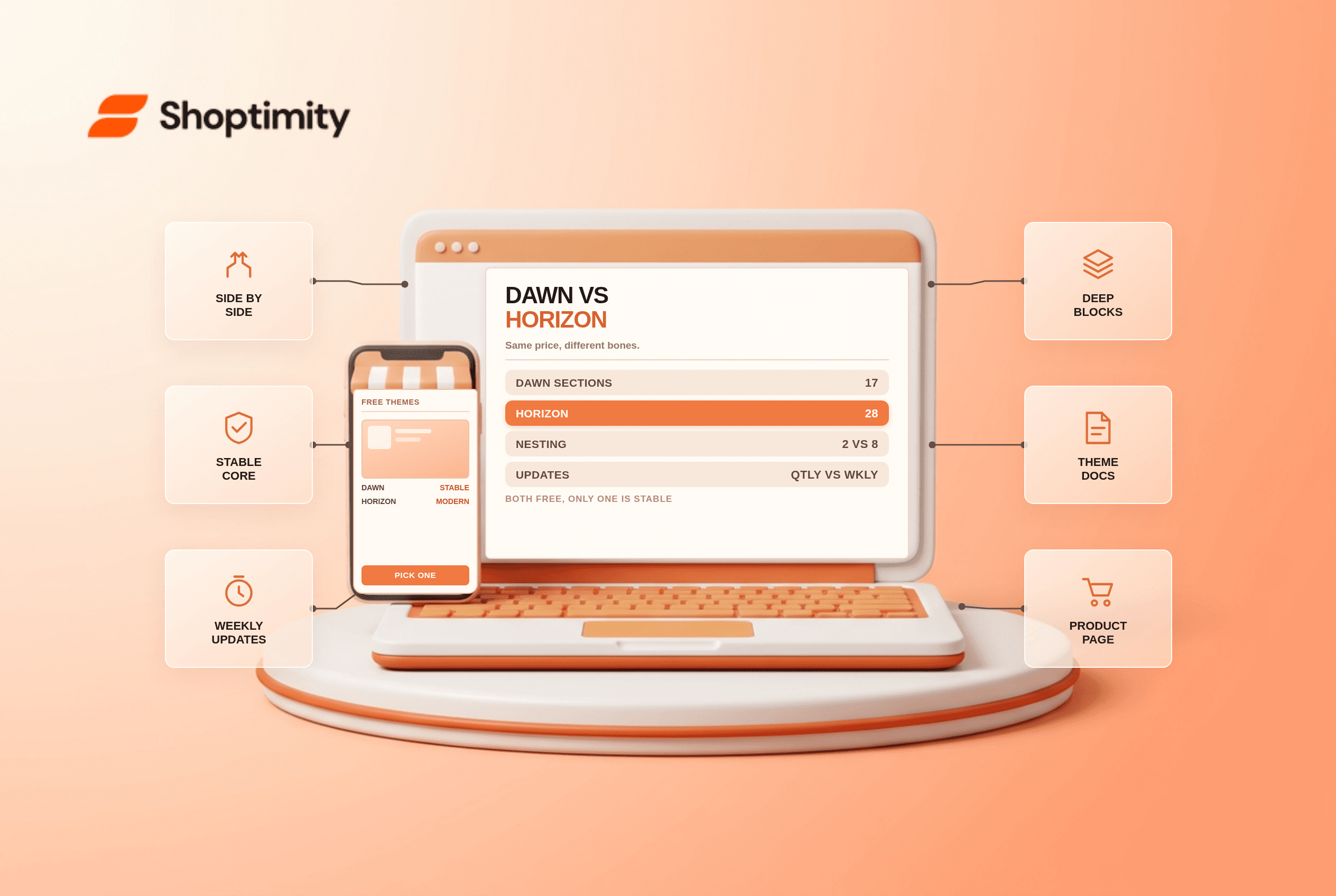
Both free, very different builds. Horizon gives 28 sections and deep nesting, Dawn gives stability. ...
Shopify Horizon Theme Review 2026: The Best Free Theme, With a Catch
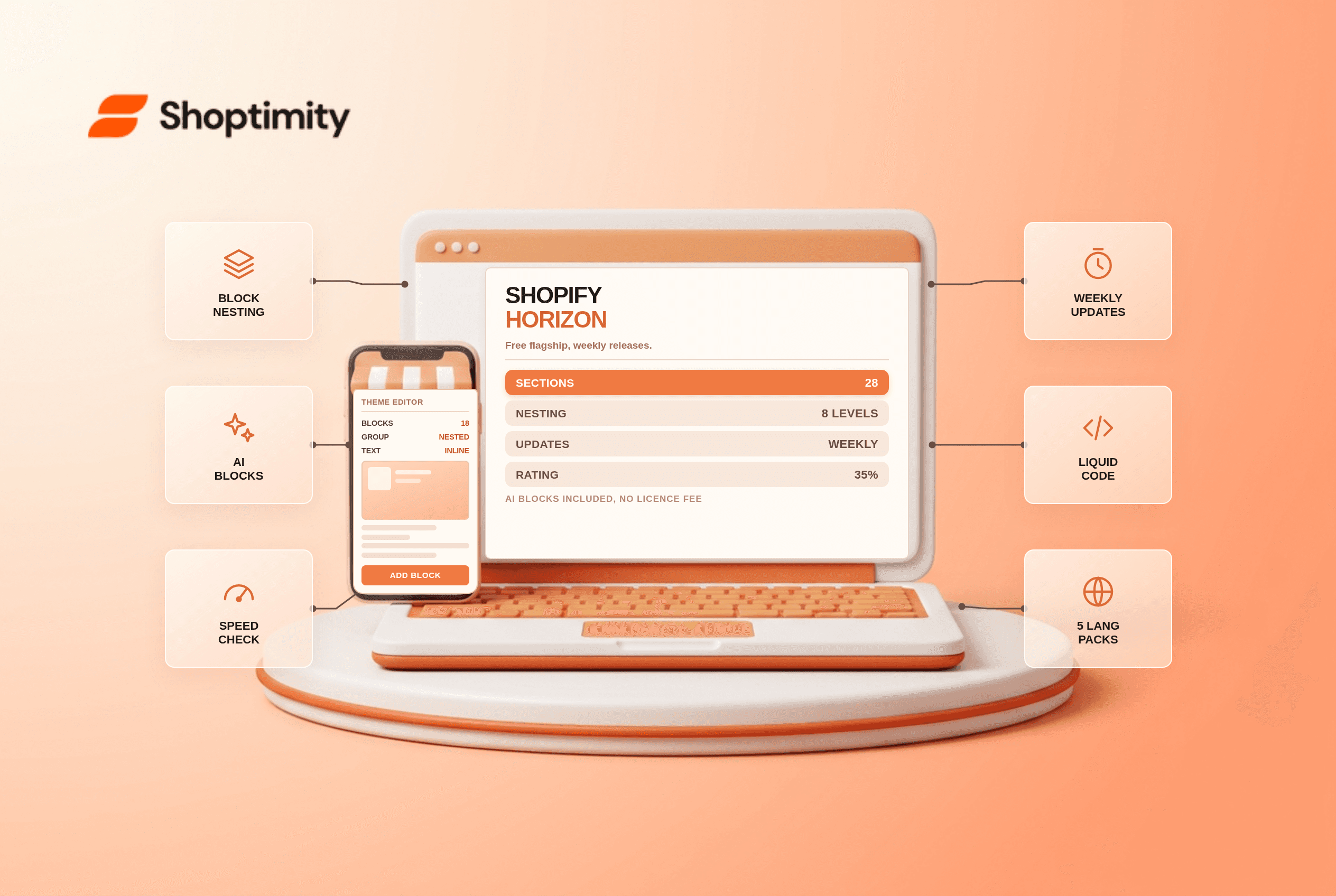
Horizon is free, block-based and AI-assisted, with a 35% merchant rating. What it does better than D...
Shopify Theme Store vs ThemeForest: Where to Buy in 2026
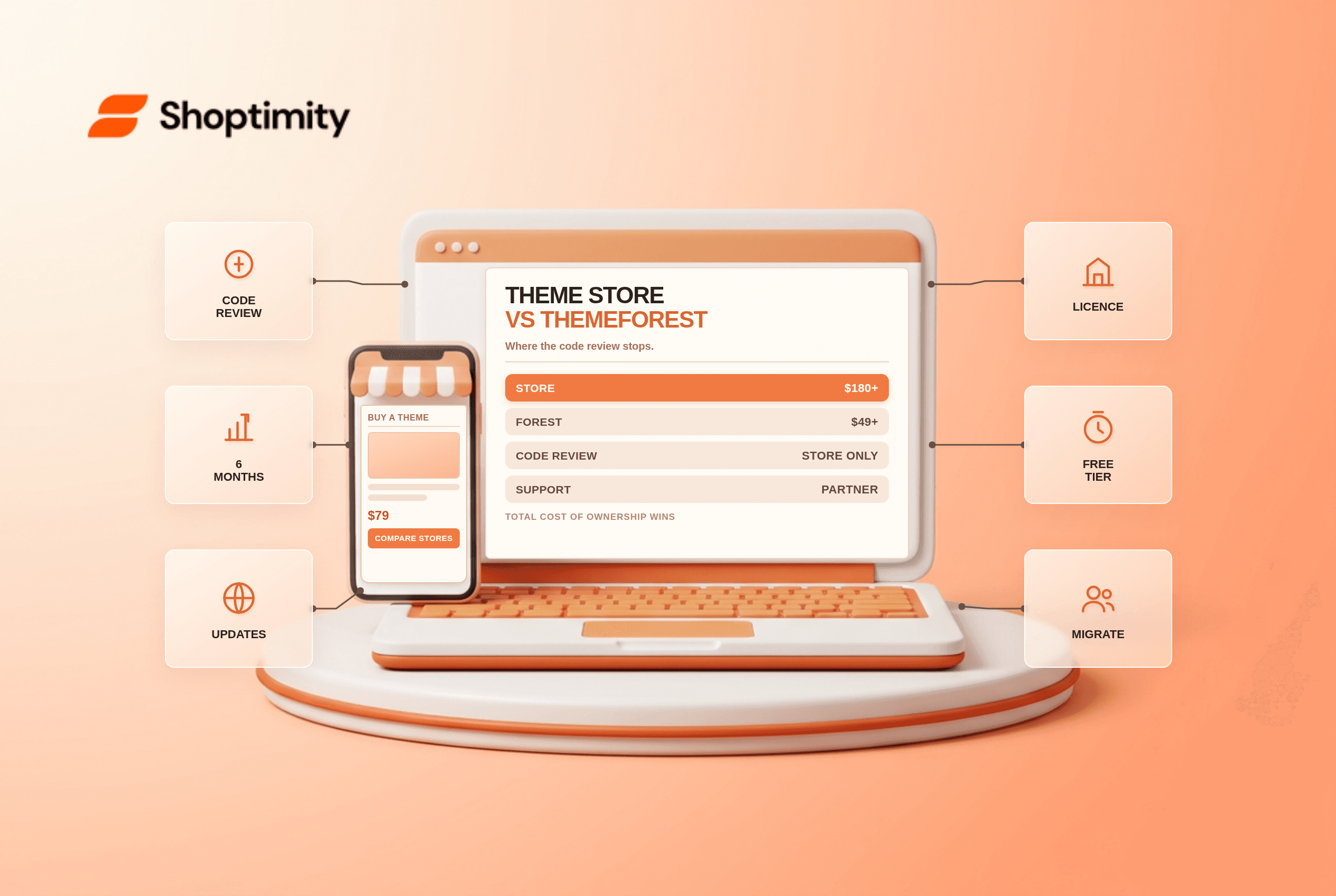
Code review, support terms and update paths compared, plus the total cost of ownership that neither ...