
Buy with Prime on Shopify: Eligibility and Fulfilment
title: Buy with Prime on Shopify: Eligibility and Fulfilment slug: buy-with-prime-on-shopify-setup-guide meta_title: Buy with Prime on Shopify: Eligibility and Fulfilment meta_description: Understand Buy with Prime on Shopify, including US eligibility, Amazon Pay, product mapping, mixed carts and fulfilment costs with a practical merchant. primary_keyword: Buy with Prime on Shopify secondary_keywords:
- Shopify merchant guide
- ecommerce operations author: The Shoptimity Team date: 2026-11-03 category: Operations schema: BlogPosting, FAQPage
Buy with Prime on Shopify: Eligibility and Fulfilment
Buy with Prime on Shopify lets eligible US merchants offer Prime benefits on selected products in their Shopify store. It is not the same thing as Amazon Pay or Amazon Multi-Channel Fulfillment: each has a different role in payment, delivery and the customer experience. Check eligibility and the full cost per order before turning it on.
Separate the three services
| Service | Main job | Key question |
|---|---|---|
| Amazon Pay with Shopify Payments | Lets eligible customers pay with Amazon account details | Is the wallet active and supported? |
| Buy with Prime | Offers Prime benefits on eligible products and orders | Which products and customers qualify? |
| Amazon MCF | Fulfils orders using Amazon's fulfilment network | What are the applicable fulfilment rates and service levels? |
Shopify's Buy with Prime guide states that merchants need not sell on Amazon.com. However, they need a qualifying Amazon setup and inventory fulfilment arrangement.
Check the eligibility list
At the time of review, Shopify lists a US-based store selling in USD, domestic US shipping, an active Shopify Payments account, Amazon Pay with Shopify Payments, an active Basic plan or higher and an upgraded checkout among the requirements. It also lists an active Professional Seller Central account and Fulfillment by Amazon setup. Verify current terms in the Shopify and Amazon onboarding flows: eligibility and integrations change.
Amazon Pay through a separate third-party integration is not the same as Amazon Pay with Shopify Payments. Shopify says the third-party integration is not compatible with Buy with Prime. Avoid promising benefits until a test product and customer flow are working.
Map inventory and shipping
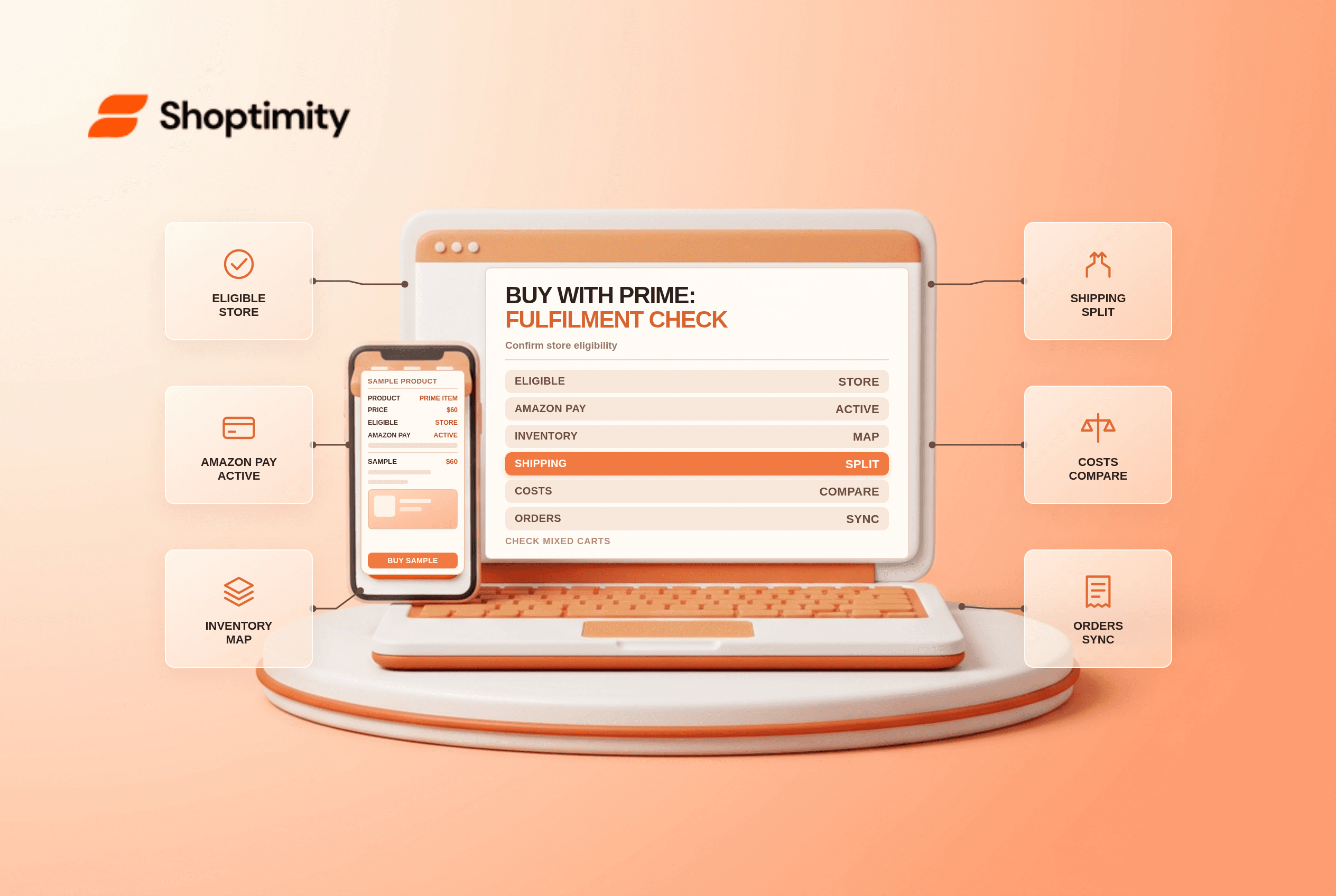
Install the Amazon MCF and Buy with Prime app, connect the applicable accounts and map the product SKUs carefully. Shopify instructs merchants to activate split shipping so a customer can check out with both Buy with Prime and self-fulfilled items. Review which items qualify, where each order routes and what customers see when only part of the cart is eligible.
Test an in-stock product, an unavailable SKU and a mixed cart. Check taxes, shipping promises, tracking and notifications across both systems. Reconcile inventory before and after the test; a catalogue mapping error can send a valid order to the wrong fulfilment path.
Price the entire experience
Ask Amazon for the applicable product, fulfilment, storage, return and service charges, including dimensional-weight and peak-season effects. Compare those with your current fulfilment method for the same SKU and destination. Also consider the impact on repeat purchases, support load and delivery promises; a fast delivery badge is valuable only if the service consistently meets it.
A hypothetical order might sell for $60, cost $22 to source and incur $8 fulfilment and $5 combined platform and payment charges. That leaves $25 before marketing, returns and overhead. This is an illustration, not a Buy with Prime fee quote.
Shopify says orders sync to the admin. Still, assign a team member to reconcile the order, tracking, refund and payout against Amazon's records. For adjacent fulfilment decisions, see Shopify shipping vs Shippo and ShipStation and multi-location inventory.
Define the support handoff
Make it clear who answers delivery questions, who processes returns and where staff can find the original order and fulfilment status. Keep the customer-facing delivery promise consistent with the actual offer shown for the selected product. Review exceptions weekly before increasing the number of eligible SKUs.
Ready to build a faster, higher-converting store?
Every Shoptimity theme ships with conversion widgets built in — so you get speed and features without stacking apps.
7-day free trial · all themes included · cancel anytime
Continue Reading

Shopify B2B Company Locations: Give Buyers the Right Access
Configure Shopify B2B company locations, verify buyer permissions and test pricing, addresses and pa...

Shopify Checkout Contact Settings: Separate Email From Shipping Phone
Configure Shopify checkout contact settings and test email, phone and shipping address requirements ...

Shopify POS Recent Carts: Share a Sale Without Reserving Stock
Learn how Shopify POS recent carts work across devices, what they do not reserve, and how to hand of...