
Connect vs Transfer a Domain to Shopify: A Decision Guide
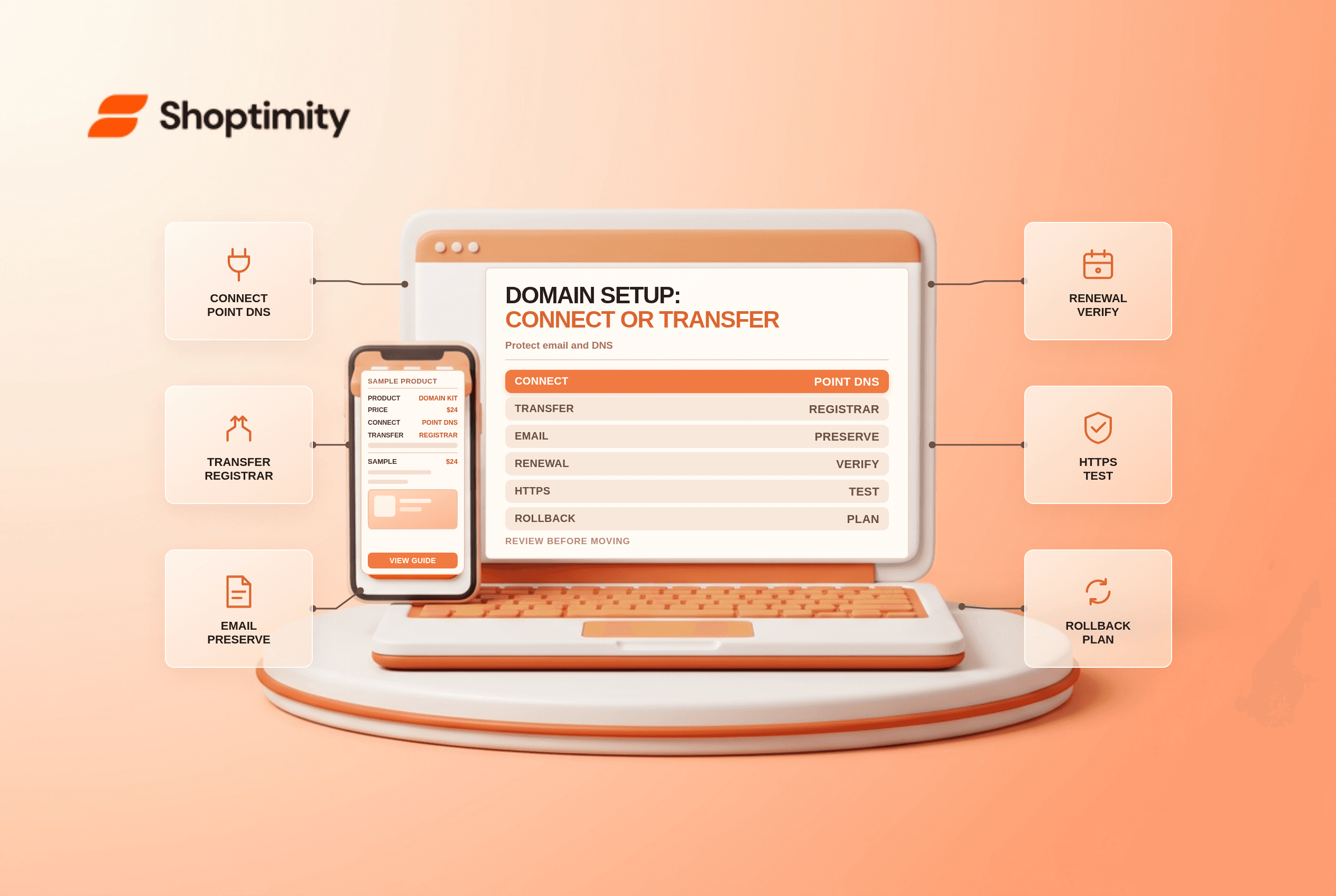
title: Connect vs Transfer a Domain to Shopify: A Decision Guide slug: connect-vs-transfer-a-domain-to-shopify meta_title: Connect vs Transfer a Domain to Shopify: Guide meta_description: Compare whether to connect vs transfer a domain to Shopify, including DNS, renewals, email records, eligibility and migration checks for store teams. primary_keyword: connect vs transfer a domain to Shopify secondary_keywords:
- Shopify merchant guide
- ecommerce operations author: The Shoptimity Team date: 2026-11-03 category: Operations schema: BlogPosting, FAQPage
Connect vs Transfer a Domain to Shopify: A Decision Guide
Connect vs transfer a domain to Shopify describes two different choices. Connecting points a domain's DNS records to Shopify while the existing registrar handles renewals. Transferring moves registrar management to Shopify. You can connect first and transfer later; you do not need to transfer just to use a custom domain for your store.
Compare the two paths
| Question | Connect | Transfer |
|---|---|---|
| Who remains the registrar? | Existing domain provider | Shopify after completion |
| Where are renewal and billing managed? | Existing provider | Shopify admin |
| What changes first? | DNS records point to Shopify | Registrar management moves after eligibility and approval |
| Are all extensions eligible? | Many can be connected | Some extensions cannot be transferred |
| Main operational risk | Incorrect DNS or interrupted services | Transfer delays and missing custom DNS records |
Shopify's comparison says connection can take up to 48 hours, while a transfer can take up to 20 days and involves a one-year renewal fee. Times, supported extensions and terms can change; check your registrar and Shopify's current flow.
Before either change, map the domain
List the existing website, email provider, subdomains, verification records and any services that depend on DNS. Export or record the existing DNS values, time-to-live settings and registrar contacts in a secure runbook. Schedule the change when the responsible people are available, and plan a rollback with the existing provider.
Email records are especially easy to overlook. MX records route mail, while TXT and other records may authenticate email or verify ownership. Changing a website record does not mean you should delete mail records. Test incoming and outgoing email after the change; the email-domain authentication guide covers related checks.
When connecting is the better first move
Connect when you want to keep the existing registrar, the extension cannot be transferred or you need to establish the store connection before moving registrar management. Follow the instructions for your provider and Shopify's current domain setup, then verify the domain in Settings > Domains.
DNS propagation and certificate provisioning can take time. Shopify says TLS certificates are supplied automatically for connected domains; the admin can show a pending status during setup. See secure connections. Do not keep making speculative DNS changes during the propagation window.
Prepare a transfer separately
Shopify's transfer guide says only apex domains can be transferred to Shopify and extra custom DNS records are not copied automatically. Verify eligibility, unlock the domain where required, obtain the authorization code and confirm that the registrant contact can receive approval messages.
Save all nonstandard records and confirm how they will be recreated after transfer. This includes email, domain verification and subdomain records. Confirm renewal pricing, expiry, provider-specific restrictions and any recent-registration transfer lock before starting. Shopify recommends connecting an in-use domain first to reduce the risk of downtime.
Test the customer journey
- Check the root domain,
wwwand any supported subdomains. - Confirm the intended primary domain and redirect behavior.
- Verify HTTPS, storefront pages, checkout and relevant market URLs.
- Send and receive test email using your normal provider.
- Check search and analytics integrations that depend on the domain.
- Monitor and retain the previous DNS configuration for rollback.
A domain change can affect indexing or tracking even when the site loads. Review Shopify URL redirects separately if page paths also change.
Ready to build a faster, higher-converting store?
Every Shoptimity theme ships with conversion widgets built in — so you get speed and features without stacking apps.
7-day free trial · all themes included · cancel anytime
Continue Reading

Shopify B2B Company Locations: Give Buyers the Right Access
Configure Shopify B2B company locations, verify buyer permissions and test pricing, addresses and pa...

Shopify Checkout Contact Settings: Separate Email From Shipping Phone
Configure Shopify checkout contact settings and test email, phone and shipping address requirements ...

Shopify POS Recent Carts: Share a Sale Without Reserving Stock
Learn how Shopify POS recent carts work across devices, what they do not reserve, and how to hand of...