
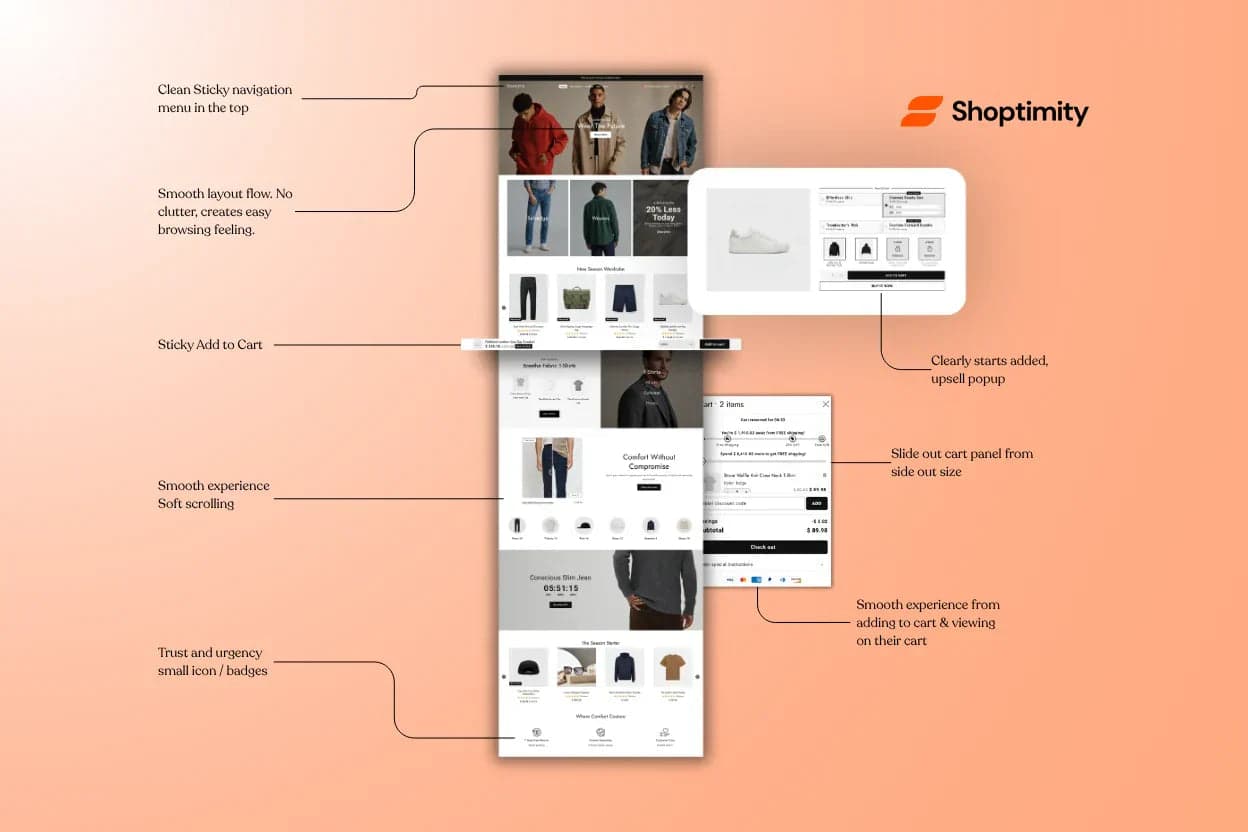
With so many Shopify themes focusing solely on design, Shoptimity sets itself apart by embedding conversion-optimisation features directly into the UX.
Visual Trust and Social Proof
Shoptimity makes it easy to build trust on your site:
⏳ Low-stock alerts
Real-time messages like "Only 3 left in stock" create urgency and nudge customers to complete their purchase faster.
⭐ Reviews integration
Built-in star ratings and seamless review-app integration put social proof front and centre, where it boosts conversions.
🔔 Countdown banners
Place banners on collection pages or as popups to show time-limited sales or scarcity, encouraging shoppers to buy now.
Highlighting High-Value Offers
Shoptimity gives you multiple UX tools to emphasise deals and upsells:
🎯 Dynamic upsell popups
After a product is added to the cart, a popup can suggest a complement or upgrade ("Add the matching case for 20% off!") — styled to match your store and timed for the right moment.
📦 Product bundles
Feature bundles like "Buy 2 for 10% off" directly on product pages to lift average order value by encouraging multi-item purchases.
🛒 Sticky add-to-cart bar
As customers scroll a long product page, the "Add to Cart" button stays visible in a fixed bar — a constant reminder to buy, no scrolling back up.
Enhanced Product Presentation
The way products are displayed directly affects conversions:
🔍 Image galleries with zoom
Click or hover to zoom in on product images for a closer look. Larger, high-quality visuals and easy zoom build confidence in the product.
⚡ Quick view & slide-out cart
View product details without leaving the collection page, and add to a slide-out cart — letting customers shop faster without page reloads.
🧭 Sticky navigation
A clean, sticky header keeps menus at the top as users scroll, making it easy to browse categories at any point.
All of these UX features are designed to reduce friction in the shopping process.
By making information clear and actions easy, Shoptimity helps turn browsers into buyers.
Build a store that guides every click toward "buy"
Trust signals, upsells, and friction-free presentation built into the theme's UX — so every design choice works to convert.
$19/month or $160/year (save 30%) — 7-day free trial, no hidden charges.
Continue Reading
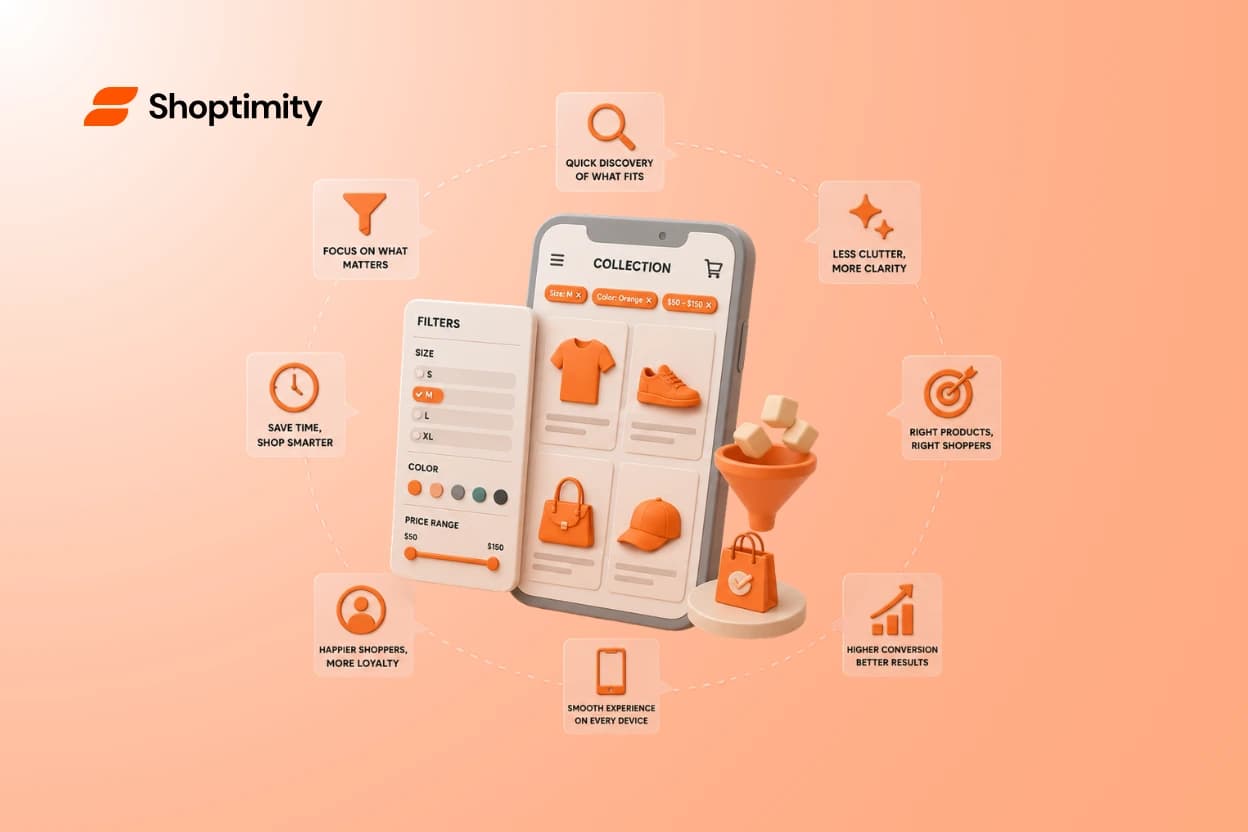
Shopify Themes With Product Filtering
Give a shopper 200 products and no filters, and most will leave before finding what they want. Give ...
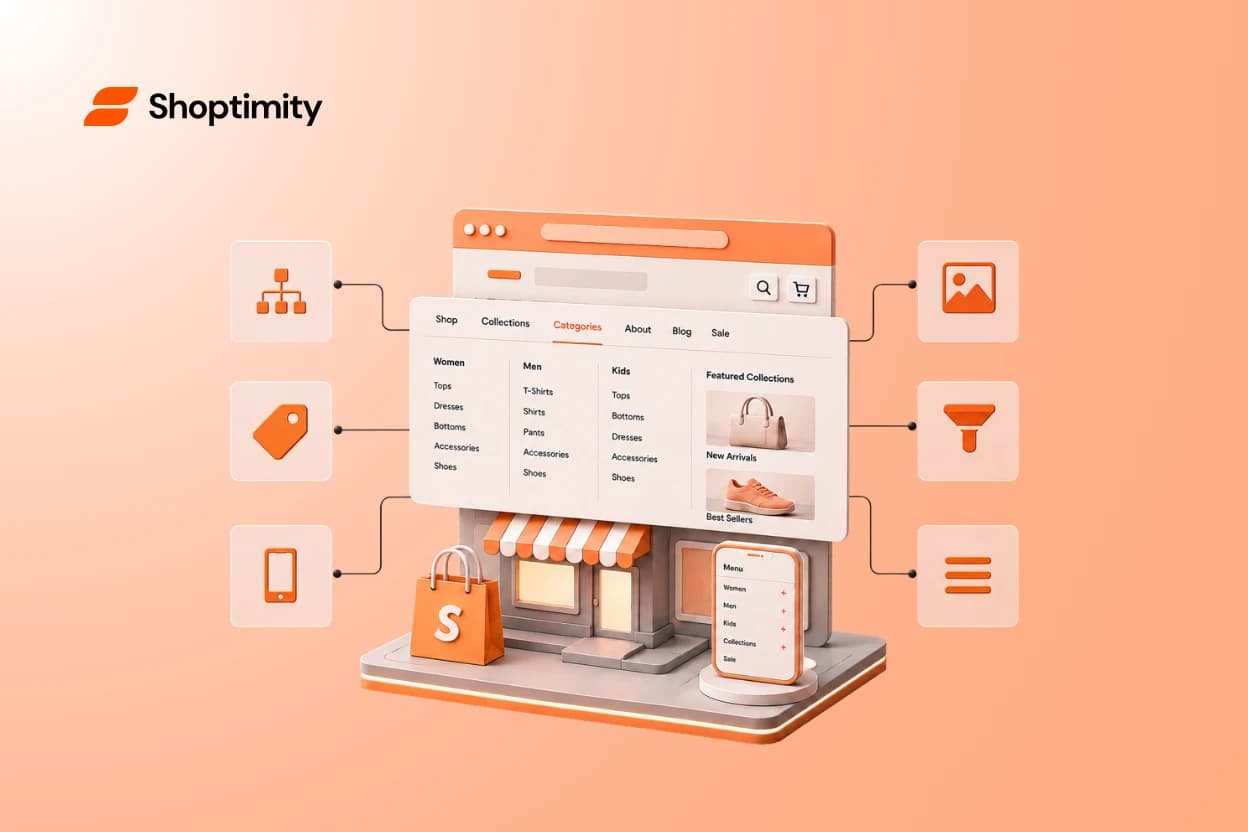
Shopify Themes With Mega Menu: What to Look For
A mega menu can turn a big catalog into an easy browse — or a wall of links nobody reads. The differ...
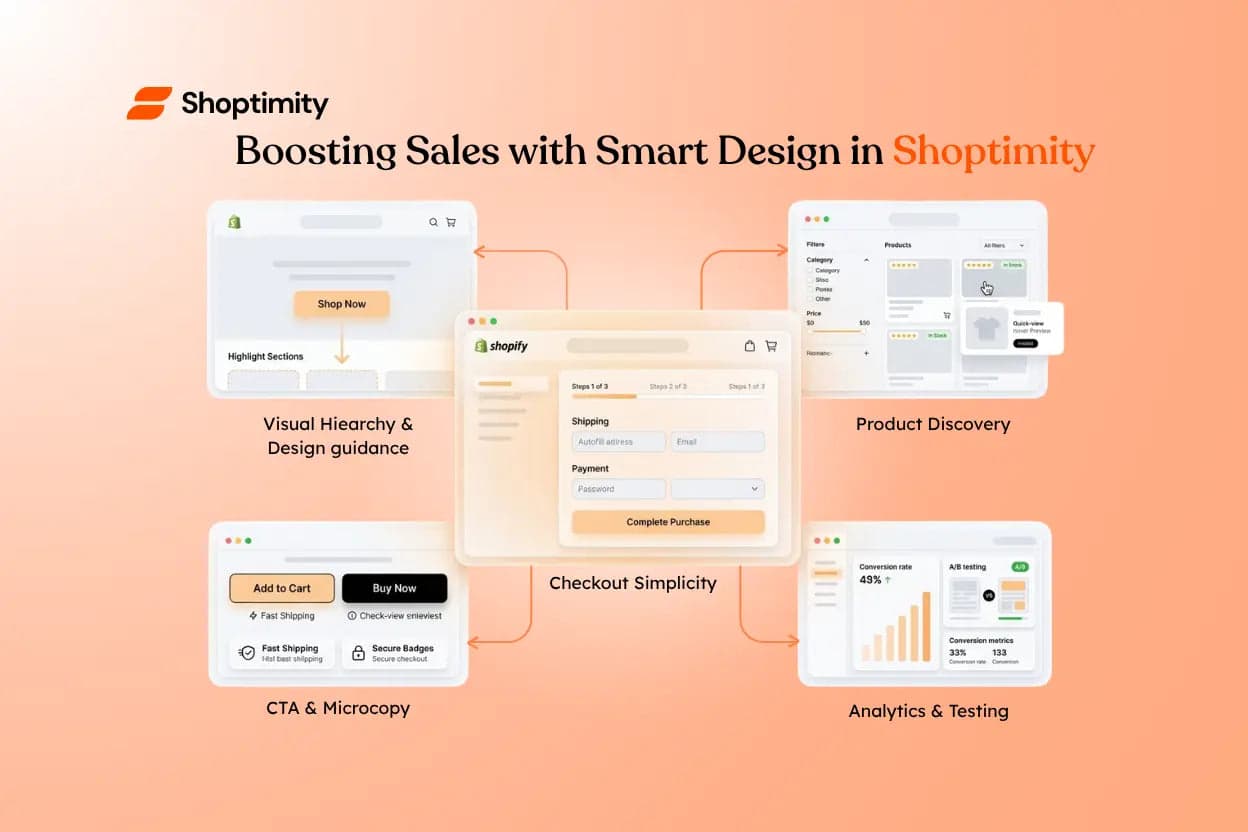
Boosting Sales with Smart Design in Shoptimity
Smart design is about more than aesthetics — it subtly guides customers toward the actions you want ...