
Duplicate a Shopify Order: Review What Carries Into the Draft
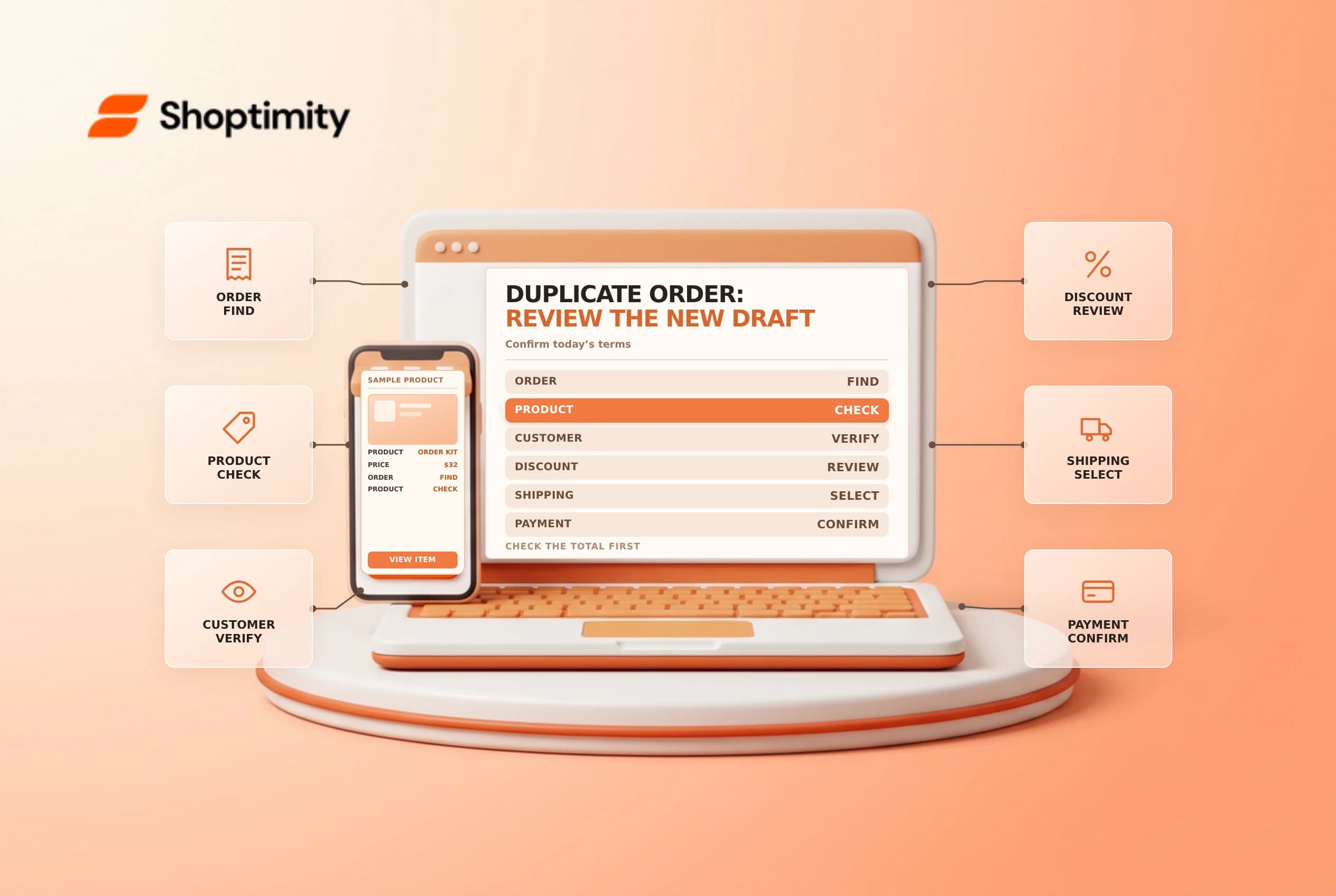
Duplicating a Shopify order or draft order can save time when a customer wants a similar purchase. The result is a new draft, not a second paid order, and it may not preserve all the original commercial terms. Compare the new lines, customer, discounts, shipping and total before sending an invoice.
Know what Shopify copies
Shopify's draft order guide says duplicated orders can include products, custom items, customer details, addresses, notes and tags. Product lines use the latest product information; a product that has been removed is not included. Shopify says discounts and shipping rates are not duplicated.
| Item | Review on the new draft |
|---|---|
| Products | Correct variants, quantities and current product information |
| Custom items | Description, quantity, price and treatment |
| Customer and addresses | Identity, contact and current delivery destination |
| Discounts | Reapply only an eligible, approved offer |
| Shipping | Select or confirm the appropriate charge and service |
| Notes and tags | Remove stale instructions or sensitive information |
Shopify says subscription purchases can be duplicated from draft orders, but an existing order containing a subscription cannot be duplicated. Check the current feature guidance for the order type before promising a repeat transaction.
Create a draft for review
Open the existing order or draft and select Duplicate. Shopify creates a new draft that can be edited, invoiced or paid through supported actions. Do not mark it paid merely because the original order was paid. Confirm who requested the repeat purchase and use an approved channel to verify the customer and delivery address.
If a customer record was deleted, Shopify says duplication can create a customer based on the email and addresses. That makes identity review especially important. Do not treat copied contact details as proof that the same person still controls the address. Remove obsolete internal notes and check whether tags trigger any automation or reporting process.
Rebuild the commercial terms
Review every line against the customer's current agreement. A removed product might not appear; an existing product can use current details rather than the historical version. Check the variant, quantity, price, tax treatment and fulfillment requirements. If the new purchase needs a custom line or price, document the approval and describe it clearly.
Discounts and shipping must be reviewed separately because Shopify says they are not copied. A previous promotional code may be expired, restricted or inapplicable. Confirm the new destination, available delivery method and any charges before sharing the invoice. The customer's prior order total is not a reliable promise for the new draft.
| Test | Question |
|---|---|
| Missing line | Was a product removed or changed? |
| Changed price | Has the customer agreed to the current amount? |
| Prior discount | Is the new draft eligible and approved? |
| Delivery | Is the address and shipping rate still correct? |
| Inventory | Is stock available and reserved if required? |
Reserve, send and follow up
If stock needs to be held, review the new draft's reservation separately and set an appropriate expiry through the supported workflow. Do not assume duplicating a draft copies its reservation or guarantees availability. Preview the invoice and check the full total, including tax, discounts and shipping. Obtain payment through the authorized workflow before fulfillment according to store policy.
Keep a short record of the original order, new draft, approver and any changed terms. After sending, monitor the draft and reservation deadline; an invoice sent is not proof of payment. See draft order reservations and draft order invoices.
Ready to build a faster, higher-converting store?
Every Shoptimity theme ships with conversion widgets built in — so you get speed and features without stacking apps.
7-day free trial · all themes included · cancel anytime
Continue Reading

Shopify B2B Company Locations: Give Buyers the Right Access
Configure Shopify B2B company locations, verify buyer permissions and test pricing, addresses and pa...

Shopify Checkout Contact Settings: Separate Email From Shipping Phone
Configure Shopify checkout contact settings and test email, phone and shipping address requirements ...

Shopify POS Recent Carts: Share a Sale Without Reserving Stock
Learn how Shopify POS recent carts work across devices, what they do not reserve, and how to hand of...