
Shopify Draft Order Inventory Reservations: Hold Stock With an Expiry
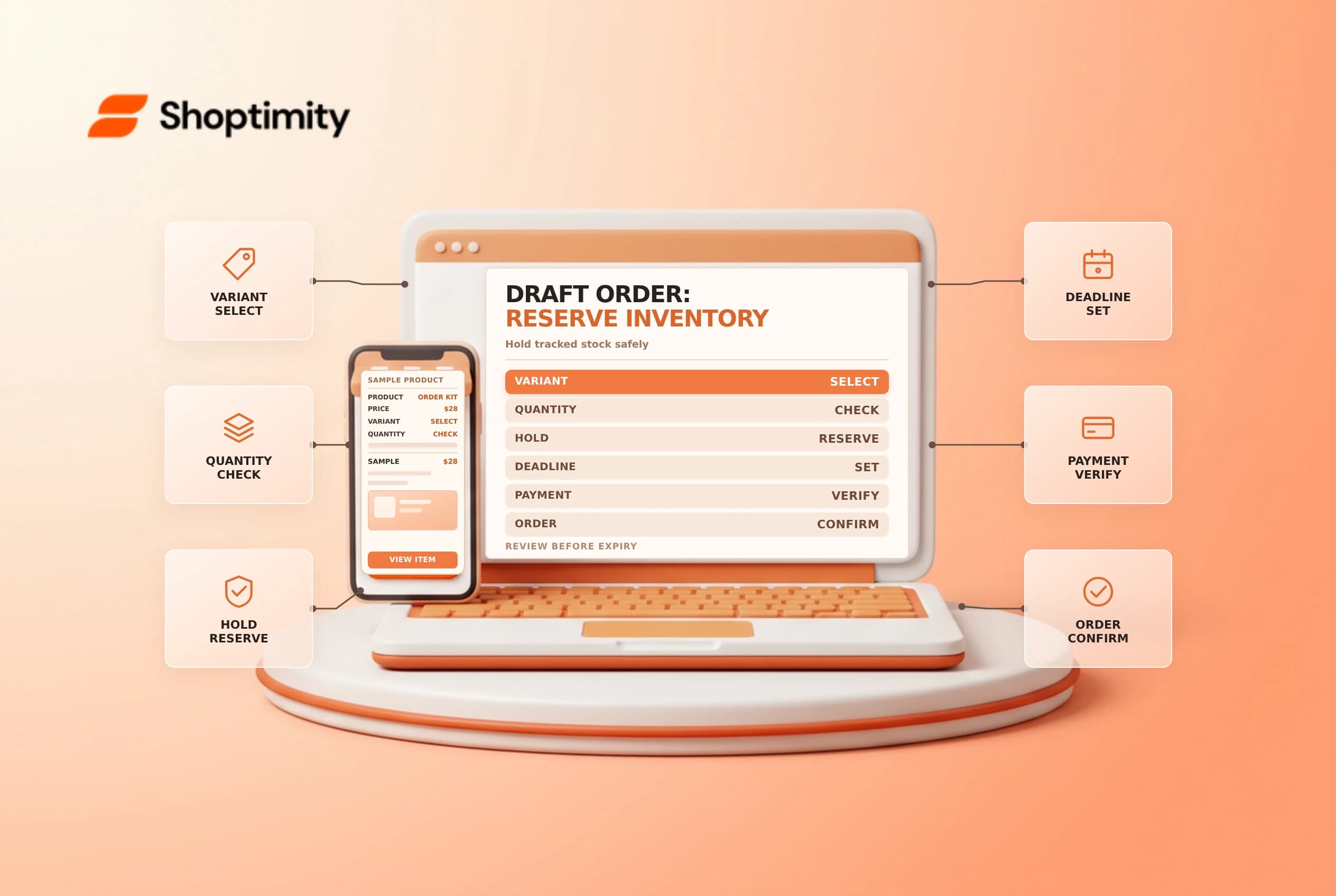
A draft order is not automatically a promise that its products will still be available when the customer pays. Shopify lets a merchant reserve tracked inventory for a particular draft order; the reservation has an expiry and moves those units into the committed state. Use it when a temporary hold is part of your sales process, not as a substitute for checking the final order.
Know what is and is not reserved
Shopify's draft order guide says unreserved items remain available and can be purchased by other customers. When you reserve tracked products on a draft order, the reserved units are committed to it and cannot be purchased by another customer while the reservation is active. Inventory tracking must be enabled to reserve an item.
| Draft order situation | Practical consequence |
|---|---|
| Added but not reserved | Available units can still sell to someone else |
| Reserved and within the hold | The committed units are held for that draft order |
| Reservation expired | Review availability before promising fulfillment |
| Product has no inventory tracking | The reservation feature cannot protect that quantity |
Adding an item to a draft is not the same as capturing payment. It is also not the same as shipping an order. Keep sales, payment and warehouse instructions separate.
Reserve and set a review time
In Orders > Drafts, open the draft, add the correct variants and quantities, then choose the reserve inventory action from the relevant menu. Select the expiry date and time, confirm and save as needed. Review the actual admin prompt for your store. Tell the customer how long the quoted hold lasts and which timezone applies to your communication; do not promise an indefinite reservation.
Record the draft order, hold deadline and owner. Before extending or replacing a hold, confirm that the business intends to keep the stock unavailable and check the customer's status. If the customer declines, follow your current admin workflow to release the hold and confirm the quantity returns to the intended state.
Example: a wholesale quote
A sales representative builds a quote for six units of a tracked variant. If no reservation is made, a different customer may buy the stock before the invoice is paid. If the representative reserves the six units until an agreed time, check that the inventory appears committed to the draft and that the customer understands the deadline.
Suppose payment arrives after expiry. Do not assume the old hold is still active: reopen the draft, inspect the available quantity and resolve any shortage before confirming the order. If the variant has sold out, offer an agreed alternative or new date; avoid silently substituting an item. Record changes to the quote and communicate the revised total, shipping and tax before requesting payment.
Review the end-to-end handoff
Check the customer, price, address, delivery method and inventory before sending an invoice. A hold does not lock all commercial terms unless you separately use the appropriate controls. After payment, verify the resulting order and fulfillment assignment. See draft order invoices and inventory history.
Before setting a deadline, confirm that the stock is actually assigned to the relevant location and that the buyer can complete payment within the agreed window. If a sales representative hands the draft to another team, include the exact variant, quantity, deadline and pending questions. The new owner should review the reservation in the admin rather than relying only on a copied note.
Ready to build a faster, higher-converting store?
Every Shoptimity theme ships with conversion widgets built in — so you get speed and features without stacking apps.
7-day free trial · all themes included · cancel anytime
Continue Reading

Shopify B2B Company Locations: Give Buyers the Right Access
Configure Shopify B2B company locations, verify buyer permissions and test pricing, addresses and pa...

Shopify Checkout Contact Settings: Separate Email From Shipping Phone
Configure Shopify checkout contact settings and test email, phone and shipping address requirements ...

Shopify POS Recent Carts: Share a Sale Without Reserving Stock
Learn how Shopify POS recent carts work across devices, what they do not reserve, and how to hand of...