
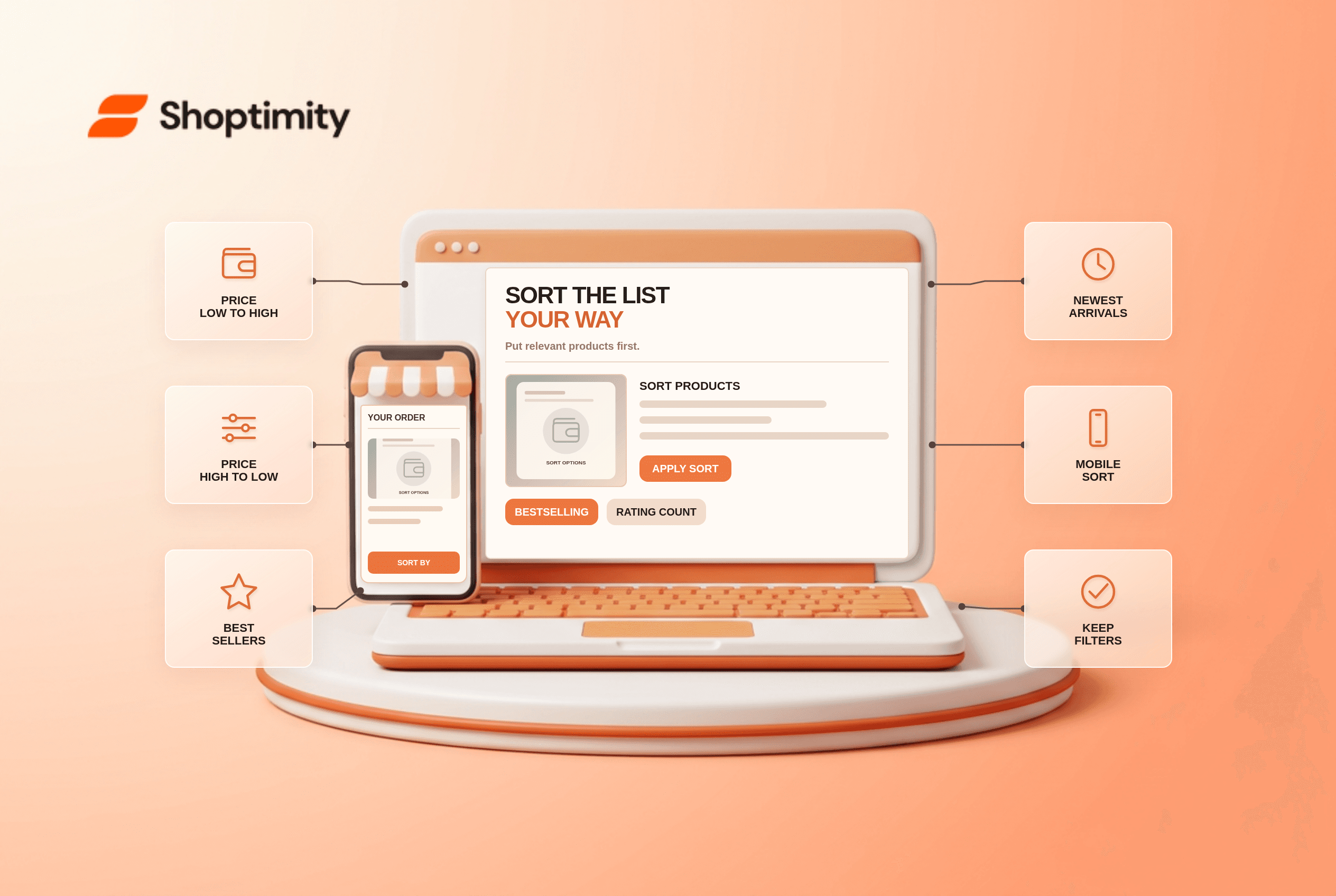
Ecommerce product sorting should let shoppers rearrange a real product set by criteria they understand, without changing what qualifies for that set. Offer useful price, rating, best-selling and newest options where the catalog supports them. Label the active order, preserve selected filters and test what happens when a shopper opens a product and comes back. A “Featured” default needs a defensible meaning.
Which ecommerce product sorting choices matter?
Offer meaningful choices, not a long menu of near-duplicates. According to Baymard's 2021 sorting research identifies four commonly sought sort types: price, user rating, best-selling and newest. It reports that 64% of the desktop sites in its benchmark did not offer all four at the time of that study. This does not prove every small catalog needs every control.
A low-to-high price sort should use the price a shopper will actually pay for the selected market, not a hidden minimum variant price that never appears on the listing. Ratings should account for review counts rather than placing an item with one perfect review above better-supported alternatives. Baymard's rating-sort study explains that a high average from very few ratings can mislead.
What belongs in the default sort?
Show enough product variety before optimizing a commercial objective. Baymard's default-sort analysis cautions that narrow best-seller or price ordering can make a broad catalog look smaller. A default labeled “Recommended” should reflect genuinely relevant items, stock and category variety; do not imply an objective ranking if paid placement determines the first row.
Consider a collection of running shoes where the default first row contains only black models from one brand. Shoppers may assume the category has no other styles. A more diverse initial set can help orientation, but a specialty collection with few items may not need a sort menu at all. The limitation is catalog scale, not a universal ranking formula.
- List the current sort choices and check whether their labels match the order users see.
- Test both directions for price, including items with sales, variants and different pack sizes.
- Inspect user-rating sort with one-review and many-review products; check the tie-break rule.
- Verify newest reflects publication or arrival date, not an arbitrary last-edited timestamp.
- Change sort while filters are active and confirm the matching product set is preserved.
- Open a product from page two, press Back and check the sort, filters and scroll position.
- Review results on mobile and audit whether discontinued items or unavailable variants rise unexpectedly.
Is sorting the same as filtering?
No. Sorting changes order; filtering changes eligibility. A low-price sort still includes expensive items farther down, while a price filter can exclude them. Make the two controls distinct so a shopper who selects “Blue” does not lose that restriction after sorting by rating. Check stable paginated URLs if the product list spans several pages.
We checked public Baymard research, not Shoptimity collection analytics. Our advice is to audit the data behind a label before adding another choice. Shoptimity themes can show sort controls, but the commerce platform controls ranking data. See our mobile filters checklist for narrowing the set and pagination guide for deeper-list discoverability.
What should teams measure afterward?
Observe whether people find relevant products, not merely which sort is clicked. A popular sort can still surface poor matches. Review product opens, repeated re-sorting and support questions about inaccurate price ordering; use first-party data if available. Do not claim a ranking lift or conversion gain from a dropdown change alone.
Ready to build a faster, higher-converting store?
Every Shoptimity theme ships with conversion widgets built in — so you get speed and features without stacking apps.
7-day free trial · all themes included · cancel anytime
Continue Reading

Shopify B2B Company Locations: Give Buyers the Right Access
Configure Shopify B2B company locations, verify buyer permissions and test pricing, addresses and pa...

Shopify Checkout Contact Settings: Separate Email From Shipping Phone
Configure Shopify checkout contact settings and test email, phone and shipping address requirements ...

Shopify POS Recent Carts: Share a Sale Without Reserving Stock
Learn how Shopify POS recent carts work across devices, what they do not reserve, and how to hand of...