
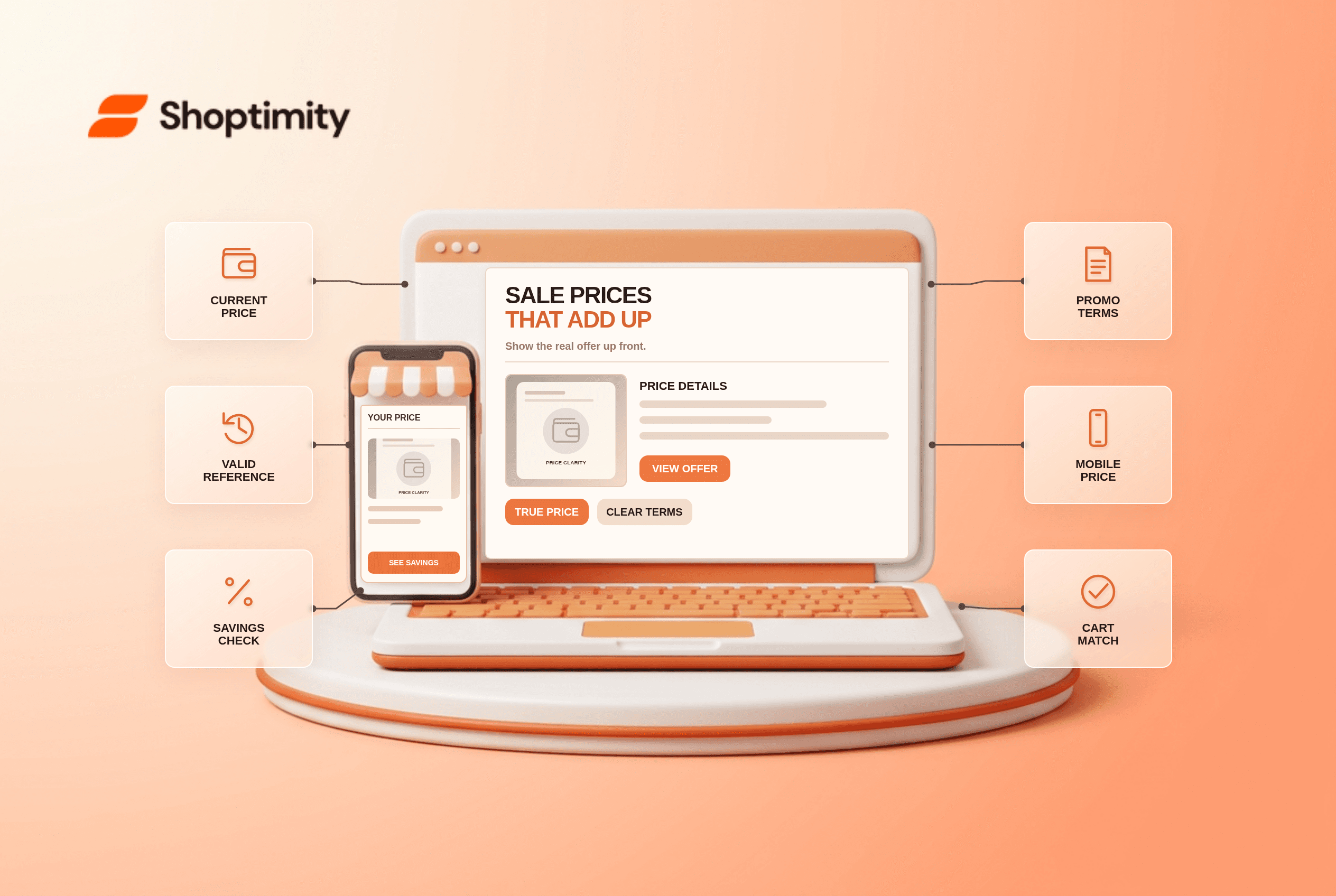
Ecommerce sale price display should make the price a shopper will pay unmistakable. Put the current price near the buy button, distinguish any genuine reference price and explain the offer's conditions beside it. Keep variant, currency and cart totals consistent. Never display a crossed-out number unless it is a defensible reference price under the rules of the market where the item is offered.
What makes ecommerce sale price display understandable?
Show one clear current price and one honest basis for comparison. A struck-through original price can be useful when it reflects a valid prior price; a “25% off” badge must agree with the actual calculation. An unrelated site-wide promotion should not make a product look discounted when the buyer must enter a code or meet a minimum order amount.
According to Baymard's product-page discount study, 4 common presentation pitfalls include weak distinction between old and new prices and offers positioned far from the price. Its title says 18% or more of benchmarked pages had at least one of those issues. The benchmark is not evidence of demand or results for Shoptimity merchants.
Where should offer conditions appear?
Put the explanation next to the number it qualifies. If a bundle, coupon, membership or minimum quantity is required, name that condition in the same buy area. Repeat the applied discount in the cart and checkout; do not make the buyer click through multiple steps to learn that the product alone does not qualify.
Baymard's guidance on price-discount placement also cautions against repeating the same offer in several prominent places on a product page. A single clear price block is easier to interpret than three banners with slightly different claims. Test sale badges on mobile where nearby disclaimers can wrap out of sight.
- Identify the active sell price, reference price, currency and eligible variants from the source catalog.
- Confirm the reference-price claim against the current legal requirements for every market served.
- Calculate any percent or amount saved from the same comparable prices; avoid mixing units or pack sizes.
- Place current price and offer conditions together near the buy controls on desktop and mobile.
- Switch variants and quantities; verify the displayed price, badge and stock state all update together.
- Add an item to the cart with and without the promotion and compare the checkout total.
- Recheck the offer when it expires; remove stale strikethroughs and conflicting banner copy.
What if a discount applies only after a code?
Do not present a conditional price as the unconditional item price. Label a code-dependent price as conditional and show the code terms. If the store automatically applies a promotion, confirm the checkout reflects it. A discount limited to new customers or one region needs those qualifications before someone commits to buy.
Consider a shirt with two sizes priced differently. If the sale badge is computed from the cheaper size but the selected size costs more, the displayed percentage can mislead. Price, reference number and variant must derive from the same option. A disclaimer buried in a footer does not repair a contradictory buy section.
We checked public Baymard research, not a retailer's pricing history or local advertising law. Our advice is to verify reference prices before optimizing badge color. Shoptimity themes can present a sale price, while the merchant owns lawful claims and catalog accuracy. See our unit-price article for comparing pack sizes and contribution-margin guidance for assessing promotion costs.
How do you audit a sale campaign?
Take matched screenshots at product, cart and checkout. Record the selected variant, market and date beside each screenshot; compare the current price and any reference price. If a conflict appears, suspend the questionable badge until the underlying rules are corrected. No specific discount presentation guarantees higher conversion or lawful compliance.
Ready to build a faster, higher-converting store?
Every Shoptimity theme ships with conversion widgets built in — so you get speed and features without stacking apps.
7-day free trial · all themes included · cancel anytime
Continue Reading
Shopify Flow Variant Added vs Deleted: Safe Alerts
Compare Shopify Flow variant added and deleted triggers, understand the default-variant exception, a...
Shopify Flow Workflow Error Trigger: Alert Limits
Use the Shopify Flow workflow error trigger to route internal alerts, understand the 30-day suppress...
Shopify Flow Fulfillment Rescheduled: 3PL Alerts
Build Shopify Flow fulfillment rescheduled alerts for third-party services, review affected assignme...