
Shopify Conversion Rate Optimization: The 2026 Playbook
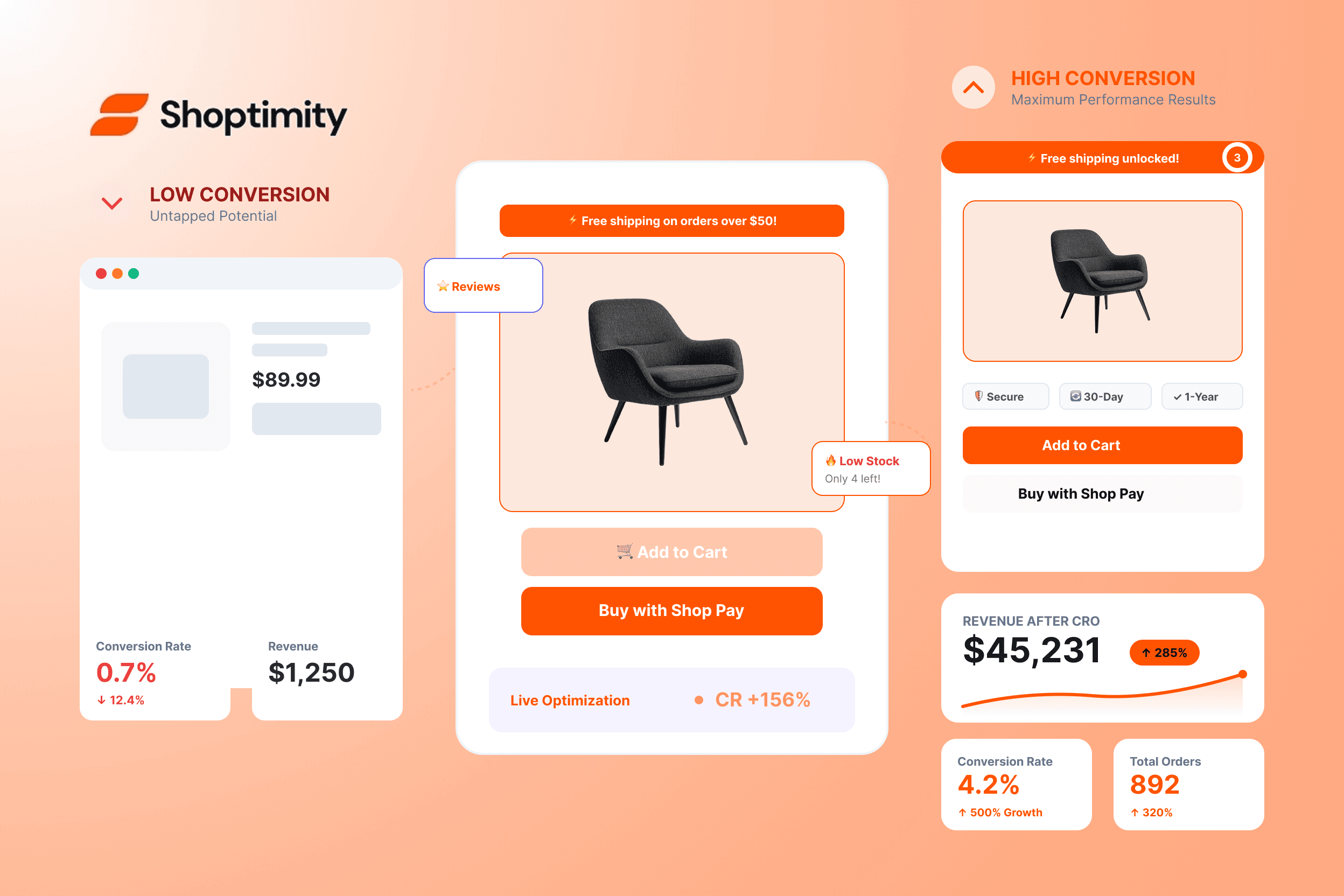
The average Shopify store converts at 2.5%. The top 10% of stores convert at 5%+. The difference is millions of dollars in revenue — and it isn't about better products, it's about better conversion rate optimisation (CRO).
This playbook covers the 27 tactics top stores use in 2026, organised by where they happen on your site. Most are free or built into the right theme. A few require apps. None require a developer.
The Numbers That Matter in 2026
First, let's set the baseline:
CRO has the highest ROI of any marketing activity.
Section 1: Homepage CRO Tactics
Hero with a single, clear offer
One headline, one CTA. "Free shipping over $50" beats "Welcome to our store" every time. Shoptimity supports a hero widget with a countdown-timer overlay for sales.
Trust bar below the hero
"Free shipping. 30-day returns. Secure checkout." Three icons, three sentences — builds trust in 2 seconds.
Featured collection, not the full catalog
Show 4 or 8 bestsellers. Sending traffic to "all products" overwhelms visitors. Curate.
Sticky add-to-cart bar on mobile
On mobile, the add-to-cart button scrolls out of view. A sticky bar that follows the visitor typically lifts mobile conversion 8–15%.
Above-the-fold customer count
"Shipping to 47,000+ happy customers." Social proof at the top of the page — most theme widgets render this in 30 seconds.
Live visitor / sales notification
"23 people are viewing this right now" — a small pop in the corner. Use sparingly; overuse feels spammy. Most themes have a "recent sales" widget for this.
Section 2: Product Page CRO Tactics
The product page is where 70% of your CRO effort should go.
Five or more product images
Stores with 5+ images convert 30%+ better than those with 1–2. Show every angle: front, back, detail, in-use, scale, packaging.
Product video
A 15–30 second product video increases conversion 30–80%. It doesn't need to be Hollywood — a phone-recorded demo works.
Stock counter
"Only 3 left!" drives urgency. Scarcity works — just don't fake it; use real inventory data.
Free shipping threshold bar
"$15 away from free shipping." Shoppers add items to reach the threshold, and average order value typically rises 10–20%.
Bundle widget
"Frequently bought together" adds AOV by 15–25%. Most themes have this as a built-in widget (Shoptimity does).
Custom FAQ accordion
Address the top 3 objections (sizing, shipping, returns) right on the product page to reduce pre-purchase uncertainty.
Trust badges near the buy button
SSL, secure checkout, money-back guarantee — placed within 50px of the "Add to Cart" button.
Reviews widget with photos
Photo reviews convert 25%+ better than text-only reviews. Make photo uploads easy.
Size guide popup
For apparel, accessories, and shoes. Reduces returns — which indirectly raises conversion by avoiding the size-exchange hassle.
Compare-at-price display
Strike through the original price. Stores using compare-at pricing convert 10–15% better, all else equal.
Subscription option
"Subscribe & save 15%" captures recurring revenue and lifts conversion by giving shoppers a "deal" frame.
Section 3: Cart & Checkout CRO Tactics
Cart drawer instead of cart page
A slide-in cart drawer converts 5–10% better than redirecting to a separate cart page. Most modern themes offer this.
Free shipping progress in cart
"You've qualified for free shipping!" or "$8 away from free shipping." Reinforces the threshold.
Cart upsell
"One more thing?" — recommend a complementary product in the cart. Lifts AOV by 10–20%.
Save cart for later
For logged-in customers, "Save and continue later" reduces abandonment from window-shoppers who aren't ready to buy.
Express checkout buttons
Apple Pay, Google Pay, Shop Pay. Customers who use them check out 2–3x faster — higher conversion, lower abandonment.
Guest checkout
Never require account creation. Optional account creation post-purchase is the right balance.
Section 4: Mobile CRO Tactics
Single-column product layout
On mobile, multi-column layouts feel cramped. A single column with clear visual hierarchy converts better.
Tap-to-call for high-touch products
For service-oriented stores, a "tap to call" button above the fold removes friction.
Reduce sections on mobile
Hide testimonials, press logos, and the Instagram feed on mobile. Three focused sections outperform seven cluttered ones.
Sticky elements only when useful
Sticky add-to-cart: yes. Sticky header: yes. Sticky newsletter popup: no. Sticky social-share bar: no. Less is more.
The Theme's Role in CRO
A surprising amount of CRO is determined by your theme, not your marketing. Most of the 27 tactics above require widgets your theme either has or doesn't — and when it doesn't, you rent them from apps:
- Stock counter — most themes don't have it, so you pay ~$20/month for an urgency app. Shoptimity includes it.
- Bundle widget — same story. Shoptimity includes it.
- Free shipping bar — same. Shoptimity includes it.
- Custom FAQ accordion — same. Shoptimity includes it.
If your theme has these as built-in widgets, you can implement the playbook in days, not months — and Shoptimity ships with 80+ CRO-ready widgets out of the box.
How to Prioritise
You don't have time to implement all 27 at once. Here's the order:
1️⃣ Week 1 — Foundations
Hero CTA, trust bar, stock counter, reviews widget, free shipping bar, and a sticky add-to-cart on mobile.
2️⃣ Week 2 — Conversion core
Bundle widget, custom FAQ, express checkout, and the cart drawer.
3️⃣ Week 3 — AOV & assurance
Cart upsell, save cart for later, product video, and the size-guide popup.
4️⃣ Week 4 — Polish
Live visitor counter, subscription option, and the mobile section cleanup.
Each week, check your conversion rate in Google Analytics. The lifts are cumulative and compounding.
Frequently Asked Questions
Convert more visitors without paying for 10 apps
80+ CRO-ready widgets — stock counters, bundles, free-shipping bars, custom FAQs, and more — built into one theme, so you can run the whole playbook in days.
$19/month or $160/year (save 30%) — 7-day free trial, no hidden charges.
Keep Reading
Reduce cart abandonment on Shopify
The checkout-stage tactics in detail.
The 80+ widgets every Shopify store actually needs
Most CRO tactics are widgets — here's the full list, built into Shoptimity.
Which Shopify theme converts best?
Theme choice is a CRO decision — see the head-to-head comparisons.
What a Shopify store really costs in 2026
Cut the app stack, fund the ad budget — the full cost math.
Continue Reading
What Makes a Shopify Store Best Converting: The 2026 Framework for High-Ticket Dropshippers
The difference between a best converting Shopify store and an average one isn't traffic or luck, it'...
How Much Does It Cost to Create an Online Store in 2026?
The price to start an online store ranges wildly: anywhere from under $100 to $250,000 or more. But ...
How to Make Extra Money Online by Building Shopify Themes
Shopify theme builders pull five figures a year, some much more. If you can code, design, or blend b...