
Shopify Accessibility and the European Accessibility Act
title: Shopify Accessibility and the European Accessibility Act slug: shopify-accessibility-european-accessibility-act meta_title: Shopify Accessibility and the European Accessibility Act meta_description: Shopify accessibility under the European Accessibility Act: scope caveats, practical WCAG tests and a merchant checklist for informed merchant decisions. primary_keyword: Shopify accessibility secondary_keywords:
- Shopify guide
- ecommerce operations author: The Shoptimity Team date: 2026-11-03 category: Design schema: BlogPosting, FAQPage
Shopify Accessibility and the European Accessibility Act
Shopify accessibility is a responsibility shared across platform, theme, apps and merchant content. The European Accessibility Act (EAA) has applied to covered ecommerce services since 28 June 2025. Whether a particular business is covered depends on its circumstances and national implementation, so assess scope with qualified local counsel.
Understand scope before claiming compliance
The EU directive covers specified products and services, including ecommerce services. It exempts microenterprises providing services from certain requirements. The directive defines a microenterprise by both a staff threshold and a financial threshold; product obligations and other laws can differ. Cross-border and member-state rules warrant legal review.
Do not assume that every small store is exempt from every accessibility obligation, or that selling into the EU automatically answers all jurisdiction questions. Penalties and enforcement are determined nationally.
Pick a practical testing target
WCAG 2.2 Level AA is a useful target for a web audit, but the EAA does not itself simply name a WCAG version as a complete compliance test. EN 301 549 is a European accessibility standard; editions and Official Journal citation status matter when assessing a presumption of conformity. The directive also covers service information and support beyond a web-page checklist.
The W3C WCAG 2.2 specification contains the criteria and exceptions. Ask a specialist which standards and national rules apply to your business.
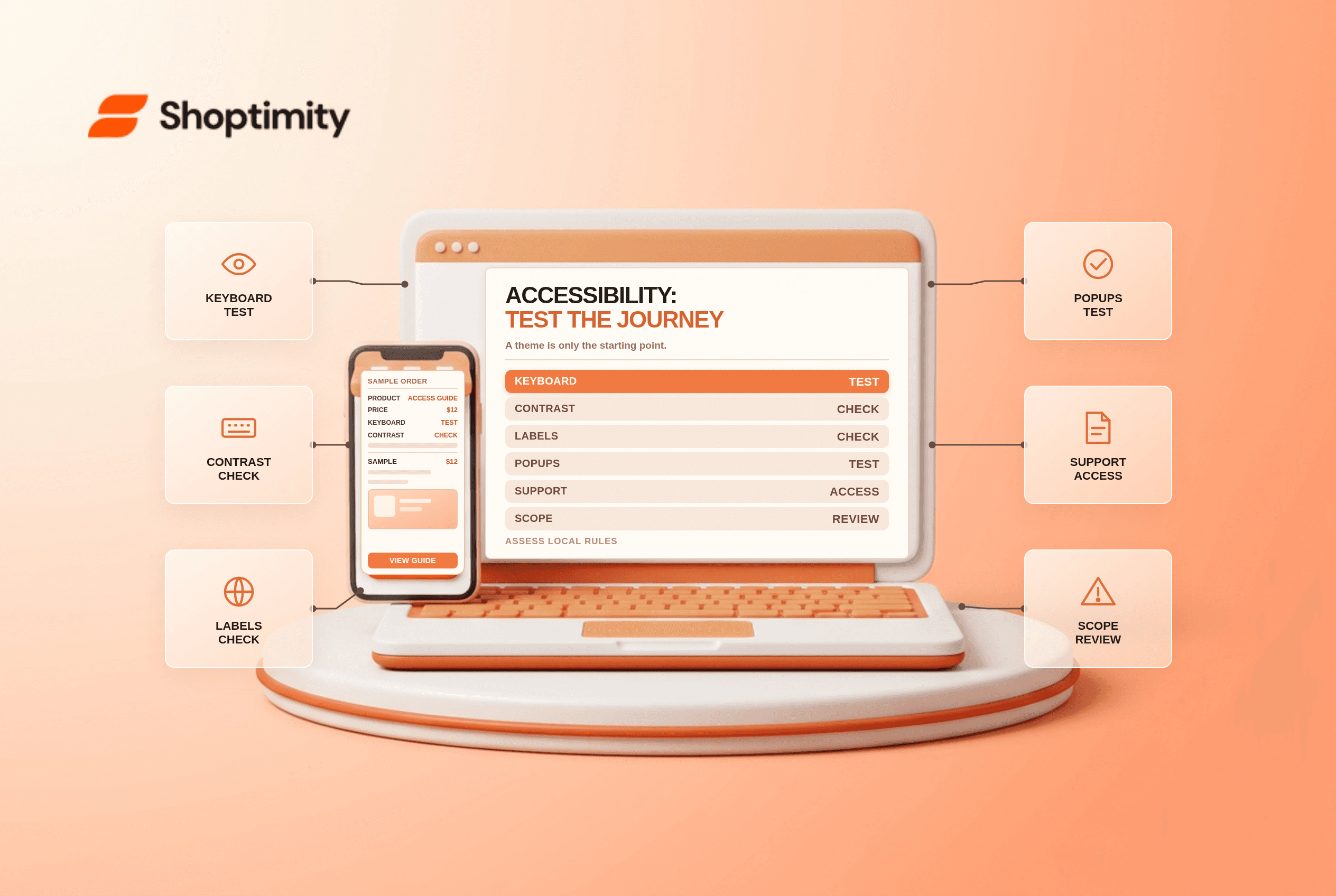
Test a complete shopping journey
| Area | Practical test | Common issue |
|---|---|---|
| Navigation and search | Use keyboard only | Focus hidden or trapped |
| Product page | Check variants and add-to-cart | Unlabelled controls |
| Images | Review meaningful alternatives | Missing or unhelpful alt text |
| Colour | Check contrast against the relevant criterion | Sale text unreadable on its background |
| Forms and checkout | Test labels, errors and focus | Error not associated with field |
| Widgets | Test chat, reviews and popups | Close button inaccessible |
| Support | Check accessible contact paths | Only one inaccessible contact method |
For WCAG 2.2, the target-size criterion generally uses 24 by 24 CSS pixels with specified exceptions. Do not apply it as an unconditional rule to every target. Likewise contrast requirements differ for normal text, large text and non-text components.
Shopify is a starting point, not a certification
Shopify publishes accessibility information. A tested checkout or theme can provide a foundation, but merchant-created content, app widgets and customizations still need review. Test real mobile and desktop journeys using keyboard, zoom and at least one screen reader; automated scans find only some problems.
Prioritize blockers that prevent purchase or support contact. Assign an owner, document the issue, fix the underlying content or code, retest and repeat after theme or app changes. An overlay alone cannot establish compliance and should not replace manual testing.
Document what customers need to know
The EAA includes requirements for service accessibility information; details depend on the applicable national rules. Provide clear, accessible information about the service, known barriers and a route for help. Avoid claiming full compliance without an appropriately scoped assessment. A specialist can help determine whether and how to publish a statement for your circumstances.
Related reading: Shopify Horizon theme review and Shopify app blocks vs embeds.
Make accessibility a release requirement
Keep a short issue log with affected page, assistive technology, severity, owner and retest result. Include people with disabilities in usability testing where possible and provide a reliable way to report barriers. When an app supplier controls a defect, document the escalation and offer an accessible alternative while the issue remains unresolved.
Ready to build a faster, higher-converting store?
Every Shoptimity theme ships with conversion widgets built in — so you get speed and features without stacking apps.
7-day free trial · all themes included · cancel anytime
Continue Reading

Shopify B2B Company Locations: Give Buyers the Right Access
Configure Shopify B2B company locations, verify buyer permissions and test pricing, addresses and pa...

Shopify Checkout Contact Settings: Separate Email From Shipping Phone
Configure Shopify checkout contact settings and test email, phone and shipping address requirements ...

Shopify POS Recent Carts: Share a Sale Without Reserving Stock
Learn how Shopify POS recent carts work across devices, what they do not reserve, and how to hand of...