
Shopify Backup Apps vs CSV Exports: A Recovery Plan
title: Shopify Backup Apps vs CSV Exports: A Recovery Plan slug: shopify-backup-apps-vs-csv-exports meta_title: Shopify Backup Apps vs CSV Exports: A Recovery Plan meta_description: Compare Shopify backup apps and CSV exports, identify recovery gaps and build a safe, repeatable store restoration plan with a practical merchant checklist. primary_keyword: Shopify backup apps secondary_keywords:
- Shopify merchant guide
- ecommerce operations author: The Shoptimity Team date: 2026-11-03 category: Operations schema: BlogPosting, FAQPage
Shopify Backup Apps vs CSV Exports: A Recovery Plan
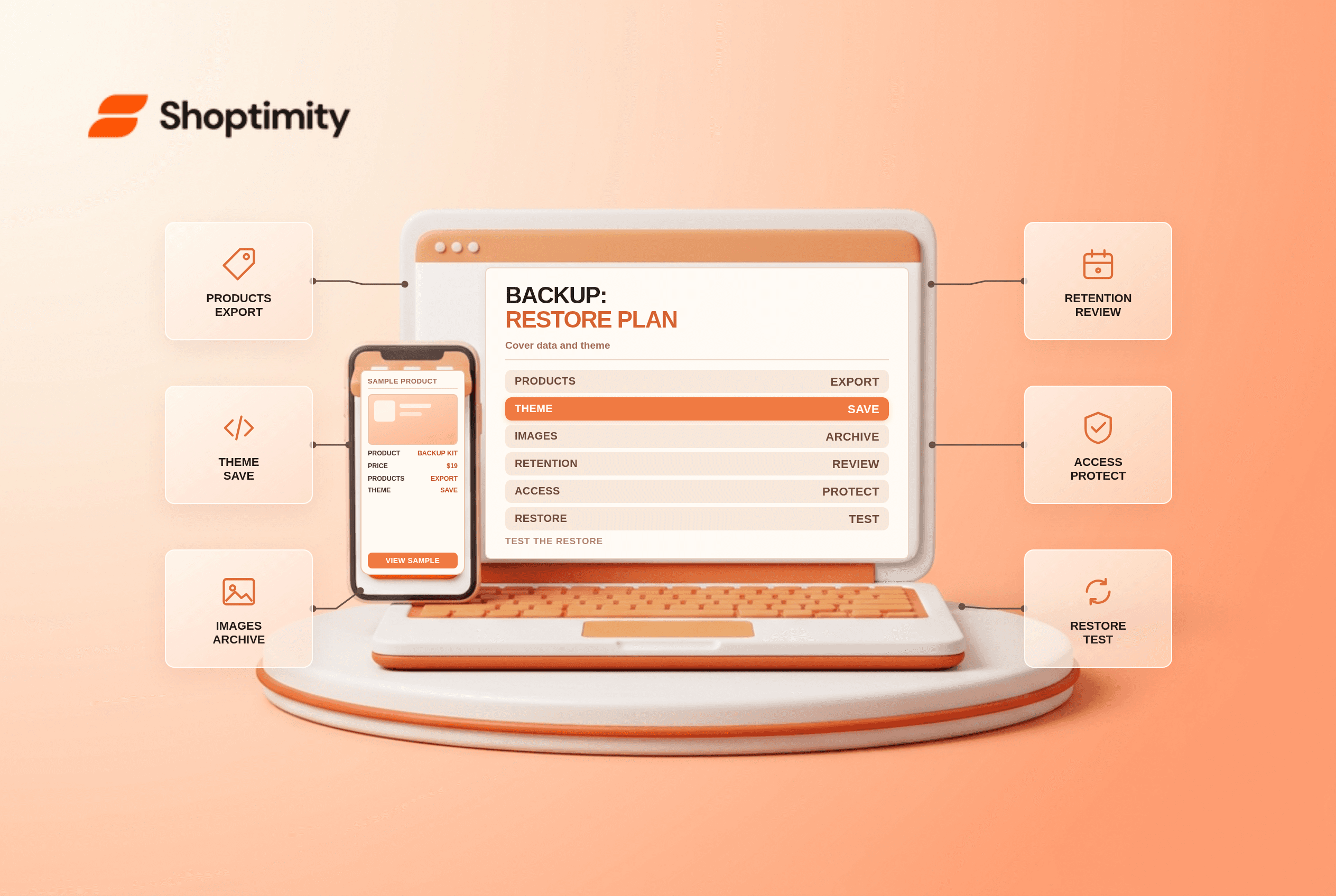
Shopify backup apps and CSV exports protect against different kinds of loss. Shopify allows exports of selected store data and a theme download, but those files do not automatically form a complete, tested restore point. A paid backup tool may automate capture and recovery for supported objects; its coverage and restore limits still need verification.
Know what each method covers
| Method | Useful for | Important limitation |
|---|---|---|
| Product CSV | Product data export and bulk work | Image files are not embedded in the CSV |
| Other Shopify CSV exports | Selected customer, order and other records | Export availability does not imply complete restore |
| Theme download | Theme code and settings captured in the file | Not a backup of the whole store |
| Backup app | Automated snapshots of supported data | Coverage, retention and restore vary by vendor |
| Separate media archive | Retaining image and other source files | Needs secure organization and regular updates |
Shopify's backup guidance lists exportable data categories and explains that a theme can be downloaded separately. Its product-export guide explicitly says product images are not included in the CSV; image URLs must remain publicly accessible when importing, or media needs another recovery path.
Define a recovery target
Ask two questions for each data type: how much work can you afford to lose, and how long can that function be down? A daily backup may be adequate for a static information page but too old for a fast-changing inventory catalogue. Order history, customer data, theme changes, discounts and app settings can each have different recovery needs.
Create a list of critical objects and dependencies. For each, record the capture method, frequency, retention period, responsible person and tested recovery method. Ask a backup vendor about metafields, translations, media, collections, app-owned data and deletion recovery rather than accepting a vague claim of full coverage.
Export safely
Export selected Shopify data and download the theme before a major bulk edit. Save media independently, protect customer information with access controls and encryption, and apply a retention schedule. CSV exports may be emailed to the store owner in some cases, so treat the exported file and its delivery path as sensitive.
Avoid sorting a product CSV in ways that detach variant rows from their products. Shopify warns that a bad import can overwrite product data. Keep an untouched original and test a small recovery in a development environment first.
Test recovery, not just backup
Choose a noncritical product and a theme in a test store. Restore or recreate them using the documented process, then verify images, variants, pricing, inventory associations, URLs and relevant metafields. Record what the tool could not restore and how long the exercise took. Do not test destructive restores against your live catalogue.
For a vendor comparison, request a written coverage matrix and sample recovery procedure. Check backup frequency, retention, order-based pricing, bulk-restore limits, encryption, support and what happens if you uninstall the app. Compare current listings, not an old advertised starting price.
A safe rollout can combine periodic exports, theme version control and a backup application where justified. Shopify theme version control addresses code history; what happens when you uninstall a Shopify app covers a separate dependency risk.
Document the human handoff
Store the recovery instructions separately from the system being backed up and make sure an authorized second person can find them. Record vendor contacts, account access procedures and dependencies without placing passwords in the runbook. Review the plan whenever the theme, app stack or catalogue structure changes.
Ready to build a faster, higher-converting store?
Every Shoptimity theme ships with conversion widgets built in — so you get speed and features without stacking apps.
7-day free trial · all themes included · cancel anytime
Continue Reading

Shopify B2B Company Locations: Give Buyers the Right Access
Configure Shopify B2B company locations, verify buyer permissions and test pricing, addresses and pa...

Shopify Checkout Contact Settings: Separate Email From Shipping Phone
Configure Shopify checkout contact settings and test email, phone and shipping address requirements ...

Shopify POS Recent Carts: Share a Sale Without Reserving Stock
Learn how Shopify POS recent carts work across devices, what they do not reserve, and how to hand of...