
Shopify Change Fulfillment Location: Split and Merge Orders
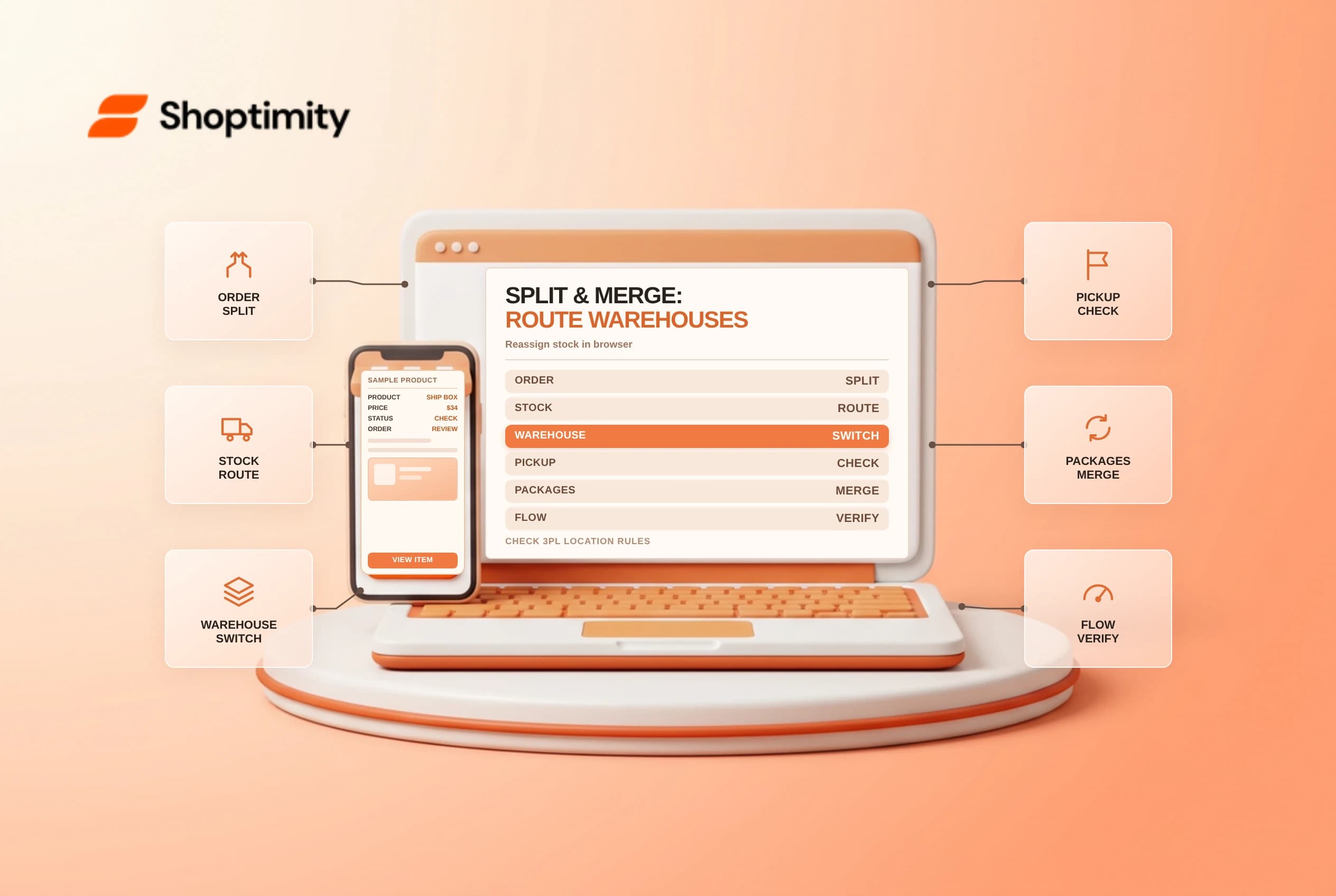
Using Shopify change fulfillment location, split fulfillment and merge fulfillment controls lets operations teams rescue out-of-stock items or consolidate split packages before labels print. When automatic order routing assigns an order to a warehouse with damaged stock, knowing exact desktop versus mobile app limits, local pickup restrictions and 3PL reassignment rules keeps shipments moving without canceling the buyer's order.
Know when Shopify blocks a location change
Shopify's single-order fulfillment guide and bulk fulfillment guide allow changing the assigned warehouse on unfulfilled shipping orders individually or via bulk selection on the Orders list. However, several hard platform boundaries prevent reassignment:
| Order or inventory scenario | Can you change location or split/merge? | Required operational action |
|---|---|---|
| Standard unfulfilled shipping order | Yes, individually or via bulk action | Select Change location from the ... menu on the unfulfilled card |
| Local delivery or in-store pickup order | Location change is blocked | Cannot reassign pickup/local delivery locations via Change fulfillment location |
| Splitting or merging in Shopify mobile app | Unavailable in the mobile app | Open Shopify admin in a desktop or mobile web browser to split or merge |
| Multi-managed 3PL inventory location | Merchant cannot fulfill directly while assigned to 3PL | Click Change location to move the order to a merchant-managed warehouse first |
Change location from the ... menu on the unfulfilled cardChange fulfillment locationChange location to move the order to a merchant-managed warehouse firstPay special attention to that multi-managed 3PL rule. When a SKU is stocked at both a third-party fulfillment service and your own backroom, Shopify blocks staff from buying a shipping label directly against the 3PL card until you reassign the fulfillment location to your merchant-managed warehouse.
Split backordered items without confusing buyers
When a customer orders three shirts and only two sit ready on the shelf, open the unfulfilled card in a browser, click ... > Split fulfillment, check the backordered line item or partial quantity and click Split. You can then change the split card's location to a second store that has stock or leave it unfulfilled until next week's restock arrives.
Keep three downstream effects in mind whenever staff split or merge fulfillments:
- Separate shipping confirmation emails: Fulfilling an order across multiple split fulfillments sends a separate shipping confirmation email (with its own tracking link) for each fulfilled package unless notification settings say otherwise.
- Shopify Flow trigger nuances: As noted in Shopify's Fulfillment order split trigger reference, if some items on a fulfillment order were already fulfilled before staff split the remaining items, Shopify generates a replacement fulfillment order rather than keeping the original ID, so test custom Flow or ERP webhooks against partial-then-split scenarios.
- Payment capture timing: If your store uses manual capture or Plus capture-per-fulfillment, verify whether splitting an order leaves part of the payment authorization waiting near its 7-day card expiry window.
Merge split fulfillments at the same location
Sometimes automatic order routing splits an order at checkout because one item was temporarily out of stock, only for a receiving truck to replenish that SKU an hour later at the main warehouse. Instead of paying two parcel base rates to the same doorstep, reassign both unfulfilled cards to the same warehouse via Change location, then click ... > Merge fulfillment in a web browser, select the matching items at that location and combine them back into a single box before buying one shipping label.
Related guides: order routing rules to minimize split shipments and partial fulfillment and split shipments workflow.
Ready to build a faster, higher-converting store?
Every Shoptimity theme ships with conversion widgets built in — so you get speed and features without stacking apps.
7-day free trial · all themes included · cancel anytime
Continue Reading
Shopify Flow Collection Deleted: ID-Only Alerts
Create a safe collection-deleted alert in Shopify Flow, understand its ID-only data and plan a manua...
Shopify Flow Discount Created: Choose the Trigger
Compare discount code and automatic discount creation triggers in Shopify Flow and design internal p...
Shopify Flow Inventory Item Deleted: ID-Only Data
Understand the inventory item deleted trigger, its ID-only limitation and how to alert operations wi...