
Shopify Partial Fulfillment: Ship Available Items Without Losing the Rest
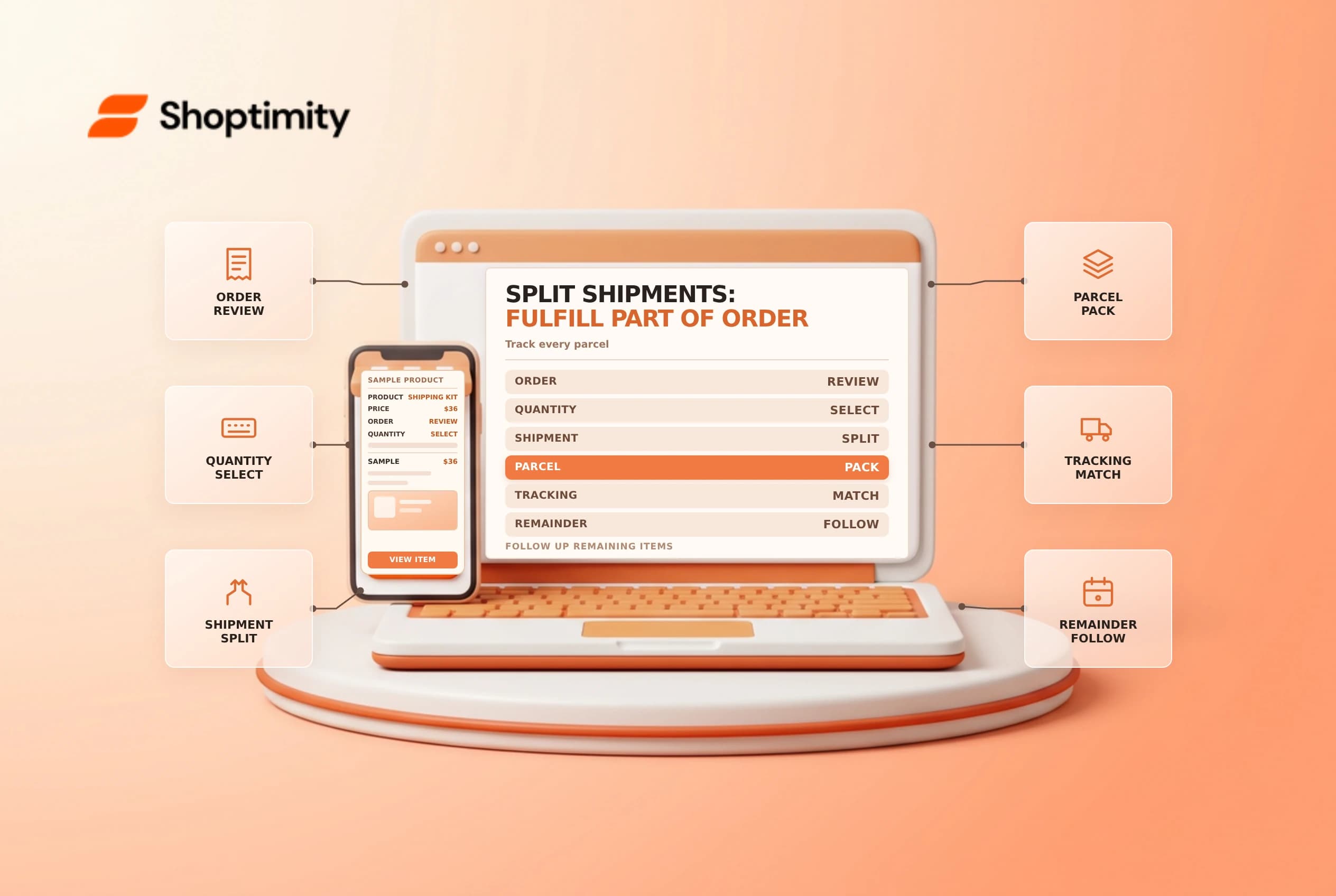
An order can require more than one fulfillment because items ship from different locations, arrive at different times or use different delivery methods. A merchant can also choose to fulfill only part of a fulfillment. The key is to match each shipped quantity and tracking number to the right items while keeping the remainder visible.
Identify why the order is split
Shopify's individual fulfillment guide for that workflow. Shopify says checkout may create multiple unfulfilled sections when items cannot ship together, no single location can fulfill the order, or the customer chooses a mix of shipping and pickup. Each fulfillment is handled separately.
| Situation | First check |
|---|---|
| Different locations | Which location is responsible for each item? |
| Preorder or delayed item | What did the customer agree to receive later? |
| Mixed pickup and shipping | Which items are picked up and which are shipped? |
| Merchant-initiated partial shipment | Which quantities will leave now? |
| Remaining items | Who owns the next fulfillment and when? |
A split shipment can create additional packaging, labels and customer messages. Confirm the business's policy and cost implications before deciding to send multiple parcels.
Choose quantities deliberately
Open the order and inspect each Unfulfilled or In progress section. Shopify describes entering the quantities to mark part of a fulfillment as fulfilled. It also documents a separate Split fulfillment action that divides a fulfillment by line items and quantities. Splitting or merging a fulfillment requires the desktop admin or the web version on mobile, not the Shopify mobile app.
For example, an order contains two shirts and one mug, but the mug is delayed. Confirm that the two shirts are available, select only those quantities for the first shipment and leave the mug for the later fulfillment. Check the actual admin result before buying labels. A partial shipment does not automatically cancel or refund the remaining item.
Match tracking and customer communication
For each parcel, verify the items packed, selected carrier, tracking number and fulfillment record. Shopify says an order with multiple fulfillments can generate more than one shipping confirmation email. Explain to the customer which items are in each parcel and what remains; don't describe the whole order as delivered because one tracking number shows delivery.
If the customer agreed to pickup for part of the order, use the pickup workflow rather than treating that item as shipped. If a third-party fulfillment service controls a section, coordinate with it before changing quantities or location. Confirm payment and any fulfillment hold separately; a split does not release a hold by itself.
Reconcile the remainder
After the first handoff, review the remaining unfulfilled quantities, owner and expected date. Compare the order with the physical packing list and any customer communication. If the delayed item cannot be supplied, obtain the customer's decision and use the appropriate cancellation, edit or refund workflow; a note alone does not change the financial state.
Test a representative multi-item order in an approved environment, including a partial shipment and a later shipment. Verify both tracking links and notifications. See order routing and fulfillment holds for related controls.
For a warehouse handoff, label each parcel with the corresponding fulfillment reference and let a second person compare the packed contents against the selected quantities. Keep a visible queue of outstanding items and a named owner for each one. If the later shipment date changes, update the customer through the approved support channel and review the remaining order state.
Ready to build a faster, higher-converting store?
Every Shoptimity theme ships with conversion widgets built in — so you get speed and features without stacking apps.
7-day free trial · all themes included · cancel anytime
Continue Reading

Shopify B2B Company Locations: Give Buyers the Right Access
Configure Shopify B2B company locations, verify buyer permissions and test pricing, addresses and pa...

Shopify Checkout Contact Settings: Separate Email From Shipping Phone
Configure Shopify checkout contact settings and test email, phone and shipping address requirements ...

Shopify POS Recent Carts: Share a Sale Without Reserving Stock
Learn how Shopify POS recent carts work across devices, what they do not reserve, and how to hand of...