
Shopify Fulfillment Holds: Review and Release Orders Safely
title: Shopify Fulfillment Holds: Review and Release Orders Safely slug: shopify-fulfillment-holds-review-release meta_title: Shopify Fulfillment Holds: Review and Release meta_description: Understand Shopify fulfillment holds, multiple hold reasons and safe release steps for manual, system and app-driven order workflows for store teams. primary_keyword: Shopify fulfillment holds secondary_keywords:
- Shopify merchant guide
- ecommerce operations author: The Shoptimity Team date: 2026-11-03 category: Operations schema: BlogPosting, FAQPage
Shopify Fulfillment Holds: Review and Release Orders Safely
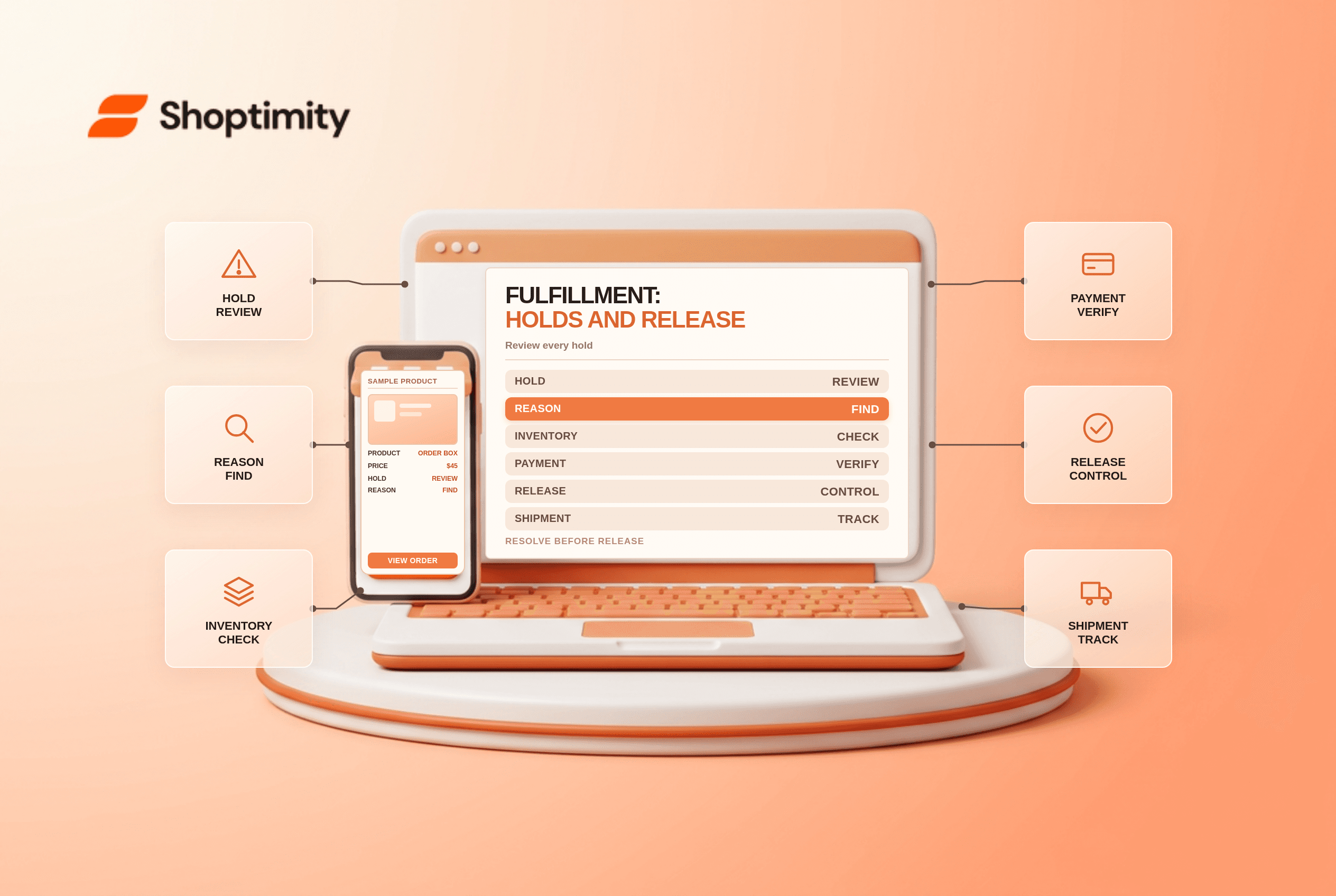
Shopify fulfillment holds temporarily stop a fulfillment from proceeding while an issue is resolved. A hold is not the same as canceling an order or refunding a payment. An order can have more than one fulfillment, and a fulfillment can have multiple holds, so the team must inspect the specific items and reasons before releasing anything.
Understand the types of hold
| Hold or issue | Typical reason | Safe next step |
|---|---|---|
| Manual hold | Staff need time to verify stock or order details | Assign an owner and resolve the documented reason |
| App or system hold | A channel or app needs to complete its workflow | Check the source and its instructions |
| Exchange-item hold | Waiting for the returned item or payment | Inspect the return and payment status |
| Multiple holds | More than one issue affects the fulfillment | Review each hold separately |
Shopify's fulfillment-hold guide says staff can place and release manual holds and use Shopify Flow to automate workflows. Third-party apps can also place system holds. Availability and permissions depend on the store and integration.
Place a clear manual hold
In an eligible unfulfilled or in-progress section of the order, choose Mark as on hold, select the relevant items and reason, and confirm. Shopify says up to ten manual holds can be added to a fulfillment. Record a short factual note, owner, next action and review date in your team's permitted workflow.
Examples include an address that needs verification, inventory that cannot yet be located or a potential fraud concern requiring human review. A hold can reserve inventory, but it does not establish that the payment is safe or guarantee that stock will still be physically available.
Find the real cause before release
Open the order and examine each fulfillment, hold reason, app involvement, payment status and customer communication. A system hold may exist for marketplace authorization, Managed Markets checks, an exchange return or a post-purchase offer. Some holds are temporary, but do not assume every hold will disappear at the same speed or can be safely bypassed.
For Managed Markets, Shopify notes that editing an address or manually releasing early can stop automatic address correction. See the Managed Markets fulfillment guidance. Follow the specific channel's instructions before changing an order under review.
Release only resolved holds
Once the underlying issue is resolved, use Release hold on the relevant fulfillment and select the appropriate hold if several exist. Shopify says that when no more items remain on hold, the fulfillment can return to Unfulfilled. It is not automatically marked as shipped merely because a hold is released.
Check whether other holds remain and whether an external fulfillment request needs a separate action. Notify the warehouse only when the order is actually ready. If a hold cannot be resolved, follow your cancellation, refund or customer-contact process rather than silently shipping it.
Build an exception queue
- Review held fulfillments at an agreed frequency.
- Sort by reason, age, promised delivery date and responsible team.
- Confirm payment, inventory and address requirements for each case.
- Contact the customer where an update or decision is needed.
- Release only the resolved hold and confirm the next status.
- Audit repeated hold reasons and improve the upstream process.
Avoid adding sensitive information to broadly visible notes. For related checks, review fraud analysis and order routing rules.
Ready to build a faster, higher-converting store?
Every Shoptimity theme ships with conversion widgets built in — so you get speed and features without stacking apps.
7-day free trial · all themes included · cancel anytime
Continue Reading

Shopify B2B Company Locations: Give Buyers the Right Access
Configure Shopify B2B company locations, verify buyer permissions and test pricing, addresses and pa...

Shopify Checkout Contact Settings: Separate Email From Shipping Phone
Configure Shopify checkout contact settings and test email, phone and shipping address requirements ...

Shopify POS Recent Carts: Share a Sale Without Reserving Stock
Learn how Shopify POS recent carts work across devices, what they do not reserve, and how to hand of...