
Shopify Order Routing Rules: Locations and Split Shipments
title: Shopify Order Routing Rules: Locations and Split Shipments slug: shopify-order-routing-rules-split-shipments meta_title: Shopify Order Routing Rules and Split Shipments meta_description: Understand Shopify order routing rules, location priorities and split shipments, with practical scenarios for testing fulfilment decisions for store teams. primary_keyword: Shopify order routing rules secondary_keywords:
- Shopify merchant guide
- ecommerce operations author: The Shoptimity Team date: 2026-11-03 category: Operations schema: BlogPosting, FAQPage
Shopify Order Routing Rules: Locations and Split Shipments
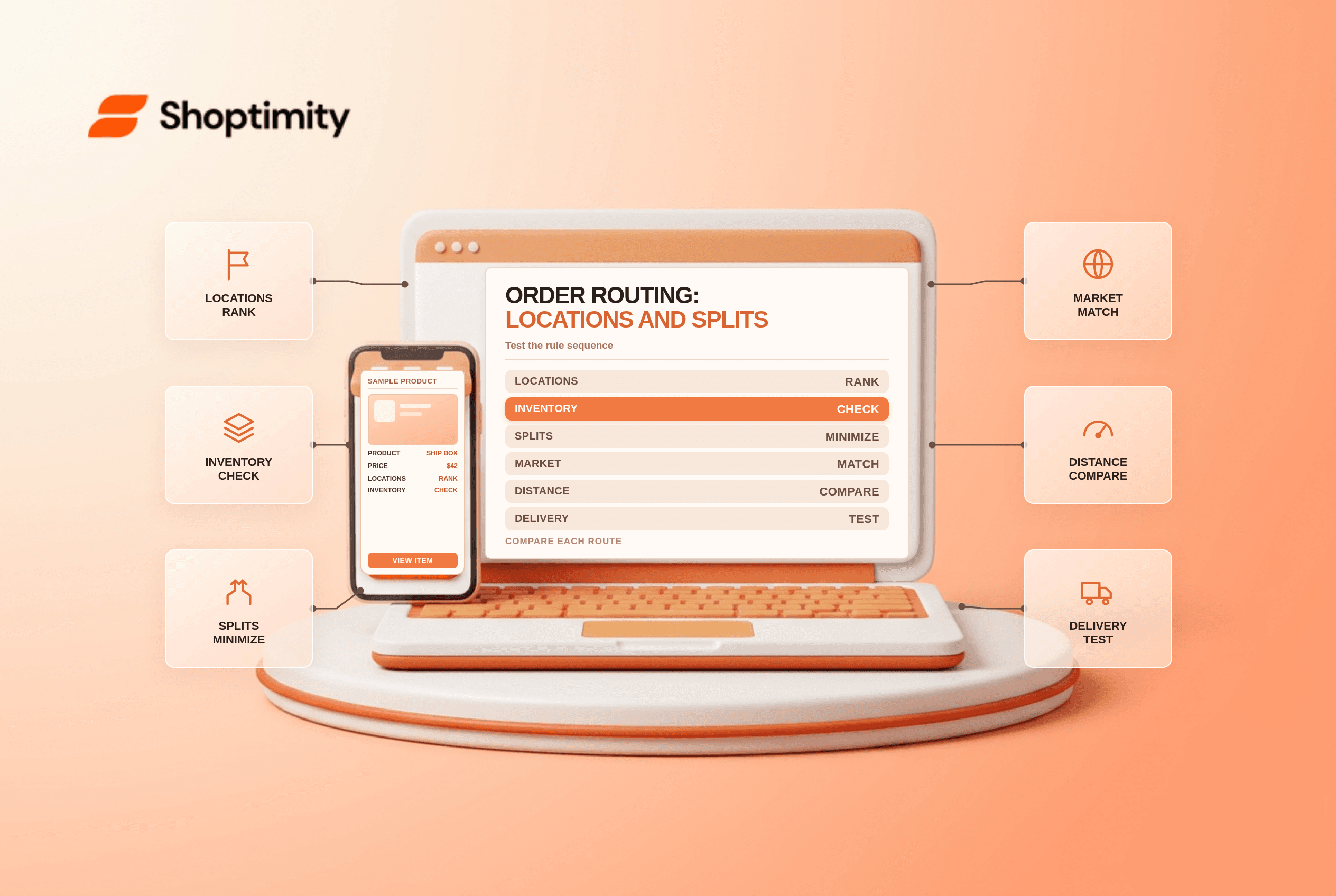
Shopify order routing rules prioritize eligible fulfilment locations when an online order arrives. The sequence matters: each rule operates on the result of the previous rule. A store can reduce split fulfilments, favor a destination market or prioritize a warehouse, but no rule can conjure stock at a location that cannot fulfil the order.
Understand the default sequence
Shopify's routing explanation describes these default rules, applied from top to bottom:
| Default order | Rule | What it prioritizes |
|---|---|---|
| 1 | Minimize split fulfillments | Locations that result in the fewest packages |
| 2 | Stay within the destination market | Locations in the customer's destination market |
| 3 | Ship from closest location | The nearest remaining location by straight-line distance |
Other configurations may reflect a store's prior settings or manual changes. Inspect the actual rule list before diagnosing a particular order. Straight-line distance is not driving distance or a guaranteed delivery-time calculation.
Work through an example
A customer orders a mug and a shirt. Warehouse A is closer but has only the mug. Warehouse B is farther away but has both products and is in the same destination market. Under the default priority, minimizing splits can favor B before the proximity rule is applied. If no eligible location can fulfil the complete order, Shopify may split the fulfilment; other configuration and inventory conditions also matter.
To prioritize specific warehouses, add Use ranked locations and group locations in the desired order. Locations in the same group share a rank. Shopify's setup guide recommends using the closest-location rule later to break ties when appropriate.
Check location eligibility first
Before changing priorities, confirm that each location is active, has accurate available inventory and is configured to fulfil online orders. An unverified address can prevent proximity calculations. Shopify also notes that when a customer's address cannot be matched to coordinates, the proximity rule can be skipped and an older location used instead.
Shipping profiles and zones affect which delivery options can be offered; they are not interchangeable with routing priority. Review both when a valid location or rate seems missing. The multi-location inventory guide and mixed-cart shipping profiles explain the surrounding setup.
Test more than the easy cart
Create a small matrix before editing live rules:
- One item stocked at every eligible location.
- A multi-item cart available together only at a farther location.
- A cart requiring more than one location.
- A destination in a different market or shipping zone.
- A product that is out of stock or permitted to oversell.
For each, record the expected source, observed assignment, package count, displayed delivery options and actual operational cost. Use permitted test orders and cancel or refund them according to your test procedure. Check that the warehouse team receives the expected fulfilment request.
Measure the trade-off
Fewer packages can lower packaging and handling, but a distant warehouse might have higher freight costs or a slower delivery promise. Ranked warehouses can protect retail-store inventory, while proximity can improve some deliveries. Compare shipping spend, split rate, processing time and late deliveries by scenario rather than assuming one rule optimizes every outcome.
Assign an owner to review routing after adding a location, changing a market or switching fulfilment providers. Document the original order of rules so you can restore it if the pilot creates unexpected splits.
Ready to build a faster, higher-converting store?
Every Shoptimity theme ships with conversion widgets built in — so you get speed and features without stacking apps.
7-day free trial · all themes included · cancel anytime
Continue Reading

Shopify B2B Company Locations: Give Buyers the Right Access
Configure Shopify B2B company locations, verify buyer permissions and test pricing, addresses and pa...

Shopify Checkout Contact Settings: Separate Email From Shipping Phone
Configure Shopify checkout contact settings and test email, phone and shipping address requirements ...

Shopify POS Recent Carts: Share a Sale Without Reserving Stock
Learn how Shopify POS recent carts work across devices, what they do not reserve, and how to hand of...