
Shopify Chargeback Response: Evidence and Deadlines
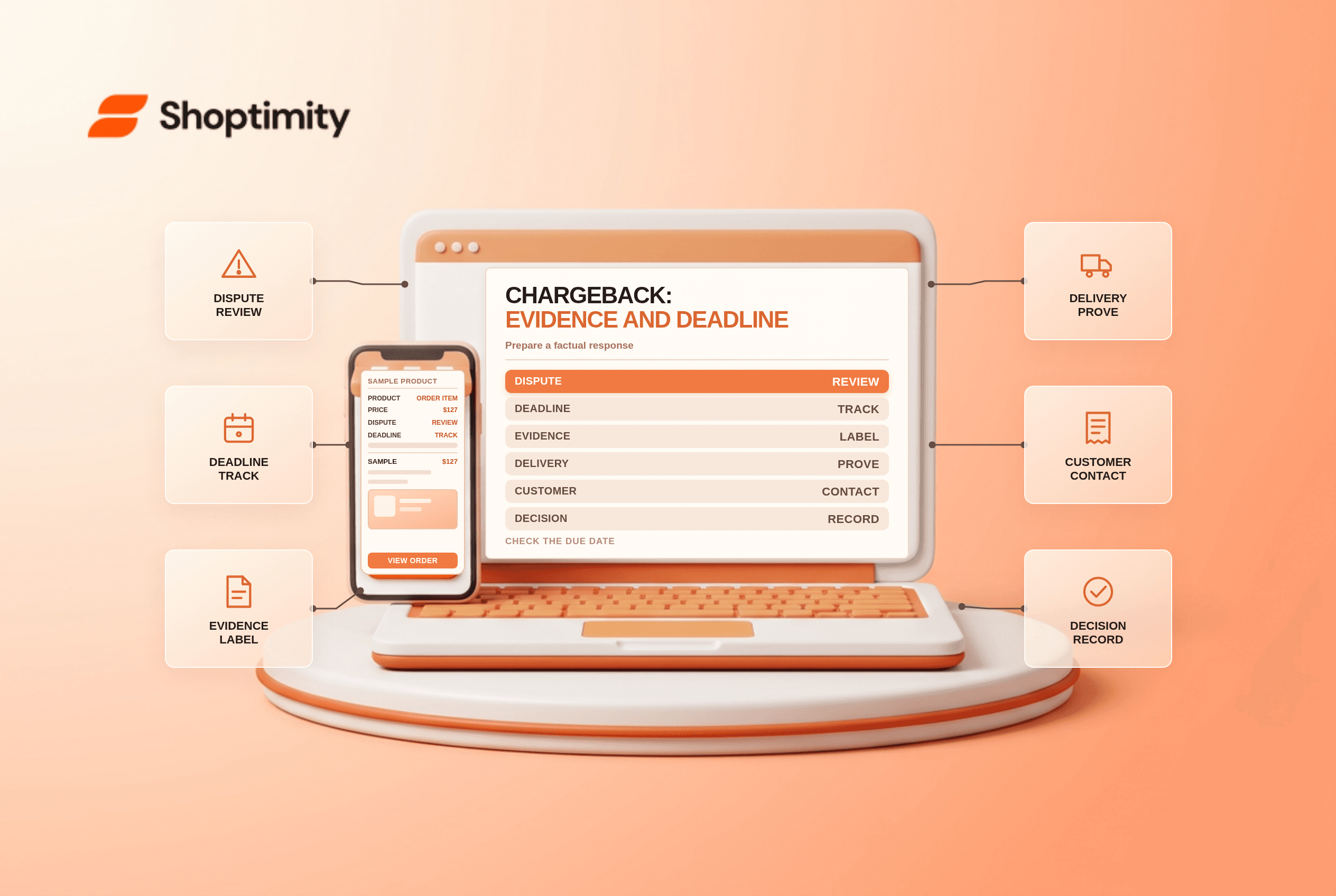
title: Shopify Chargeback Response: Evidence and Deadlines slug: shopify-chargeback-response-evidence-deadlines meta_title: Shopify Chargeback Response: Evidence and Deadlines meta_description: Prepare a Shopify chargeback response with a dispute-specific evidence checklist, deadlines, customer communication and safe submission steps. primary_keyword: Shopify chargeback response secondary_keywords:
- Shopify merchant guide
- ecommerce operations author: The Shoptimity Team date: 2026-11-03 category: Operations schema: BlogPosting, FAQPage
Shopify Chargeback Response: Evidence and Deadlines
A Shopify chargeback response is a time-sensitive explanation to the cardholder's bank, supported by evidence relevant to the customer's dispute. A delivery scan may help a missing-item claim but will not necessarily address an unauthorized-payment allegation. Start with the reason and deadline shown on the order, then assemble a concise, truthful case.
Chargeback versus inquiry
A chargeback generally removes the disputed amount and a fee while the case is reviewed. An inquiry requests information without immediately withdrawing funds. Shopify describes both processes in its chargeback guide. The issuer decides the outcome; a well-prepared response does not guarantee a win.
| Dispute issue | Evidence to consider | Common gap |
|---|---|---|
| Item not received | Carrier tracking, delivered address, delivery photo or signature | Tracking shows only a label was created |
| Product not as described | Purchase-time listing, photos, messages and return correspondence | Current listing differs from purchase-time version |
| Unauthorized transaction | Order details, verification signals and relevant customer history | Assuming a matching address proves authorization |
| Subscription canceled | Agreed terms, cancellation request timeline and billing records | Terms are not linked to the specific purchase |
| Refund not received | Refund transaction record and date | An internal note without a completed refund record |
Use only information you can verify and are entitled to share. Redact unnecessary sensitive details and follow the evidence requirements in the admin.
Find the deadline and assign an owner
Open the disputed order and review its reason, amount and response deadline. Shopify says the response window is typically 7 to 21 days, but the displayed deadline controls your case. Its admin guide says the date is in your store's time zone; if no specific time is shown, the deadline is 11 p.m. on that date.
Assign an owner and an earlier internal cutoff. Ask fulfilment, customer support and finance for records immediately. Preserve the original product listing and policies as they appeared when the shopper purchased, rather than relying on a page that may have changed.
Build an evidence packet
- Summarize the order, dispute reason and outcome you are requesting in a few factual sentences.
- Put events in order: purchase, fulfilment, delivery, customer contact and any refund.
- Attach direct proof first, then relevant supporting context.
- Label each file and explain what it shows; remove unrelated information.
- Check the package against the dispute reason and submit before the displayed deadline.
If you use Shopify Payments, Shopify adds some order information automatically and submits a response on the due date even if you do not add evidence. Review what was included and add material that Shopify cannot infer, such as customer correspondence or historical policies. If you choose Submit now, Shopify says you cannot edit the evidence after early submission.
Customer contact and finance
You can contact the customer respectfully to understand the problem. If they agree to withdraw the dispute, Shopify recommends obtaining the bank's withdrawal letter and submitting it as evidence; a customer's statement alone does not close the case. See resolving a dispute. Avoid promising a specific result or making a duplicate refund while a dispute is active without checking the applicable process.
Track the disputed principal, fees, status, evidence deadline and final decision in finance. For prevention, pair the workflow with Shopify fraud analysis and clear returns policy information, where applicable.
Ready to build a faster, higher-converting store?
Every Shoptimity theme ships with conversion widgets built in — so you get speed and features without stacking apps.
7-day free trial · all themes included · cancel anytime
Continue Reading

Shopify B2B Company Locations: Give Buyers the Right Access
Configure Shopify B2B company locations, verify buyer permissions and test pricing, addresses and pa...

Shopify Checkout Contact Settings: Separate Email From Shipping Phone
Configure Shopify checkout contact settings and test email, phone and shipping address requirements ...

Shopify POS Recent Carts: Share a Sale Without Reserving Stock
Learn how Shopify POS recent carts work across devices, what they do not reserve, and how to hand of...