
Shopify Checkout Extensibility: A Post-Migration Audit
title: Shopify Checkout Extensibility: A Post-Migration Audit slug: shopify-checkout-extensibility-post-migration-audit meta_title: Shopify Checkout Extensibility: A Post-Migration Audit meta_description: Shopify checkout extensibility audit: test migrated Functions, extensions, tracking and storefront script tag deadlines. Includes practical checks before. primary_keyword: Shopify checkout extensibility secondary_keywords:
- Shopify guide
- ecommerce operations author: The Shoptimity Team date: 2026-11-03 category: Development schema: BlogPosting, FAQPage
Shopify Checkout Extensibility: A Post-Migration Audit
Shopify checkout extensibility replaces legacy checkout customizations with supported extensions, Functions and pixels. The immediate job is to audit what customers actually experience: a working checkout does not prove that an old discount, tracking event or custom field survived migration.
Shopify states that Shopify Scripts were deactivated on 30 June 2026. Separate deadlines apply to legacy order-status scripts and storefront ScriptTags. Avoid treating those separate migrations as one date or assuming every store has the same history.
Map old jobs to current tools
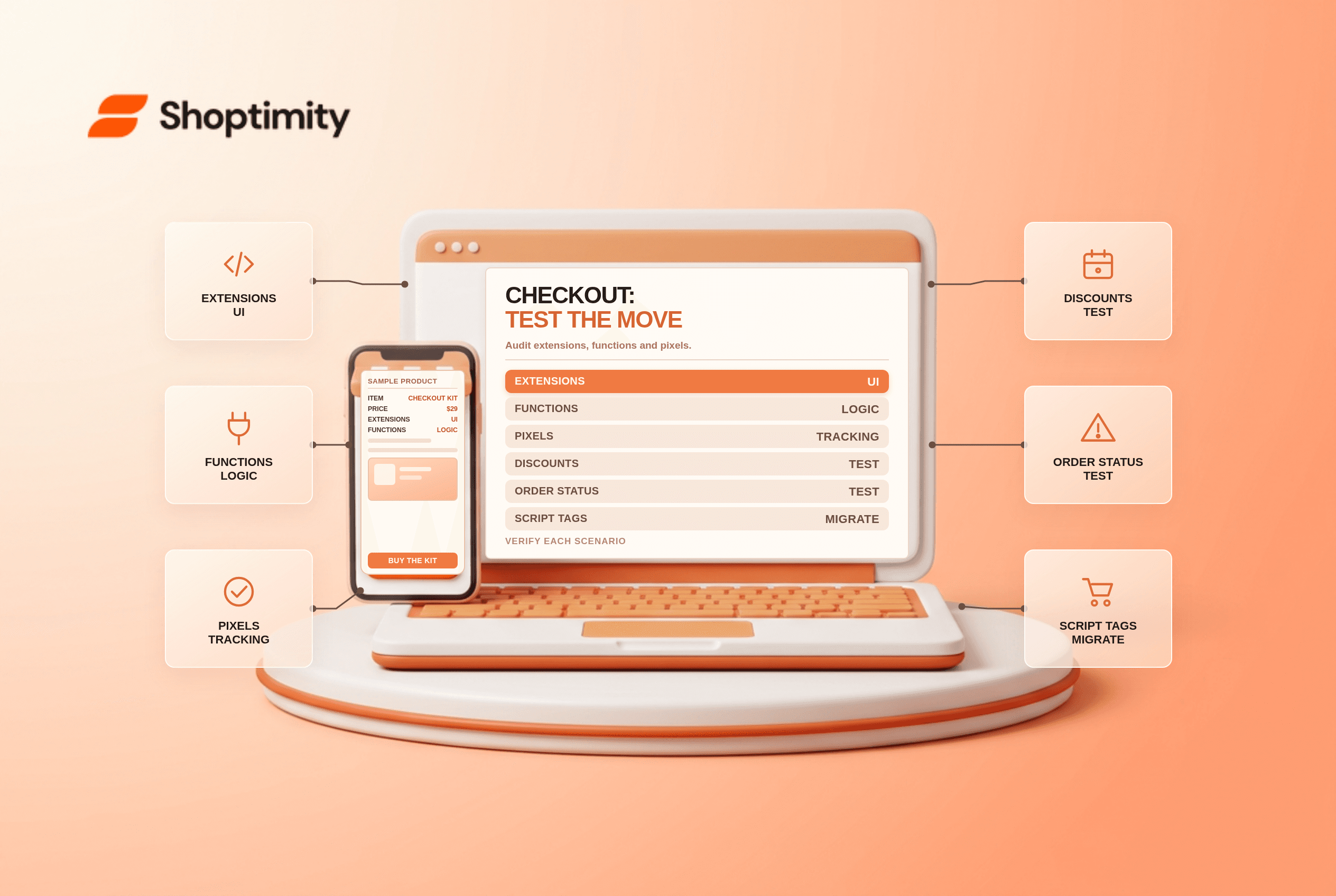
| Legacy job | Typical current approach | Test |
|---|---|---|
| Checkout display customization | Compatible checkout UI extension | Preview and test the intended checkout step |
| Script-based discounts or delivery logic | Shopify Functions or a compatible app | Run the exact cart and shipping scenarios |
| Conversion tracking | App or custom web pixel | Reconcile test events without duplicates |
| Thank-you and order-status content | Supported extension on the right page | Test both pages separately |
Capabilities and plan eligibility vary by extension and location in checkout. Shopify's app documentation distinguishes checkout, thank-you and order-status pages; confirm your plan and the app's compatibility before promising a feature.
Build a migration inventory
List each old customization, its owner, location, business purpose and replacement. A free-shipping threshold, for example, needs more than a visual check: test a cart just below and above the threshold, after a discount and with an ineligible destination. Record expected and actual outcomes.
For analytics, compare one test order in Shopify, the pixel debugger and the destination platform. Check consent settings, event names, currency, value and duplicate purchase events. Do not send customer details to analytics tools beyond the permitted configuration.
Check storefront script tags separately
Shopify's developer changelog says apps could no longer create or update ScriptTags from 1 October 2026, while existing storefront tags stop being injected on 1 March 2027. This applies to the ScriptTag API, not every script manually written into a theme.
Ask each app vendor whether its storefront widget uses a theme app embed and whether it needs activation in each theme. For analytics-only integrations, ask about a web pixel. Avoid running old and replacement tracking simultaneously without a deduplication plan.
Roll out safely
- Duplicate your checkout configuration where available and document the active version.
- Validate app compatibility and permissions before changing the live configuration.
- Test common and edge-case orders, including discount combinations and payment methods.
- Publish during a staffed window and verify a real transaction where appropriate.
- Monitor conversion, discount failures and purchase events; retain a supported rollback plan.
The checkout and accounts editor supports previews across the relevant surfaces. For plan-specific options see Shopify checkout blocks plan limits, and for app placement see app blocks vs embeds.
A migration audit should also include a clear escalation path for payment failures and a documented owner for each customer-facing exception.
Give each test an owner
Create a shared test sheet with an expected result, observed result, evidence, owner and retest date. Include a guest buyer, returning customer, mobile device, accessible keyboard path and any B2B scenario the store actually uses. A failed test should have an assigned fix and a support workaround; a passing screenshot alone does not verify backend order data or reporting.
Ready to build a faster, higher-converting store?
Every Shoptimity theme ships with conversion widgets built in — so you get speed and features without stacking apps.
7-day free trial · all themes included · cancel anytime
Continue Reading

Shopify B2B Company Locations: Give Buyers the Right Access
Configure Shopify B2B company locations, verify buyer permissions and test pricing, addresses and pa...

Shopify Checkout Contact Settings: Separate Email From Shipping Phone
Configure Shopify checkout contact settings and test email, phone and shipping address requirements ...

Shopify POS Recent Carts: Share a Sale Without Reserving Stock
Learn how Shopify POS recent carts work across devices, what they do not reserve, and how to hand of...