
Shopify Collaborator Access: Approve Only the Work Needed
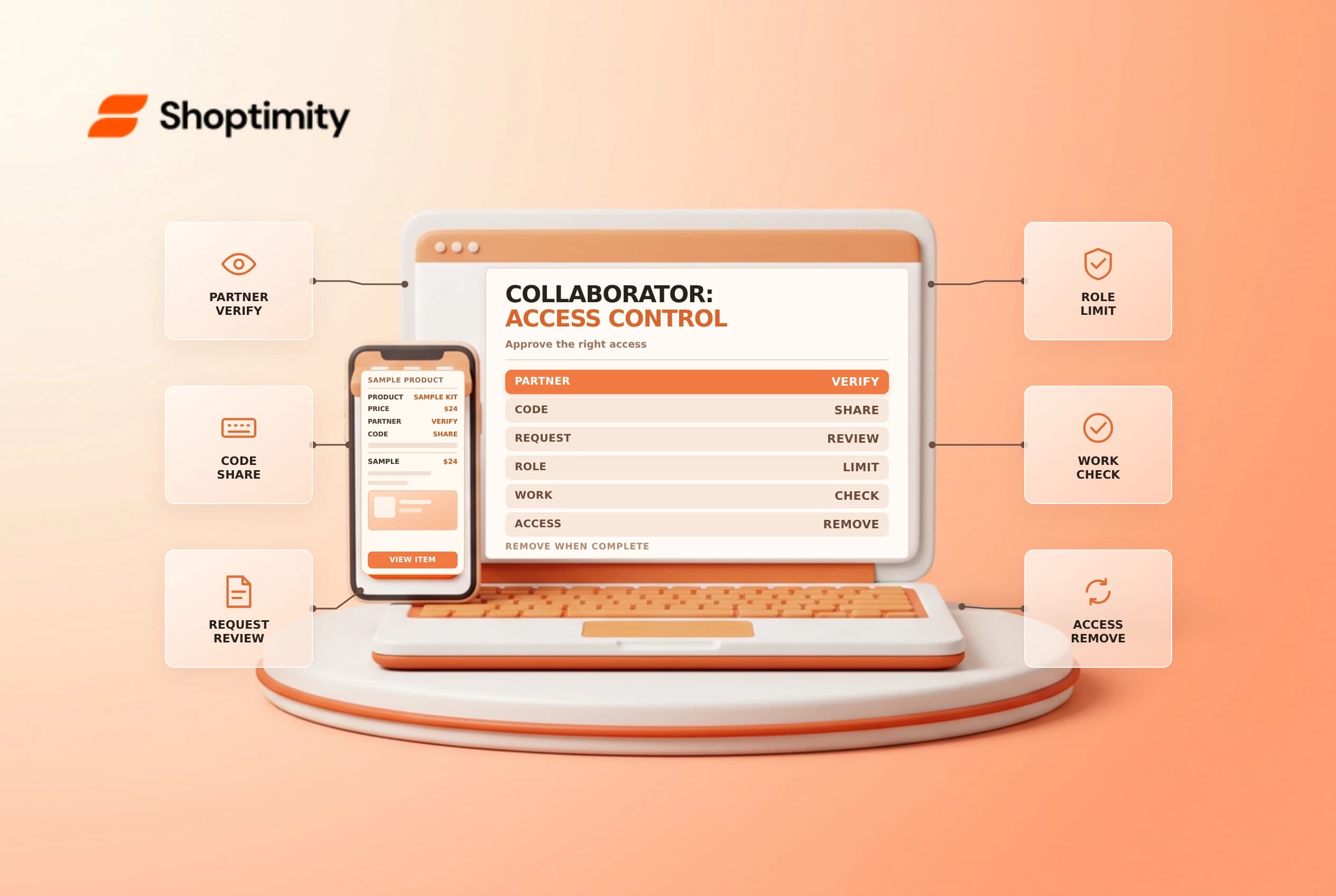
Shopify collaborator accounts let a Partner work in a store without sharing the owner's login. Approval is still a security decision: a request code controls who can ask, while the permissions you grant control what an approved collaborator can do.
Verify the person before approving
Agree on the project, contact and end date through a known channel. Shopify's collaborator guide says a Partner needs your four-digit request code to submit a request. Share it only with the intended Partner; a code is not an approval or a substitute for checking the request.
Review the name and requested permissions in Settings > Users. If anything is unexpected, contact the Partner using a previously verified channel rather than a link in an unsolicited message. Reject unrecognized requests. Generate a new code if the current one has been shared too broadly.
Map permissions to the job
Write down the smallest useful access before accepting. A theme task may need online-store access; an order-support project may need order information. Don't grant payment, customer or user-management permissions simply because they appear on the request. Shopify lets you review the automatically generated role and assign appropriate roles before acceptance.
| Check | Question to ask |
|---|---|
| Identity | Is this the Partner we agreed to hire? |
| Scope | Which store areas are necessary for this task? |
| Exposure | Will access include sensitive customer or financial data? |
| End | Who will remove access when the project finishes? |
Some tasks require combinations of permissions. Test the approved role with the collaborator and adjust deliberately if a required action is blocked. Collaborator accounts cannot access the Shopify POS app or POS channel; don't promise POS access through this route.
Close access after the project
Record the approval, role, responsible owner and review date. At completion, remove access that is no longer needed and review apps or changes the Partner installed. Shopify says an inactive collaborator who has not logged in for 90 days automatically loses access, but waiting for inactivity is not a substitute for closing a completed engagement.
For broader controls, compare the staff permissions checklist with your two-step recovery plan. Confirm that those links and role names fit your current admin before applying them.
Example: a limited theme engagement
Suppose an agency is hired to adjust the product page. Agree on which theme it will work on, who can approve changes, and whether it needs access to apps or customer records. The agency can request the relevant permissions; the merchant should review the actual role rather than assuming the request matches the agreement. A developer who needs theme access does not automatically need authority to manage staff or view payouts.
Before work begins, save the project scope and planned end date in your own access register. Review changes in an unpublished theme and arrange an approval process for any live release. If the person later needs a new permission, ask what action is blocked and for how long. Grant the specific permission only after reviewing its implications.
When the job ends, confirm whether follow-up support is still required. Remove unnecessary access and record who completed the offboarding. If credentials, app tokens or external services were created during the project, review those independently; removing a collaborator does not automatically prove that every separate integration has been removed.
Ready to build a faster, higher-converting store?
Every Shoptimity theme ships with conversion widgets built in — so you get speed and features without stacking apps.
7-day free trial · all themes included · cancel anytime
Continue Reading

Shopify B2B Company Locations: Give Buyers the Right Access
Configure Shopify B2B company locations, verify buyer permissions and test pricing, addresses and pa...

Shopify Checkout Contact Settings: Separate Email From Shipping Phone
Configure Shopify checkout contact settings and test email, phone and shipping address requirements ...

Shopify POS Recent Carts: Share a Sale Without Reserving Stock
Learn how Shopify POS recent carts work across devices, what they do not reserve, and how to hand of...