
Shopify Cost Per Item: Read Gross Margin Without Overstating Profit
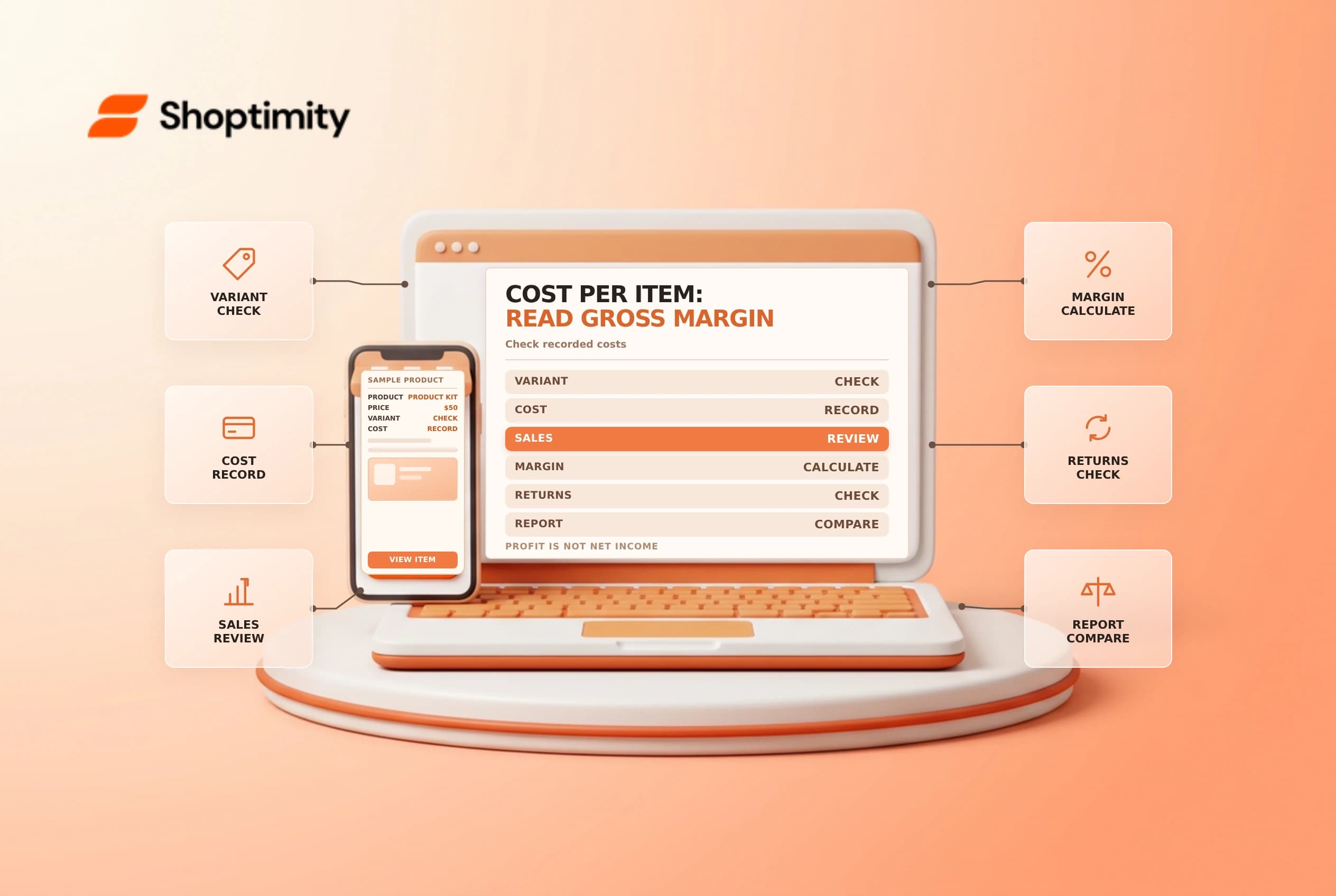
Cost per item is an input to Shopify's product profit reporting. It can help a merchant compare variants, but a product-level gross margin is not automatically the net profit from an order or the business. Missing costs, returns, shipping, payment fees and other expenses can change the interpretation.
Understand the calculation
Shopify's profit report guide defines gross profit by product as net sales minus product cost, and gross margin as that difference divided by net sales. If net sales are $50 and recorded cost is $30, the gross profit is $20 and gross margin is 40%. The example does not include every operating expense.
| Metric | Practical meaning |
|---|---|
| Net sales | Sales after the report's applicable discounts and reversals |
| Product cost | Recorded cost for the items included in that report |
| Gross profit | Net sales minus product cost |
| Gross margin | Gross profit divided by net sales |
| Business profit | Requires additional costs and accounting decisions |
Shopify says profit is reported only for products or variants with a cost recorded when sold. Missing cost data can therefore create differences between sales and profit reports. Adding a cost today should not be assumed to repair every historical record; inspect the report and consult finance.
Define what your cost means
The product details field can contain the amount paid to a supplier or an internally determined production cost. Agree with finance on what is included and how frequently it is updated. Product cost, outbound shipping, packaging, transaction fees, taxes and ad spend are not necessarily represented in the same field or report. Avoid adding the same expense twice when building a broader analysis.
For variants, verify that the correct cost is entered for each option where the economics differ. A multi-pack or bundle needs its own cost policy: confirm what the buyer receives and how the store accounts for the contents. If supplier prices change, document the effective date and the expected reporting impact instead of overwriting figures without a record.
Review a sample order
Take one ordinary sale and compare the variant, quantity, selling price, discount and cost with the report. Then review a returned or partially refunded order and note the date on which the reversal is reported. Shopify's sales report definitions distinguish net sales from total sales, shipping and taxes. Use the actual report definitions rather than mixing values from different dates or currencies.
If two reports disagree, check the selected timeframe, filters, currency, returned items and whether cost was present when the sale occurred. Exporting a report does not convert it into a bank payout or a complete income statement. Ask finance to reconcile differences and approve any business-level profitability model.
Maintain a cost-control process
Assign an owner for cost entry, review missing-cost reports and check new variants before launch. Restrict access to cost data where appropriate. Record source documents and effective dates, and test a small batch before a bulk edit. See gross versus net sales and contribution margin for broader context.
Set a periodic review for products with missing costs and for variants whose supplier prices have changed materially. Retain the source, owner and effective date of each approved update. When comparing two periods, check whether the product mix and discount levels changed; a movement in margin does not by itself identify a supplier-price issue. Investigate the underlying orders before making a purchasing decision.
Ready to build a faster, higher-converting store?
Every Shoptimity theme ships with conversion widgets built in — so you get speed and features without stacking apps.
7-day free trial · all themes included · cancel anytime
Continue Reading

Shopify B2B Company Locations: Give Buyers the Right Access
Configure Shopify B2B company locations, verify buyer permissions and test pricing, addresses and pa...

Shopify Checkout Contact Settings: Separate Email From Shipping Phone
Configure Shopify checkout contact settings and test email, phone and shipping address requirements ...

Shopify POS Recent Carts: Share a Sale Without Reserving Stock
Learn how Shopify POS recent carts work across devices, what they do not reserve, and how to hand of...