
Shopify Country and Language Selectors: Test the Market Switch
title: Shopify Country and Language Selectors: Test the Market Switch slug: shopify-country-and-language-selectors-market-test meta_title: Shopify Country and Language Selectors meta_description: Test Shopify country and language selectors across market, URL, currency, product availability and checkout, with accessibility checks for store teams. primary_keyword: Shopify country and language selectors secondary_keywords:
- Shopify merchant guide
- ecommerce operations author: The Shoptimity Team date: 2026-11-04 category: Operations schema: BlogPosting, FAQPage
Shopify Country and Language Selectors: Test the Market Switch
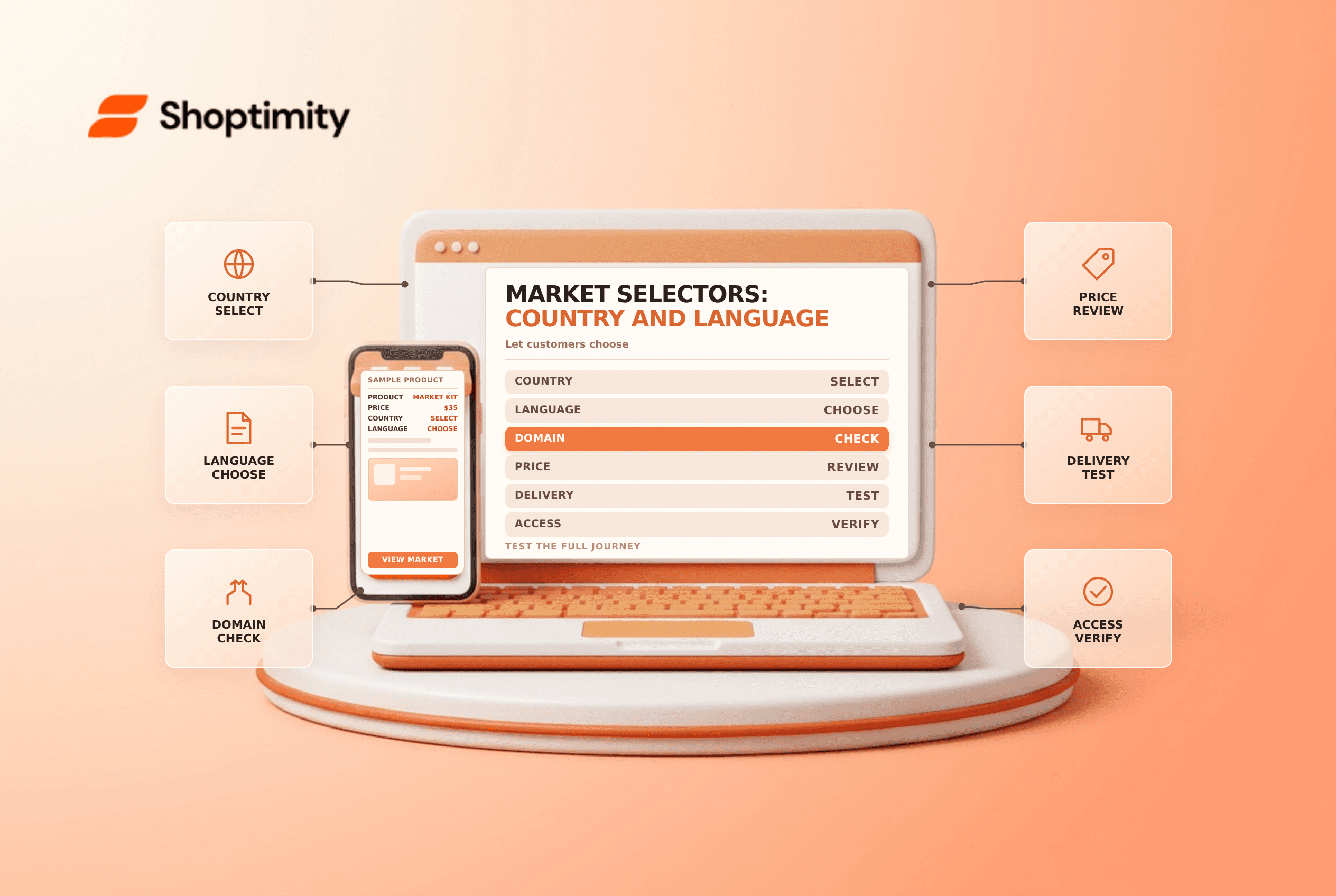
Shopify country and language selectors let customers choose a store experience when automatic localization is wrong or when they prefer a different market or language. A selector is not just a visual control: its choice can change the URL, available products and prices. Test the full shopping path after a switch.
Understand what each choice changes
Shopify's market-localization guide describes geographic detection, browser-language preferences and manual selectors. The actual experience depends on active markets, language availability, domains and the store's configuration.
| Choice | Intended effect | Check after switching |
|---|---|---|
| Country or region | Selects the appropriate market context | Product availability, currency and delivery eligibility |
| Language | Selects an available language for that market | Translated navigation, product information and policies |
| Domain or subfolder | May represent the selected market | Correct destination and no unexpected redirect loop |
| Saved preference | Remembers a manual choice | Behavior on a later visit and on a shared device |
IP-based detection can be inaccurate for travelers, VPN users or people ordering to a different destination. Do not assume a visitor's detected location is always the intended shipping country.
Configure the visible controls
Shopify says many themes include selectors in a header or footer. In the theme editor, inspect the relevant section and enable supported country and language controls. Confirm that the markets and languages are active and that the selected theme actually renders the controls. A theme or app may implement its own selector, so avoid duplicating conflicting controls.
Shopify's domain and language guide explains that the selected market's supported languages and assigned URL structure influence the destination. If a preferred language is unavailable in the new market, the customer may receive a different supported language. Check the real behavior rather than assuming every language exists in every market.
Test the whole journey
- Start from a known market and language in a clean browser session.
- Switch country and record the URL, currency and product availability.
- Change language and check translated labels, policies and product details.
- Add an eligible product to cart and review shipping destination and checkout.
- Revisit to test the saved preference and provide a clear way to change it.
- Repeat on mobile, with keyboard navigation and with a different location scenario.
- Check that market-specific links and promotional messages remain accurate.
A display currency does not by itself prove that every payment method or checkout can charge in that currency. Verify eligibility and the actual checkout with the relevant provider and market. Do not force a redirect without considering local requirements and a customer's ability to choose.
Diagnose common mismatches
If the selector is missing, inspect the theme section, market configuration and navigation app. If a switch reaches the wrong page, check assigned domains, available languages and saved preferences. If the product price is unexpected, inspect the market catalog and conversion settings rather than treating the selector as a pricing rule.
See market pricing and menu management for adjacent checks.
When checking accessibility, make sure the control has a clear accessible name, can be opened and changed with a keyboard, and communicates the selected value. Test with assistive technology appropriate to your team. A selector that looks visible but cannot be operated is not a complete fallback.
Ready to build a faster, higher-converting store?
Every Shoptimity theme ships with conversion widgets built in — so you get speed and features without stacking apps.
7-day free trial · all themes included · cancel anytime
Continue Reading

Shopify B2B Company Locations: Give Buyers the Right Access
Configure Shopify B2B company locations, verify buyer permissions and test pricing, addresses and pa...

Shopify Checkout Contact Settings: Separate Email From Shipping Phone
Configure Shopify checkout contact settings and test email, phone and shipping address requirements ...

Shopify POS Recent Carts: Share a Sale Without Reserving Stock
Learn how Shopify POS recent carts work across devices, what they do not reserve, and how to hand of...