
Shopify Custom Fulfillment Services: Track Email Warehouses
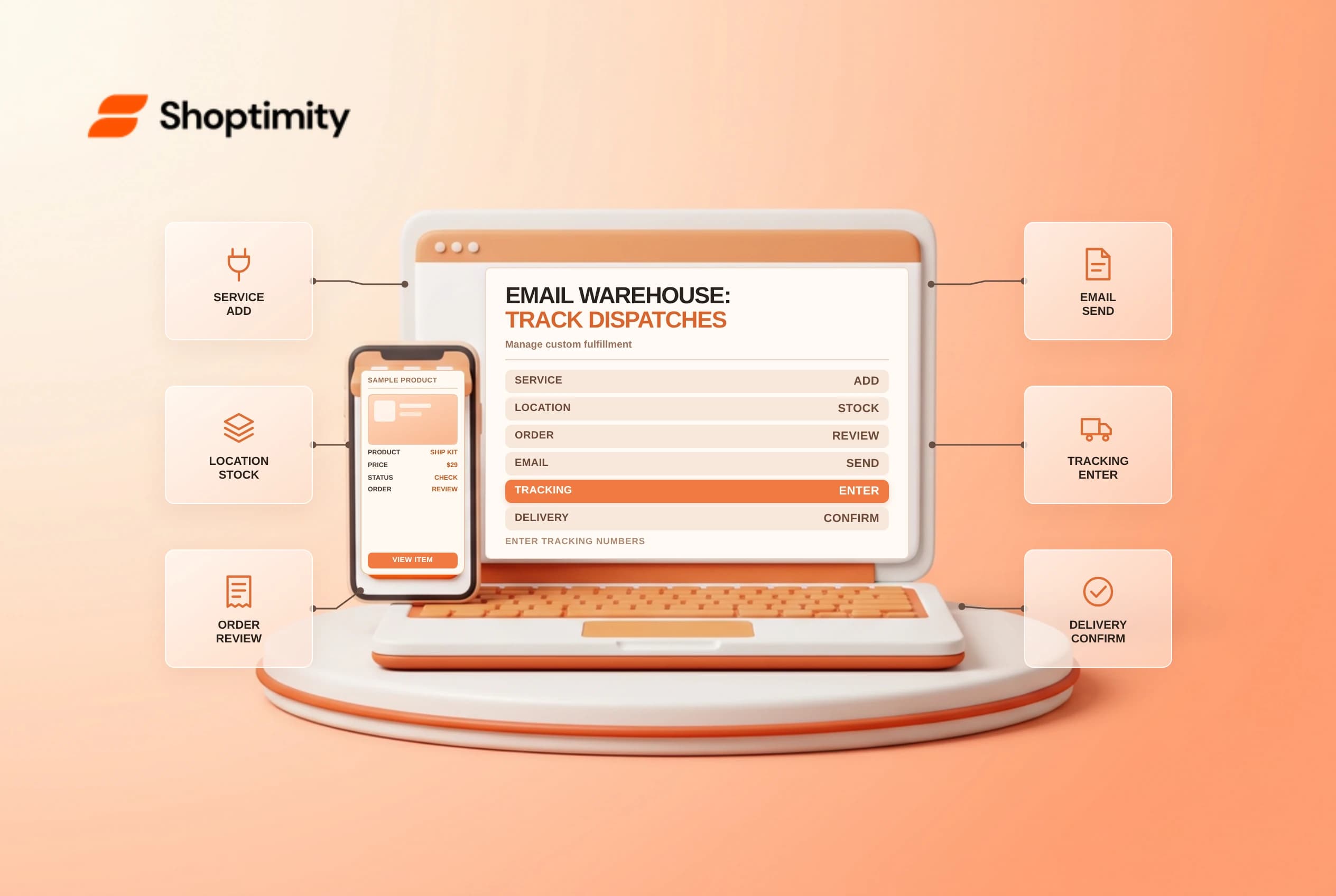
Shopify custom fulfillment services connect third-party warehouses, print workshops or dropship suppliers that accept dispatch instructions by email rather than through an app integration. Activating one creates a dedicated inventory location in Shopify admin and sends structured fulfillment request emails. Because email warehouses never push status updates back to Shopify automatically, teams need a clear tracking and exception routine.
Understand what an email fulfillment service does
Shopify's order fulfillment setup guide separates app-based fulfillment integrations from custom email services. App integrations sync stock, shipment progress and tracking numbers in both directions. By contrast, custom fulfillment services work one way: you add the provider name and email under Settings > Shipping and delivery > Custom order fulfillment, stock eligible variants at that service location and trigger an email when fulfilling items.
| Capability | App-integrated 3PL | Custom email fulfillment service |
|---|---|---|
| Order dispatch instruction | Synced via API | Sent by email when marked fulfilled |
| Live warehouse status updates | Updated automatically by the app | Not synced back to Shopify admin |
| Tracking number entry | Pushed by warehouse integration | Entered manually by merchant staff |
| Untracked delivery completion | Managed by carrier or app events | Staff must mark delivered manually |
Assigning a variant's inventory to a custom fulfillment service allocates its stock to that service location. Check shipping profiles and backup rates so mixed orders containing both in-house items and supplier-shipped items calculate realistic checkout shipping charges.
Choose manual or automatic fulfillment carefully
Store-wide automatic fulfillment is risky when you rely on an email warehouse. If automatic fulfillment is active, paid orders trigger fulfillment immediately before anyone verifies address formatting, fraud indicators or buyer edit requests. Once Shopify sends the fulfillment request email, canceling or changing the order inside Shopify admin does not stop a warehouse crew that has already printed the email and taped the box.
Manual fulfillment gives your team a short review window:
- Check fraud analysis, delivery notes and address completeness before requesting dispatch.
- Confirm whether the order splits across your own warehouse and the custom fulfillment provider, since the overall order shows
Fulfilledonly after every line item ships. - Contact the supplier directly by email or portal whenever a customer requests a cancellation or address correction after the request email went out, then update Shopify to match what the warehouse confirms.
Close the tracking and delivery loop
When you mark items fulfilled for a custom service before the warehouse has generated a carrier label, the supplier receives the dispatch email, yet the buyer has no tracking link yet. Set a daily reconciliation queue to collect shipped manifests from the provider and add the carrier name and tracking number to each fulfillment in Shopify admin so customer notifications carry real scan links.
Pay special attention to local couriers or freight shipments without carrier-tracked numbers. Shopify notes that if a custom fulfillment service provides no tracking number, the order status page will not show the shipment as delivered unless staff manually mark the order delivered after confirming receipt. Leaving completed freight orders in an open state confuses buyers and distorts post-purchase review timing.
Related guides: manual tracking numbers and partial fulfillment split shipments.
Ready to build a faster, higher-converting store?
Every Shoptimity theme ships with conversion widgets built in — so you get speed and features without stacking apps.
7-day free trial · all themes included · cancel anytime
Continue Reading
Shopify Flow Collection Deleted: ID-Only Alerts
Create a safe collection-deleted alert in Shopify Flow, understand its ID-only data and plan a manua...
Shopify Flow Discount Created: Choose the Trigger
Compare discount code and automatic discount creation triggers in Shopify Flow and design internal p...
Shopify Flow Inventory Item Deleted: ID-Only Data
Understand the inventory item deleted trigger, its ID-only limitation and how to alert operations wi...