
Shopify Customer Tax Exemptions: Verification and Checkout Tests
title: Shopify Customer Tax Exemptions: Verification and Checkout Tests slug: shopify-customer-tax-exemptions-checkout-tests meta_title: Shopify Customer Tax Exemptions: Checkout Tests meta_description: Review Shopify customer tax exemptions with eligibility checks, protected records, tax-service caveats and representative checkout tests for store teams. primary_keyword: Shopify customer tax exemptions secondary_keywords:
- Shopify merchant guide
- ecommerce operations author: The Shoptimity Team date: 2026-11-04 category: Operations schema: BlogPosting, FAQPage
Shopify Customer Tax Exemptions: Verification and Checkout Tests
Shopify customer tax exemptions affect tax calculations for eligible customers, but a checkbox is not proof that a customer qualifies. Confirm the applicable jurisdiction, documentation and tax-service capabilities before changing a profile. A qualified tax adviser should resolve uncertain legal treatment.
Separate the types of tax decision
| Decision | What it concerns | Example |
|---|---|---|
| Customer exemption | A customer's eligibility for an exemption | An eligible purchaser with valid supporting documentation |
| Product treatment | Taxability of a product or category | A category with a jurisdiction-specific treatment |
| Registration | Whether the merchant has configured a tax registration | A jurisdiction where the seller is registered |
| Tax override | A deliberate special rate or exemption configuration | An approved exception to the default calculation |
Shopify's tax-service comparison shows that customer-exemption features vary by region and tax service. Shopify's store-management guidance notes that customer tax settings can be changed in the profile and B2B company locations can have relevant tax information and exemptions.
Verify eligibility before editing
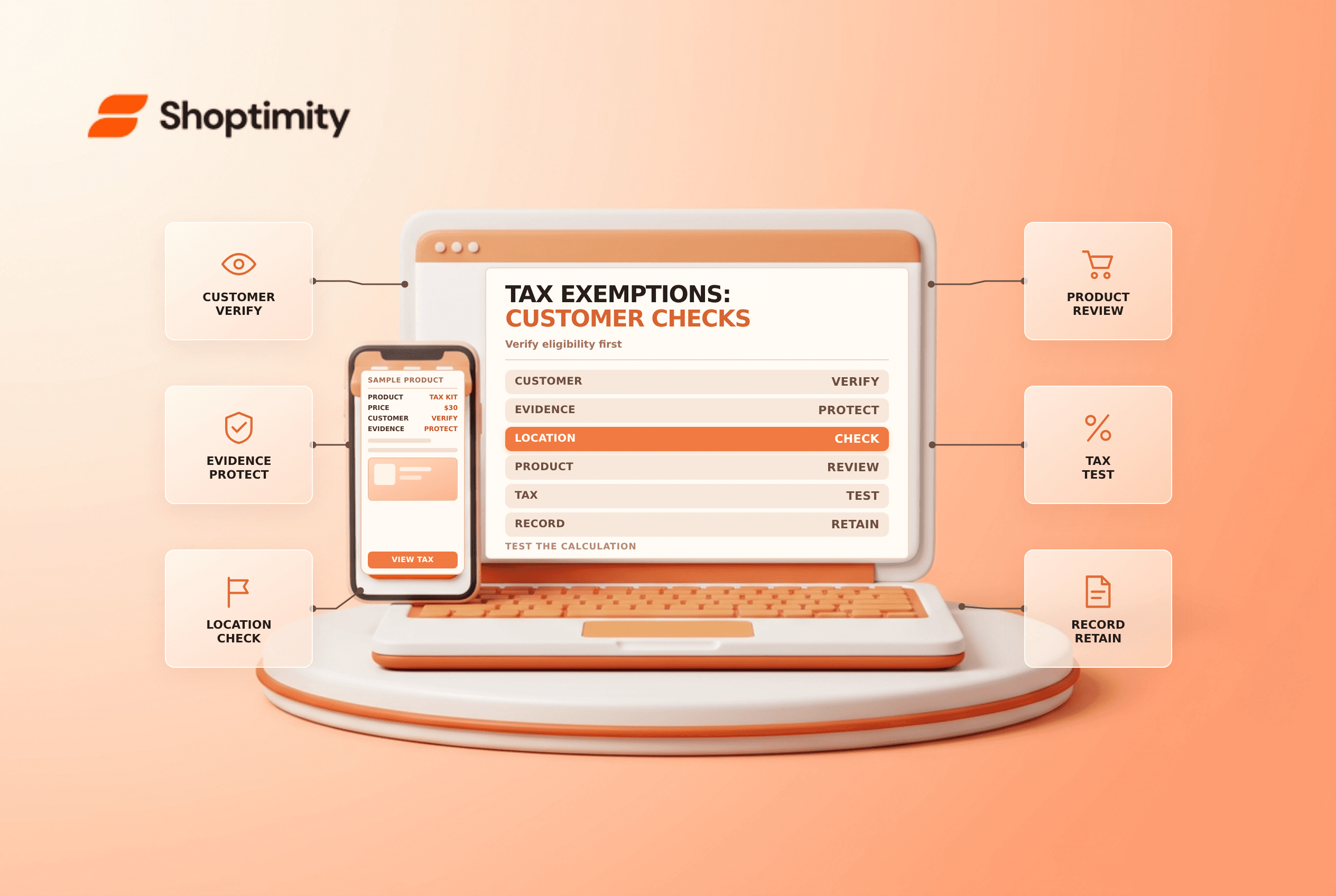
Collect the information required by your jurisdiction and policy, such as a valid exemption or resale certificate where applicable. Check the customer identity, coverage, expiration, transaction type and the goods involved. A certificate from one jurisdiction may not apply everywhere, and a tax ID alone is not a universal exemption.
Keep documentation in an appropriately protected system with an owner and review date. Do not paste sensitive identifiers into order tags or unprotected notes. Involve a qualified professional when the rules or evidence are unclear.
Configure the appropriate record
Open the correct customer profile and review its Tax settings or Tax exemptions section. For B2B, also check the company location and relevant tax ID or exemption settings. The available options depend on the tax service, geography and Shopify configuration; do not assume every exemption can be represented by a universal toggle.
Check that the merchant's registrations and product categories are correct. A customer exemption, a product category and an override solve different problems. Changing a customer to exempt simply to make one unexpected tax line disappear can create a broader error on later orders.
Test representative transactions
Shopify's tax-registration guidance recommends testing taxes with a draft order using a test customer and address. Use a controlled test that does not create a real charge, and compare the displayed calculation with your approved expected result.
- Confirm the customer and applicable company location.
- Check the destination address and merchant registrations.
- Add a representative taxable product and inspect the tax lines.
- Test an eligible exempt case and a non-exempt case separately.
- Review product categories and overrides if the result differs.
- Record the outcome and resolve discrepancies before placing real orders.
A draft-order test is a diagnostic, not a substitute for verifying the actual checkout and tax records. Recheck when a customer's status or jurisdiction changes. Shopify calculates tax, but merchants remain responsible for determining obligations, filing and remittance.
For adjacent controls see B2B payment terms and Shopify tax setup.
Schedule a periodic review of exemption records, including expiry dates and changes in customer status. The frequency and evidence required should follow your jurisdiction and professional advice.
Ready to build a faster, higher-converting store?
Every Shoptimity theme ships with conversion widgets built in — so you get speed and features without stacking apps.
7-day free trial · all themes included · cancel anytime
Continue Reading

Shopify B2B Company Locations: Give Buyers the Right Access
Configure Shopify B2B company locations, verify buyer permissions and test pricing, addresses and pa...

Shopify Checkout Contact Settings: Separate Email From Shipping Phone
Configure Shopify checkout contact settings and test email, phone and shipping address requirements ...

Shopify POS Recent Carts: Share a Sale Without Reserving Stock
Learn how Shopify POS recent carts work across devices, what they do not reserve, and how to hand of...