
Shopify Double Opt-In: Confirm Marketing Subscriptions Clearly
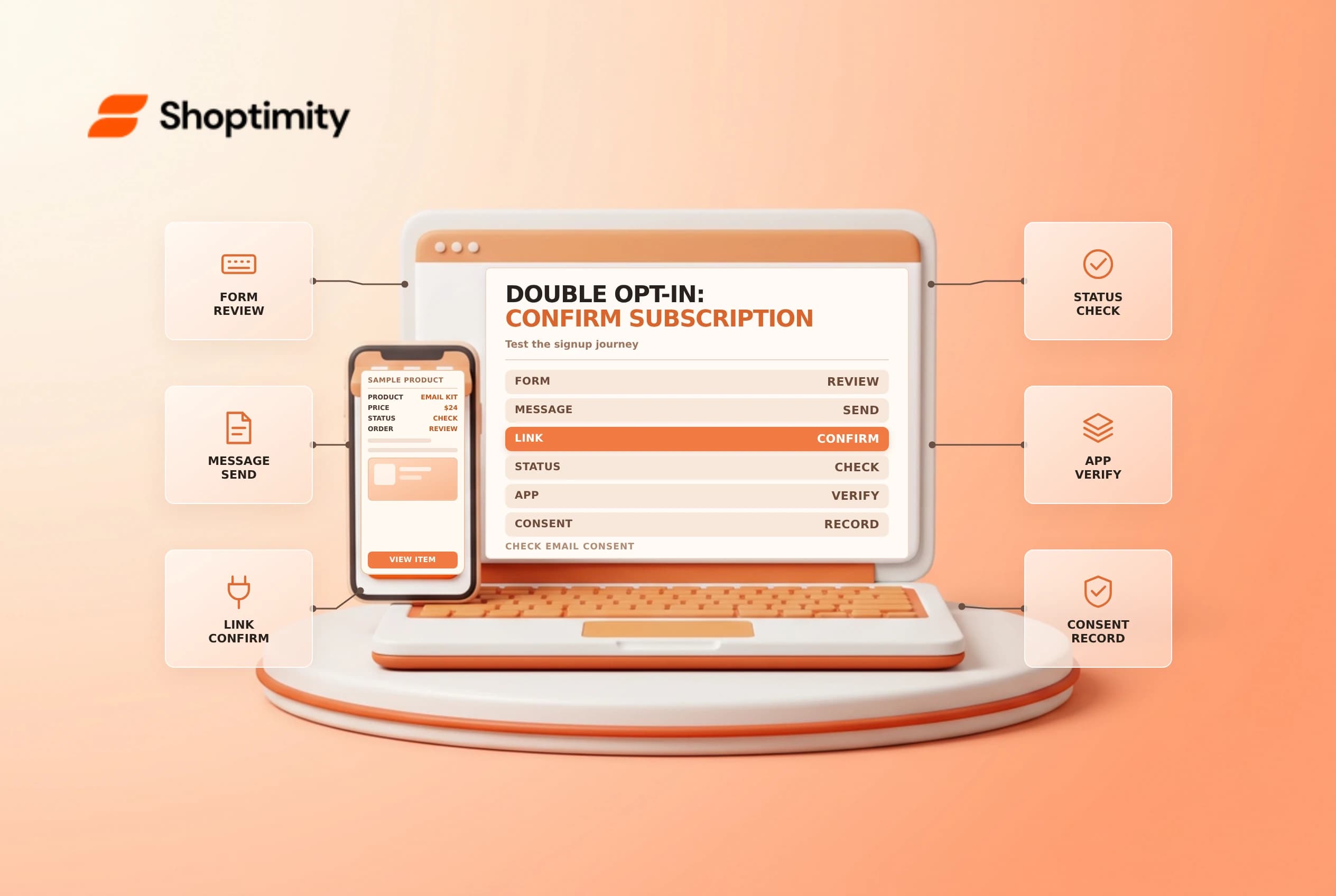
Shopify double opt-in asks a prospective subscriber to confirm their marketing subscription through a follow-up message. The initial form submission and the confirmed subscription are different events. Configure the experience carefully, test each signup source and maintain consent records according to the laws that apply to the business.
Map the signup journey
Shopify's contact information guide describes newsletter, checkout and account signup paths, and says double opt-in requires a customer to click a confirmation link. Shopify also notes that customers who subscribed before activation are not required to reconfirm merely because the setting is turned on.
| Stage | What to verify |
|---|---|
| Signup form | The customer understands what they are requesting |
| Confirmation message | The page explains that a follow-up email is needed |
| Confirmation email | The link works and the message is not promotional |
| Subscription status | Marketing eligibility reflects the completed flow |
| Unsubscribe | The customer can withdraw consent through supported methods |
Double opt-in can help demonstrate intent, but it does not by itself guarantee compliance in every jurisdiction. Consult a privacy or marketing-law adviser about the required wording, evidence, retention and regional rules.
Configure and review notifications
Shopify documents the double opt-in notification under Settings > Notifications > Customer notifications. Review the current activation controls and the confirmation email before making a change. The guide says the confirmation message should not contain marketing. Ensure the sender identity is recognizable and the link directs to the intended confirmation experience.
Update the newsletter form's success message to tell customers to check their email. The theme wording can vary; Shopify describes editing the default theme content where the theme provides a suitable confirmation field. Coordinate with the team responsible for email authentication and deliverability so that the confirmation message has a reliable route to the subscriber.
Test every collection source
Use an authorized test address and follow the journey from signup to confirmation. Check the status before clicking the link and after confirming, then test an unsubscribe. Repeat for checkout, account and newsletter forms that the business uses. A transactional order confirmation or possession of a customer's email address is not equivalent to marketing consent.
| Test | Evidence to record |
|---|---|
| New signup | Accurate form wording and follow-up instruction |
| Unconfirmed signup | Status and campaign eligibility before confirmation |
| Confirmed signup | Correct subscription status after the link is used |
| Unsubscribe | Status and suppression behavior |
| Third-party form | Its own confirmation and consent synchronization |
Shopify cautions that a subscription app may need its own double opt-in settings; an app without that option can mark customers as subscribed. Test the actual integration and consult its provider. Avoid changing real customer statuses solely to simulate a test.
Maintain evidence and expectations
Assign an owner for the message, forms and subscriber-list process. Monitor confirmation failures, bounces and customer complaints without assuming that every unconfirmed subscriber wants a reminder. Restrict access to customer data and keep only the consent evidence needed under the store's policy and applicable law.
When changing language, markets or a form provider, retest the complete flow. Shopify's subscriber management guide distinguishes subscription and deliverability controls. See customer segments and email domain authentication.
Keep the form and confirmation email aligned when a promotion ends. If an integration is replaced, verify that unsubscribes continue to synchronize before sending another campaign.
Ready to build a faster, higher-converting store?
Every Shoptimity theme ships with conversion widgets built in — so you get speed and features without stacking apps.
7-day free trial · all themes included · cancel anytime
Continue Reading

Shopify B2B Company Locations: Give Buyers the Right Access
Configure Shopify B2B company locations, verify buyer permissions and test pricing, addresses and pa...

Shopify Checkout Contact Settings: Separate Email From Shipping Phone
Configure Shopify checkout contact settings and test email, phone and shipping address requirements ...

Shopify POS Recent Carts: Share a Sale Without Reserving Stock
Learn how Shopify POS recent carts work across devices, what they do not reserve, and how to hand of...