
Shopify Draft Order Custom Items: Check Price, Tax and Shipping
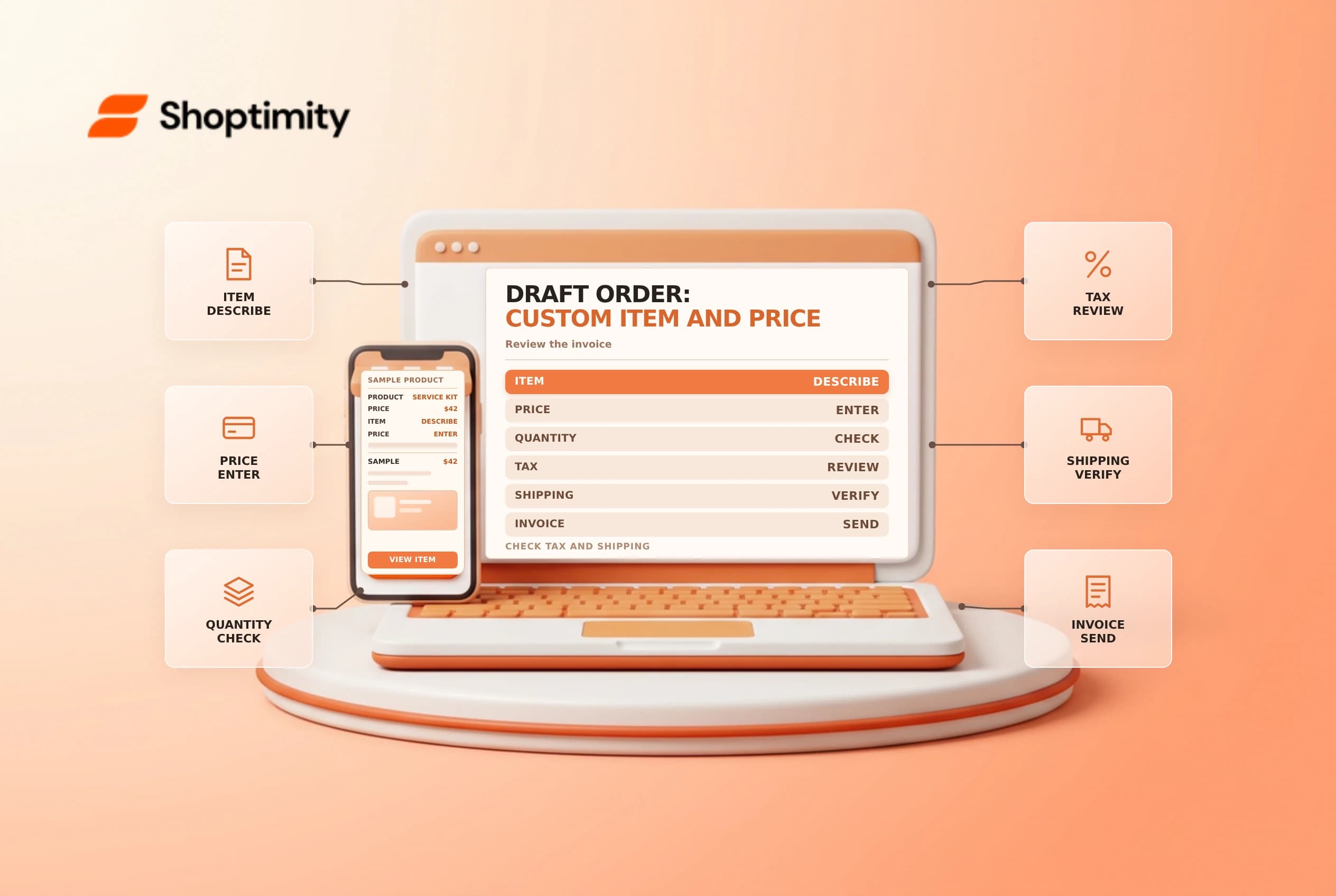
A custom item can represent a one-off charge or product in a draft order. It is useful for exceptions, but it is not automatically equivalent to an existing catalog variant with its inventory, pricing and fulfillment behavior. Review what the customer is buying and how it will be handled before sending an invoice.
Choose a catalog item or a custom item
Shopify's draft order guide describes adding either products or custom items. For a custom item, enter a name, price and quantity, and select whether it is taxable or a physical product as appropriate. A custom item is a distinct line on that draft; do not assume that adding it creates a normal reusable catalog product or reserves a tracked variant.
| Decision | Check before saving |
|---|---|
| Existing variant | Correct product, option, price and tracked stock |
| Custom line | Clear name, agreed price and quantity |
| Taxable setting | Treatment approved by the tax owner |
| Physical setting | Whether the item requires shipping |
| Customer | Correct address, market and contact details |
If the item corresponds to a stocked product, use the actual variant when appropriate so the order and inventory workflow can be reviewed correctly. If a custom charge represents labor or a service, describe it clearly enough for the customer and finance team to understand it.
Review price and customer expectations
Enter the agreed price in the draft order's currency and confirm the quantity. Shopify also supports setting a custom price on an existing draft-order line item; that is different from adding a separate custom item. Check whether the customer has agreed to a price change, whether a discount applies and whether the final invoice correctly explains the total.
A simple example is a one-off assembly service added to a product order. The service line should identify the work and price, while the physical product remains a separate line. Confirm tax and delivery treatment with the relevant owner rather than assuming the service follows the product's settings. This example is operational, not tax advice.
Check inventory and fulfillment
A custom line does not by itself prove that a tracked product has been reserved. Review the real variant and the draft order's reservation status when stock is needed. If a physical custom item is to be shipped, provide the warehouse with enough detail to identify and pack it; confirm the shipping method, package and expected handoff separately. A label or invoice alone does not prove the item has shipped.
For an order with a custom line and catalog items, check the customer, address, market, delivery charge, taxes and discounts together. Shopify's product tax guidance notes that draft orders need a shipping method to calculate the documented tax test. Tax behavior depends on the item and store configuration, so involve a qualified adviser for an unusual charge.
Send and reconcile
Preview the order, share the invoice or checkout link using the supported workflow and confirm payment before fulfillment according to store policy. If the customer asks for a change after payment, use the appropriate order-edit process and review any amount to collect or refund; changing a line does not automatically settle the difference.
See draft order reservations and draft order invoices for the adjacent steps.
Keep an internal record of who approved an exceptional price and the customer-facing description. For a physical item, ask the fulfillment owner how it will be identified and packed. When a line is revised, compare the complete invoice again, including the shipping address and any tax or discount changes, before sending a replacement to the customer.
Ready to build a faster, higher-converting store?
Every Shoptimity theme ships with conversion widgets built in — so you get speed and features without stacking apps.
7-day free trial · all themes included · cancel anytime
Continue Reading

Shopify B2B Company Locations: Give Buyers the Right Access
Configure Shopify B2B company locations, verify buyer permissions and test pricing, addresses and pa...

Shopify Checkout Contact Settings: Separate Email From Shipping Phone
Configure Shopify checkout contact settings and test email, phone and shipping address requirements ...

Shopify POS Recent Carts: Share a Sale Without Reserving Stock
Learn how Shopify POS recent carts work across devices, what they do not reserve, and how to hand of...