
Shopify Draft Order Price Locks: Protect a Quote Without Guessing
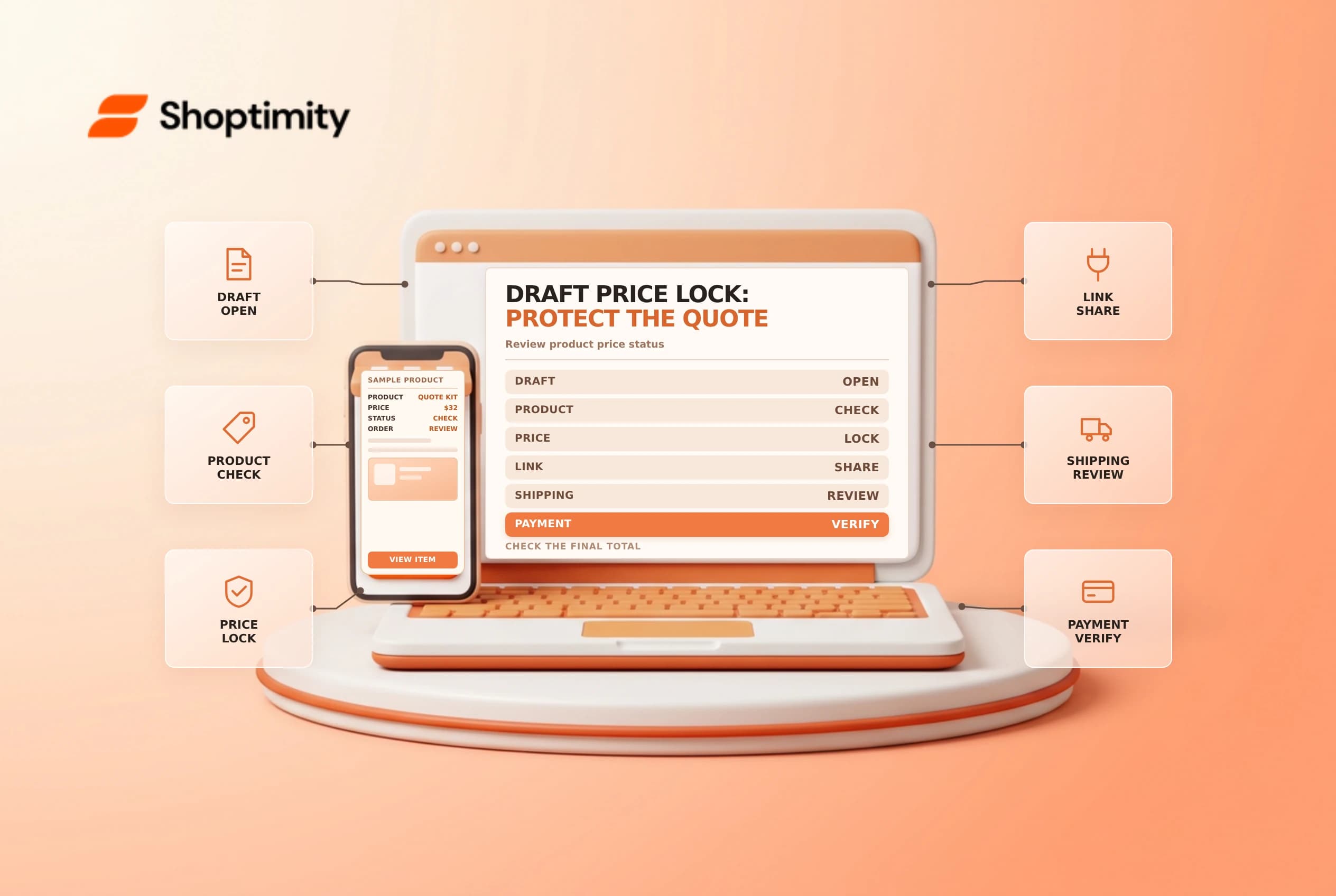
A draft order can be a useful way to send a customer a tailored checkout link. Prices can change between creating the draft and payment, so a merchant should understand when Shopify locks product prices, what the lock covers and which products are ineligible. A price lock is not a blanket promise that every part of the final total is fixed.
Know the default behavior
Shopify's draft-order guide says product prices are unlocked by default, but sharing a checkout link locks prices by default unless that option is changed. When prices are locked, Shopify says subsequent product price increases and decreases do not change those prices in the draft. Draft orders with subscriptions or bundles cannot have prices locked.
| Situation | What to confirm |
|---|---|
| Draft created | Whether prices are currently locked |
| Checkout link shared | Whether the default lock was kept |
| Product price rises | A lock preserves the draft's product price |
| Product price falls | A lock also preserves the higher draft price |
| Subscription or bundle | Shopify says prices cannot be locked |
| Taxes or shipping | Review separately; do not assume the product lock freezes them |
The exact interface and available controls can change. Inspect the draft itself before sending an invoice or checkout link and explain the quote's validity period in the business's own terms.
Build the draft and review the total
Create the draft with the correct customer, products, quantities and location. Review the price lock control and any authorized custom prices or discounts. Confirm shipping and applicable tax details before sharing. A change to the customer, address, discount or fulfillment setup can affect the final payable amount; verify the current draft and checkout rather than assuming a product-price lock settles every component.
Shopify's draft-order invoices guide distinguishes sharing a checkout link from sending an invoice. Use the method appropriate to the customer's needs and the store's process. Treat a checkout link as sensitive: send it only to the intended customer and avoid pasting it into public tickets or documentation.
Test a price change safely
Use an approved test product and test customer. Create a draft, record the product price and lock status, then change the product's test price. Compare the draft and checkout with the original. Repeat in a separate unlocked test if needed. Restore the test price and close unused test drafts according to the store's policy.
| Test | Review |
|---|---|
| Locked draft after increase | Product price remains as quoted |
| Locked draft after decrease | Product price remains as quoted |
| Unlocked draft | Verify how the current price is applied |
| Address or shipping change | Review shipping and tax separately |
| Bundle or subscription | Confirm the documented lock restriction |
Do not use a customer's live quote as a test. If a price is wrong, correct it through an approved process and communicate the revised total. Locking an incorrect price preserves the mistake; it does not validate the agreement.
Set a quote handoff
Record the responsible salesperson, price validity, discount approval and delivery assumptions. Before collecting payment, verify that the draft is still appropriate and that inventory and fulfillment expectations have not changed. After a price lock or line-item change, review the current checkout experience rather than relying on an old screenshot.
Related guides: draft order invoice links and draft order custom items.
Ready to build a faster, higher-converting store?
Every Shoptimity theme ships with conversion widgets built in — so you get speed and features without stacking apps.
7-day free trial · all themes included · cancel anytime
Continue Reading

Shopify B2B Company Locations: Give Buyers the Right Access
Configure Shopify B2B company locations, verify buyer permissions and test pricing, addresses and pa...

Shopify Checkout Contact Settings: Separate Email From Shipping Phone
Configure Shopify checkout contact settings and test email, phone and shipping address requirements ...

Shopify POS Recent Carts: Share a Sale Without Reserving Stock
Learn how Shopify POS recent carts work across devices, what they do not reserve, and how to hand of...