
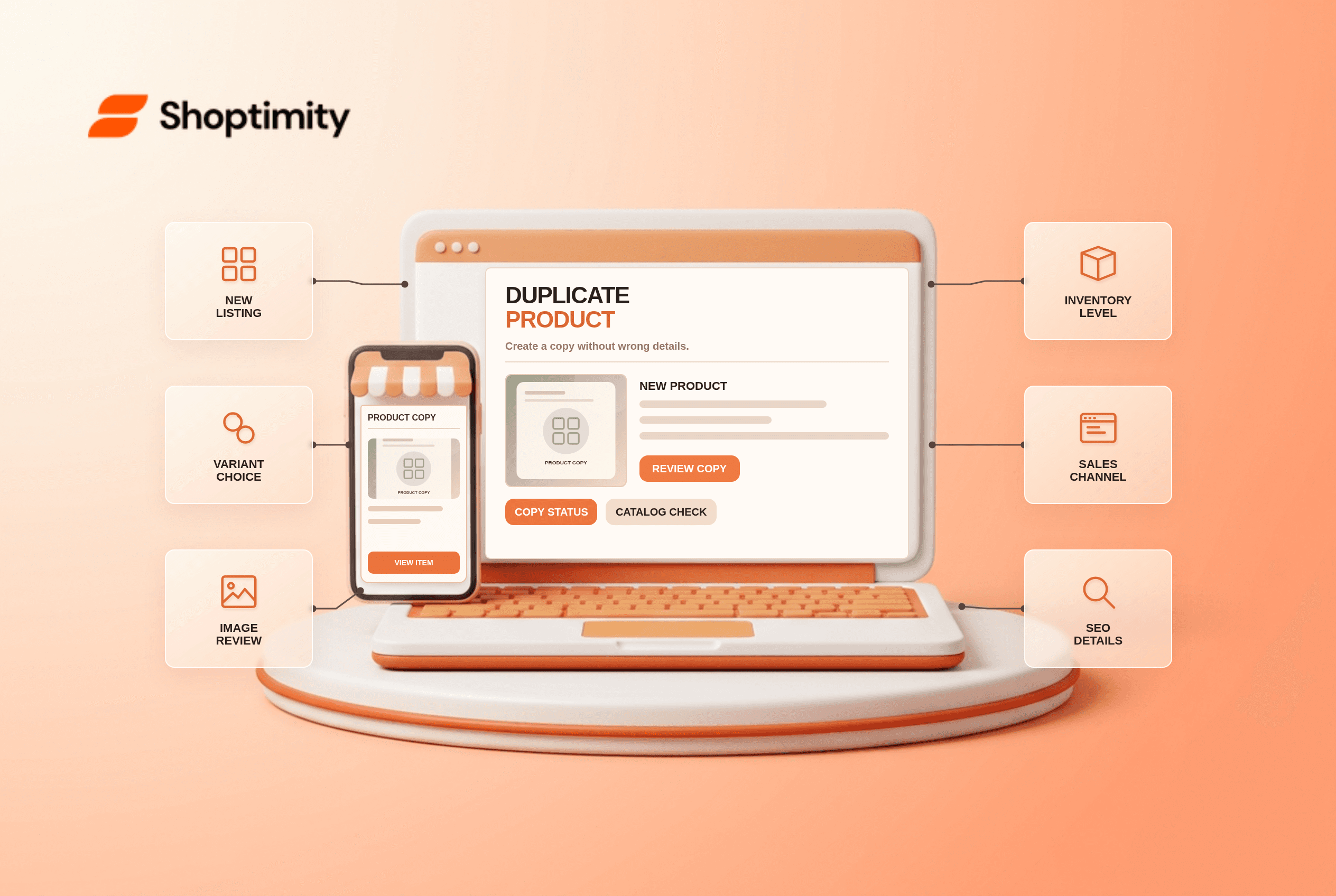
Shopify duplicate product is a time-saver when a new listing resembles an existing one. It is also a new product record, not a new size or color of the same item. If a merchant publishes it without reviewing copied descriptions, images, inventory and channels, shoppers may see two nearly identical offers or incorrect availability.
What happens when you duplicate a product?
Shopify creates a separate product you can edit without altering the source. The product management guide says you can set a new title, choose Active, Draft or Unlisted status, and select details to duplicate. Most other product details are copied automatically, except 3D models and videos. Do not assume every app-created field or recommendation is appropriate for the new item; inspect the resulting record.
If you only need another color or size, Shopify advises adding a variant to the existing product instead. Its variant guide explains that each unique combination of options belongs to the product. Duplicating the whole item for every size can fragment reviews, URLs and merchandising.
What should you check before activating the copy?
Treat the duplicate as a new launch, even if most fields look familiar. A quick six-point audit prevents the most visible errors:
- Give the copy a specific title and review its URL handle, product description and search snippet. Do not leave claims that belong to the original item.
- Inspect every image, video reference and variant image. Replace photos that show a different color, packaging or specification.
- Set variant SKUs, prices, barcodes and inventory intentionally. Check every location rather than assuming stock has transferred from the original.
- Review category, metafields, tags, collections and recommendation assignments. A copied care guide or size chart may be inaccurate.
- Check status and sales-channel publication before saving. Shopify says an Active duplicate publishes to the same sales channels as its source; use Draft first if you need a staged launch.
- Check market catalogs and the live product page as a guest. Shopify says a duplicate enters an original catalog automatically only when that catalog has Automatically include new products enabled.
A useful test duplicates one sample product as Draft, changes its title and key facts, then compares the new product with the original side by side. Confirm that editing one does not alter the other. Only then should it become Active.
Why might the new product be missing abroad?
Channel publication and catalog membership are separate. Shopify's duplication guide notes that an Active duplicate can inherit the original sales channels but not automatically enter every catalog. If a market uses a catalog without automatic new-product inclusion, add the duplicate deliberately. Our Markets localization article describes that wider check; it may still be unpublished.
Avoid using duplication solely to create a different collection image for the same stock without a plan for inventory, search results and SEO. Two separate product records can confuse operations. If a copy truly represents a different sellable item, differentiate its content for shoppers rather than only changing a title suffix. For bulk updates, our CSV import checklist covers a different workflow and its variant-ID risks.
Where does a theme fit?
A Shoptimity theme displays the new product but does not determine its catalog membership or inventory. Check both product cards on mobile and make the distinction obvious. Theme versus app responsibilities separates layout from product data. We checked Shopify's public duplication behavior, not your installed apps. Audit the resulting item before publication.
Ready to build a faster, higher-converting store?
Every Shoptimity theme ships with conversion widgets built in — so you get speed and features without stacking apps.
7-day free trial · all themes included · cancel anytime
Continue Reading

Top Shopify Theme for Wholesale: A 2026 Buyer's Guide
You've just spent weeks sourcing inventory and building supplier relationships. But when you launch ...

Ecommerce Return Status Updates: Separate Request and Refund
Ecommerce return status updates should separate request, label, receipt, inspection and refund so sh...

Ecommerce Delivery Delay Updates: Show the New Reality
Ecommerce delivery delay updates should replace stale promises with a dated revised estimate, clear ...