
Shopify Files: Replace or Remove Assets Without Breaking Links
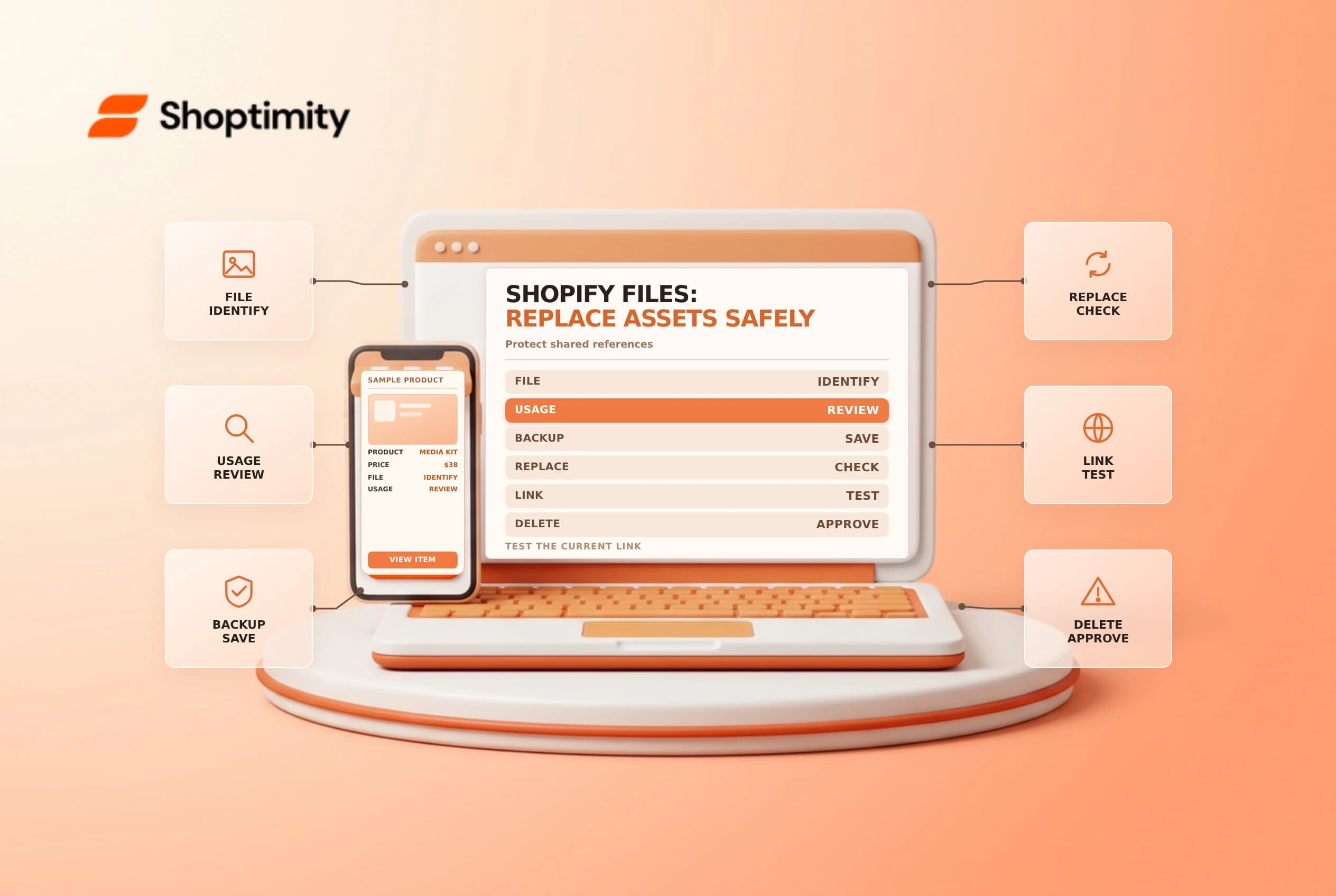
Shopify Files is a shared library for images, documents and other store assets. Replacing, renaming or deleting a file can affect more than one page or channel. Inventory where an asset is used, preserve a copy and test the real links before treating a file change as complete.
Know where files are used
Shopify's Files guide describes uploading and managing assets under Content > Files. Product media can also refer to files in the library. Shopify's product media guide says removing media from a product does not necessarily delete the file from the store.
| Action | Question to resolve |
|---|---|
| Remove from a product | Is the shared file still used elsewhere? |
| Rename | Which links refer to its old URL? |
| Replace | Which pages use a Shopify reference versus a hard-coded URL? |
| Delete | Is the asset needed in any product, page, email or integration? |
| Upload | Is the file appropriate to share through a web link? |
Do not upload confidential customer lists, identity documents or credentials as public-facing store assets. Treat any shareable file URL as potentially accessible to someone who has it, and use an approved secure system for sensitive documents.
Plan a replacement
Find the existing asset and record its filename, format, location and known uses. Download or retain an approved copy before making the change. Shopify says replacement uses the same format, such as JPEG for JPEG, and is not a bulk action. The file name or handle can remain while the link's version changes, so do not assume every reference will update identically.
Shopify's product media guide explains that a replacement receives a version token. Shopify-rendered pages can request the new URL, but a URL written by hand in theme code, a product description, a marketing email or an external site can still point to the old version. Find and update those references where appropriate, then test them directly.
Rename and delete cautiously
Shopify says changing a file's URL handle can make the previous URL stop working. Check links in pages, theme code, menus, product descriptions, email templates and integrations before renaming. A browser bookmark or an already-sent email may be outside your control. Agree on a migration plan before changing a widely shared address.
For deletion, inspect usage and dependencies, get approval from the content owner and retain any required backup. Removing an image from a product is not the same as deleting it from Files; deleting a shared asset can affect other places. Some media deletions are permanent, so do not use deletion as a quick test.
Verify the real experience
| Test | Evidence to collect |
|---|---|
| Admin file record | Correct format, updated file and intended name |
| Product and page | Correct image or document renders |
| Hard-coded link | Current URL opens the intended version |
| Mobile and desktop | The asset is readable and correctly sized |
| External channel | Its reference is updated where you control it |
A stale browser or CDN view can complicate verification, but do not assume caching explains a mismatch. Compare the exact URL, version and file contents, then investigate. Use an approved private test environment where practical and avoid collecting customer information in screenshots.
Keep a change log with the asset, known references, approver and rollback copy. Related guides: product media uploads and theme rollback.
Ready to build a faster, higher-converting store?
Every Shoptimity theme ships with conversion widgets built in — so you get speed and features without stacking apps.
7-day free trial · all themes included · cancel anytime
Continue Reading

Shopify B2B Company Locations: Give Buyers the Right Access
Configure Shopify B2B company locations, verify buyer permissions and test pricing, addresses and pa...

Shopify Checkout Contact Settings: Separate Email From Shipping Phone
Configure Shopify checkout contact settings and test email, phone and shipping address requirements ...

Shopify POS Recent Carts: Share a Sale Without Reserving Stock
Learn how Shopify POS recent carts work across devices, what they do not reserve, and how to hand of...