
Shopify Theme Rollback: Duplicate, Preview and Restore Safely
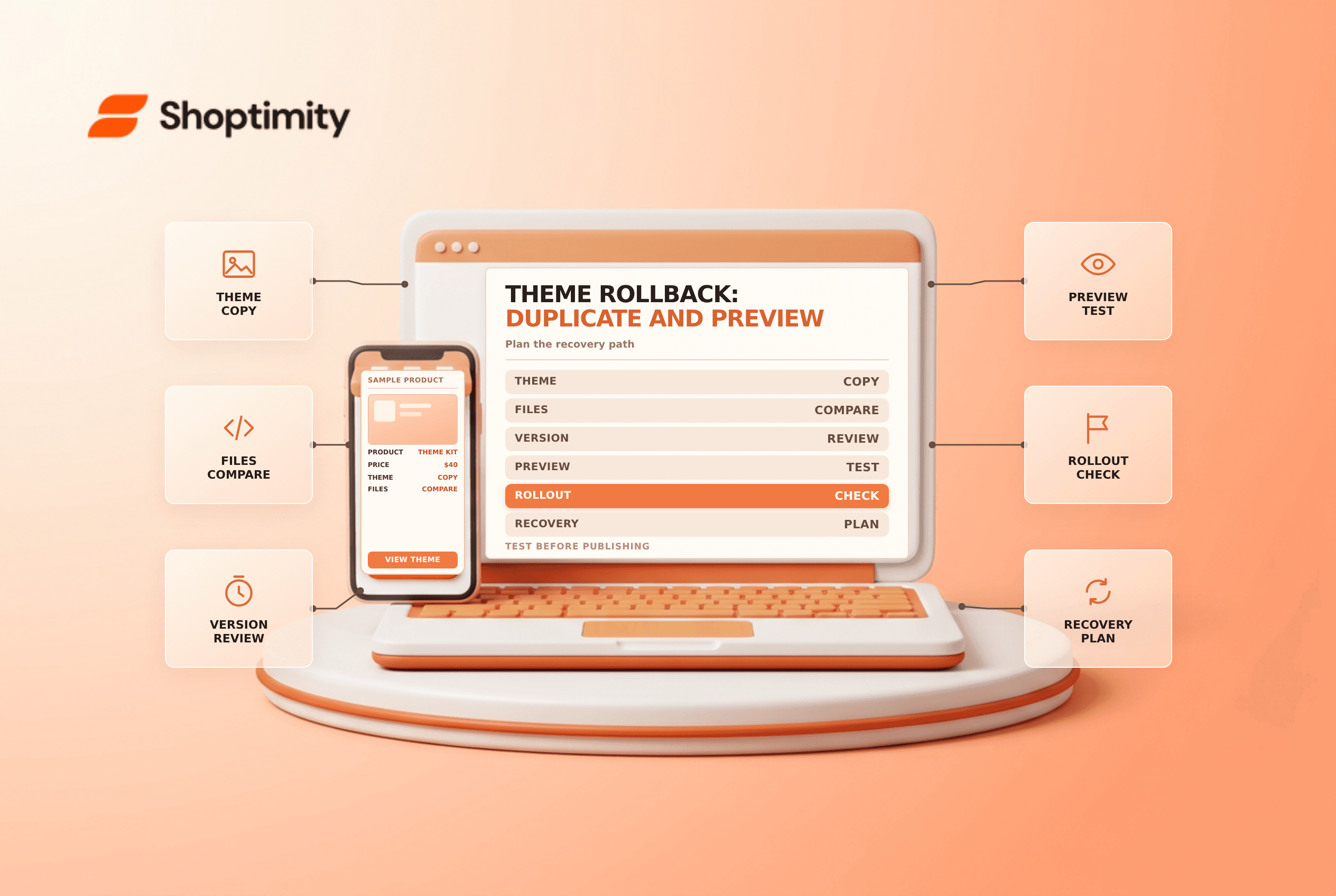
title: Shopify Theme Rollback: Duplicate, Preview and Restore Safely slug: shopify-theme-rollback-duplicate-preview-restore meta_title: Shopify Theme Rollback: Duplicate and Restore meta_description: Plan a Shopify theme rollback with a duplicate, preview, supported version history and rollout checks before any approved publication for store teams. primary_keyword: Shopify theme rollback secondary_keywords:
- Shopify merchant guide
- ecommerce operations author: The Shoptimity Team date: 2026-11-04 category: Operations schema: BlogPosting, FAQPage
Shopify Theme Rollback: Duplicate, Preview and Restore Safely
A Shopify theme rollback is a plan for restoring a working storefront after a design or code change causes a problem. A duplicate theme is useful insurance, but it is not a complete backup of products, orders, apps or every store setting. Prepare the recovery path before a launch rather than improvising during an outage.
Choose the right recovery layer
| Recovery tool | What it can help with | What to verify |
|---|---|---|
| Duplicate theme | Preserve a copy of a theme before editing | App settings, content changes and the copy's age |
| File version history | Revert a supported individual code file | Which file and saved version actually caused the issue |
| Canvas theme history | Restore a version within Canvas | Restored changes are not customer-facing until published |
| Version control and backups | Preserve selected files and wider data | Scope, access and whether restoration has been tested |
Shopify's duplicate-theme guide recommends copying a theme before customization. The copy can be edited separately, but confirm the current theme limit and never delete a theme solely to make room without an approved retention plan.
Prepare a rollback candidate
Name and date the duplicate clearly. Document the current live theme, the proposed change, an owner, a decision deadline and the person authorized to publish a rollback. Record relevant app embeds, custom code and integration dependencies. A theme copy does not automatically restore an external app's data or changes made elsewhere in the admin.
Preview key routes on desktop and mobile: home, a collection, a product, cart and any supported app-driven functionality. Check market and language variants where applicable. A preview is not a perfect substitute for live traffic, so define a controlled verification plan after any approved publication.
Restore the smallest safe scope
If the issue is confined to a known code file, Shopify's theme-code guidance describes the Timeline for a modified existing file. It restores one file at a time, cannot recover deleted files and has finite history. Save the current contents before restoring if they may be needed, then review the differences. Do not assume that rolling back one file will also restore other templates, settings or app data.
For Canvas, Shopify's version-history guide says restoring an earlier version replaces the current version in Canvas; customers see it only after publication. Shopify also warns that publishing a different theme can remove active or planned theme changes from rollouts and those removed changes cannot be recovered. Review rollouts and seek approval before changing a live theme.
Test the recovery procedure
- Identify the symptom, time of change and affected market or device.
- Compare the live theme, duplicate and relevant code history.
- Preview the proposed restoration and test critical routes.
- Obtain the required approval before publishing any theme change.
- Verify storefront, cart, integrations and analytics after the change.
- Record the incident, remaining data differences and follow-up owner.
A rollback can reintroduce older content or miss newer configuration changes. Compare the restored state with changes made since the copy was created. For broader controls see theme version control and backup apps versus CSV exports.
Run a rehearsal on an unpublished theme before a high-risk launch. Record who can approve publication, how the team will communicate the change and which metrics or customer reports would trigger investigation. A rehearsal tests the procedure without presenting a new theme to customers.
Ready to build a faster, higher-converting store?
Every Shoptimity theme ships with conversion widgets built in — so you get speed and features without stacking apps.
7-day free trial · all themes included · cancel anytime
Continue Reading

Shopify B2B Company Locations: Give Buyers the Right Access
Configure Shopify B2B company locations, verify buyer permissions and test pricing, addresses and pa...

Shopify Checkout Contact Settings: Separate Email From Shipping Phone
Configure Shopify checkout contact settings and test email, phone and shipping address requirements ...

Shopify POS Recent Carts: Share a Sale Without Reserving Stock
Learn how Shopify POS recent carts work across devices, what they do not reserve, and how to hand of...